add a banner and reels
Upload your poster or a photo, or ask us to design your banner; add Instagram, YouTube or TikTok videos.
- 1
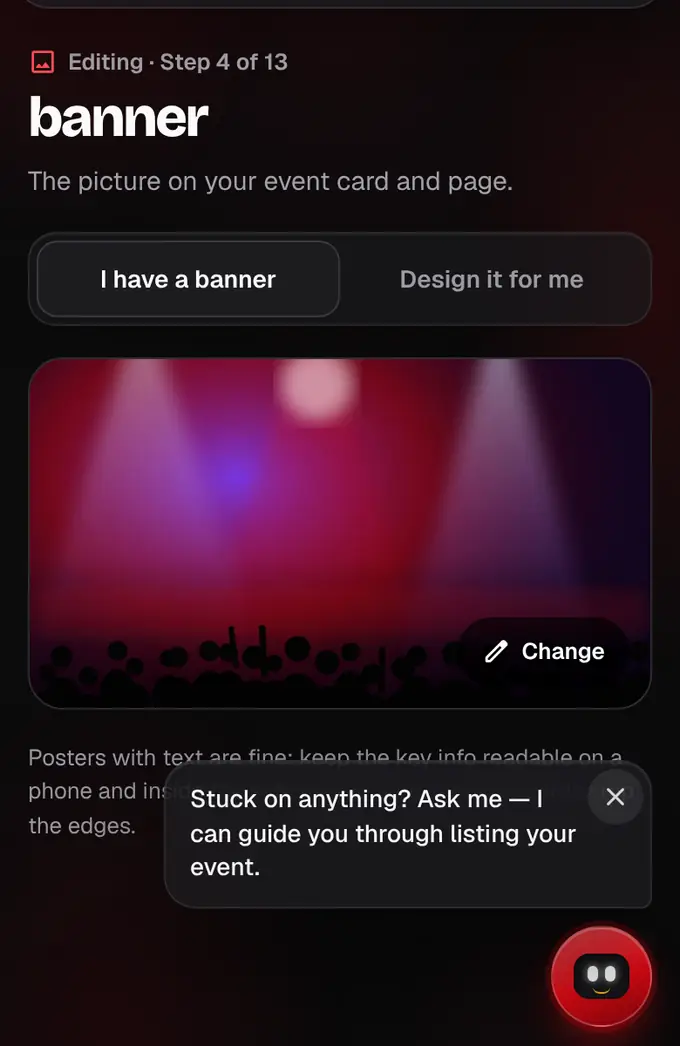
In the Banner section, choose I have a banner and tap the box to pick your poster or photo; it’s cut to 16:9 for you, and Change swaps it. Or choose Design it for me and tell us the names, colours and mood: our team makes it free and you approve it.
- 2
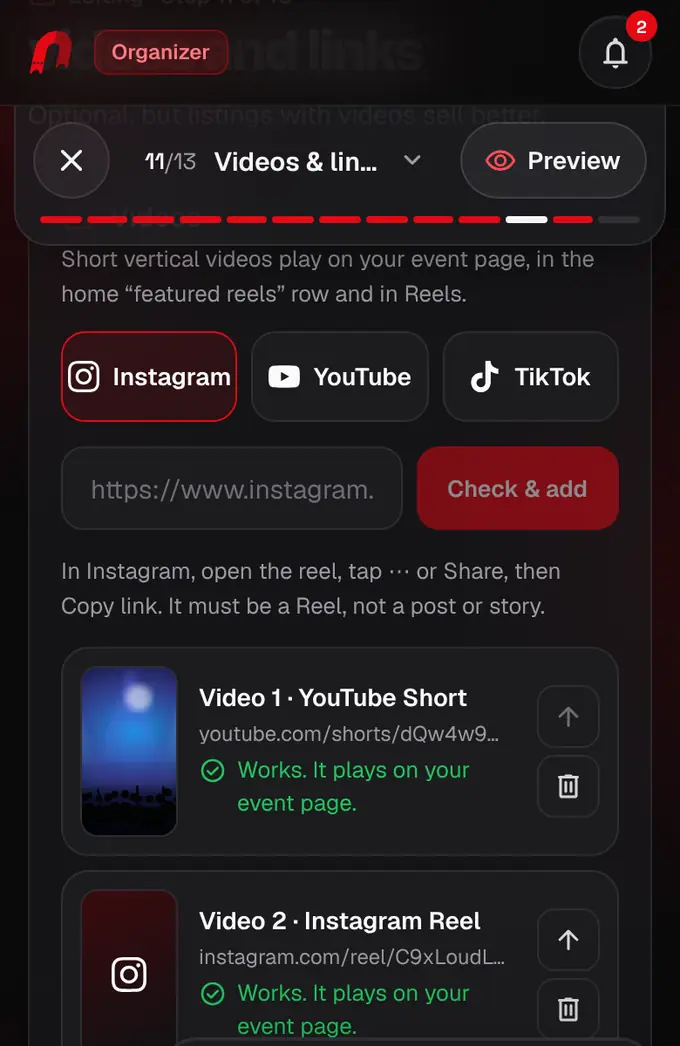
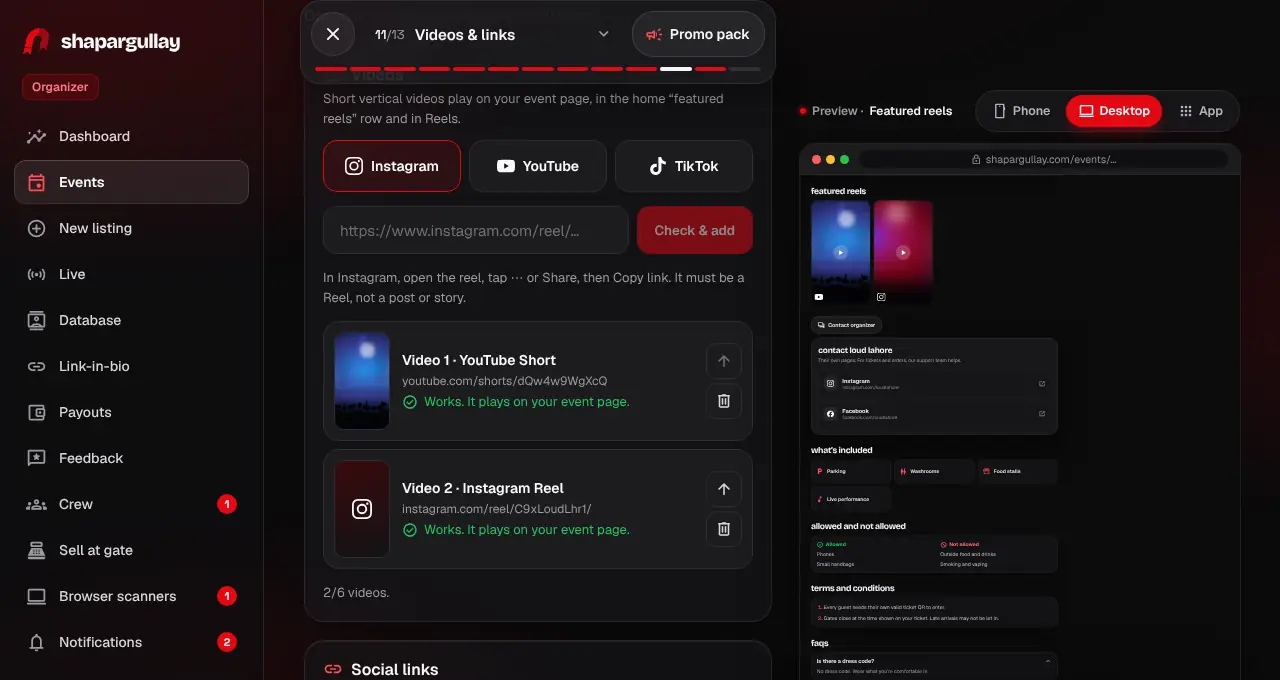
In the Videos section, pick Instagram, YouTube or TikTok, paste the link and tap Check & add. We check it at once and say what’s wrong if it can’t be shown (private, deleted, embedding off). Up to 6; use the arrow to change the order.
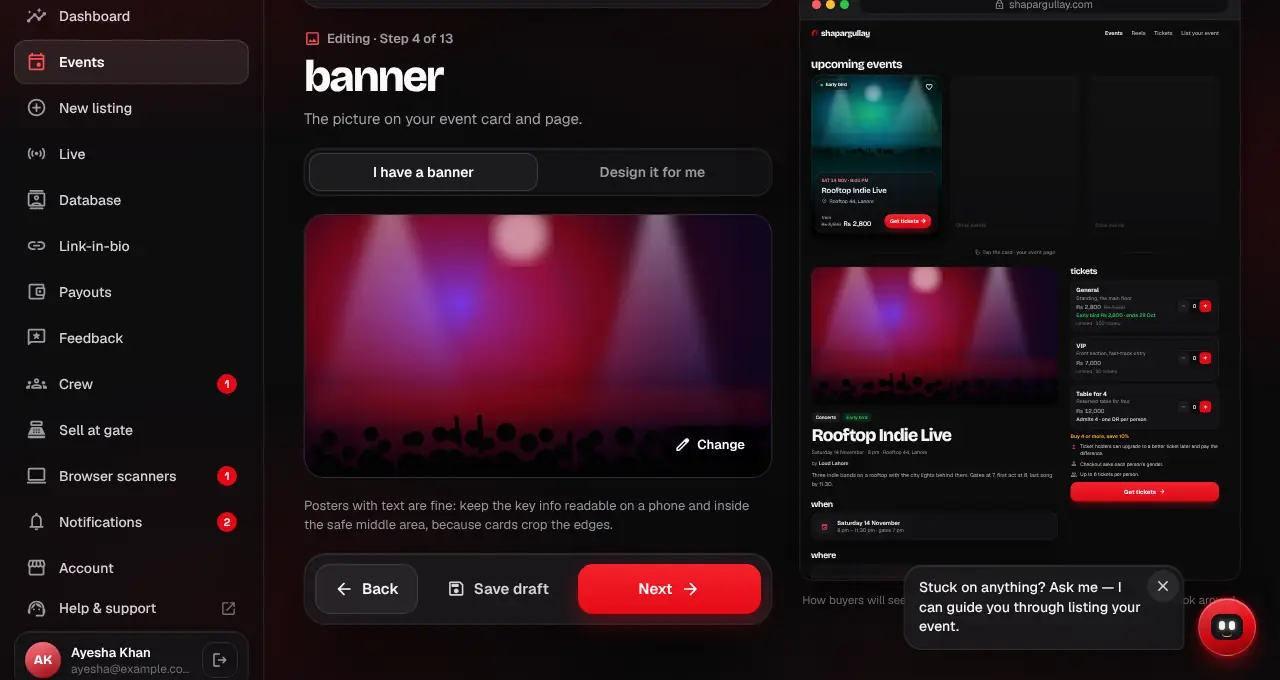
- Use a 16:9 image, sharp and at least 1600 × 900 px. Your designed poster or a great photo of the artist, crowd or stage both work.
- Posters with text are fine. Keep the key info readable on a phone and inside the safe middle area, because cards crop the edges.
- AI-made covers are allowed. If yours looks AI-generated we’ll give you a friendly heads-up, because buyers tend to trust real posters more, and offer to design one for you for free. You can keep yours.
- Videos must be public posts, ideally vertical and under 60 seconds.
- Once the listing is live, your videos show as featured reels on your event page, the home page and the Reels page.
- After the listing is live, add or remove videos under Videos on your event page (Organizer → Events → your event). New videos on a live listing are checked by our team before they show.
- If a video is deleted, made private or has embedding turned off, it’s taken off your listing by itself and we tell you, so buyers never see an error. Add another one from your event page.
Was this helpful?
related
Still stuck?
didn’t find what you need?
smart_toyAsk ShappyOur assistant answers straight away, with live dates, prices and your orders.chatOpen the chat
support_agentContact supportTalk to a person. We reply within one working day. WhatsApp takes messages (not calls), and each chat gets a support reference.