block or delete a ticket
Stop a ticket from working (block) or remove it (delete), always with a reason the holder sees.
- 1
Find the person in your Database and open their record.
- 2
On the ticket, tap Block to stop it working, or Delete ticket to remove it.
- 3
Pick a reason (for example Spam, Fraud, Duplicate ticket or Broke event rules; Other needs a few words) and confirm. The holder sees your reason.
- 4
The ticket turns red in the holder’s My tickets with no QR, Wallet or Join, they’re notified, and scanners show “Do not admit”.
- 5
To change your mind, open the ticket and tap Unblock (for a blocked ticket) or Restore (for a deleted one), or undo it from History.
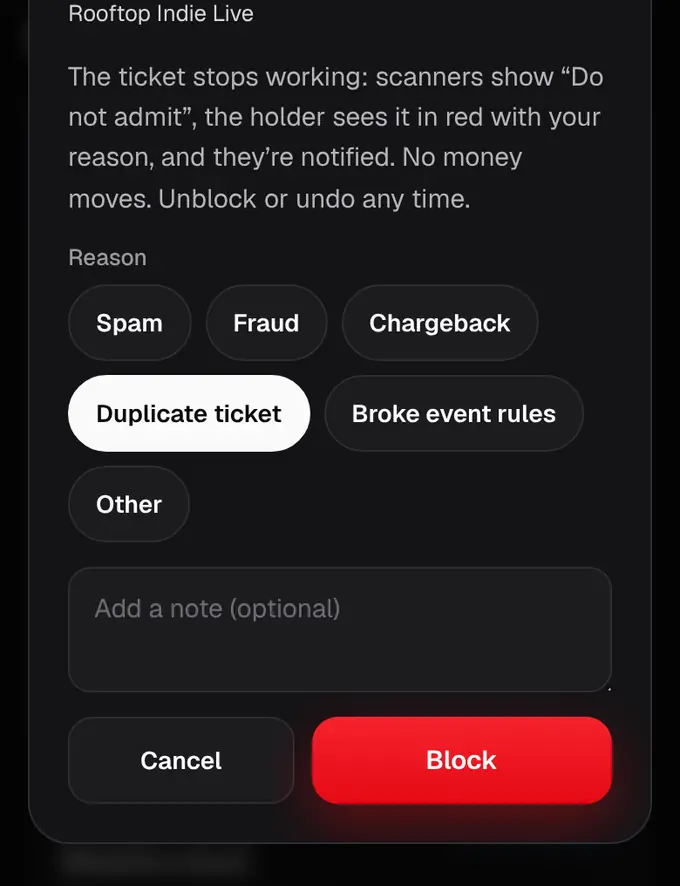
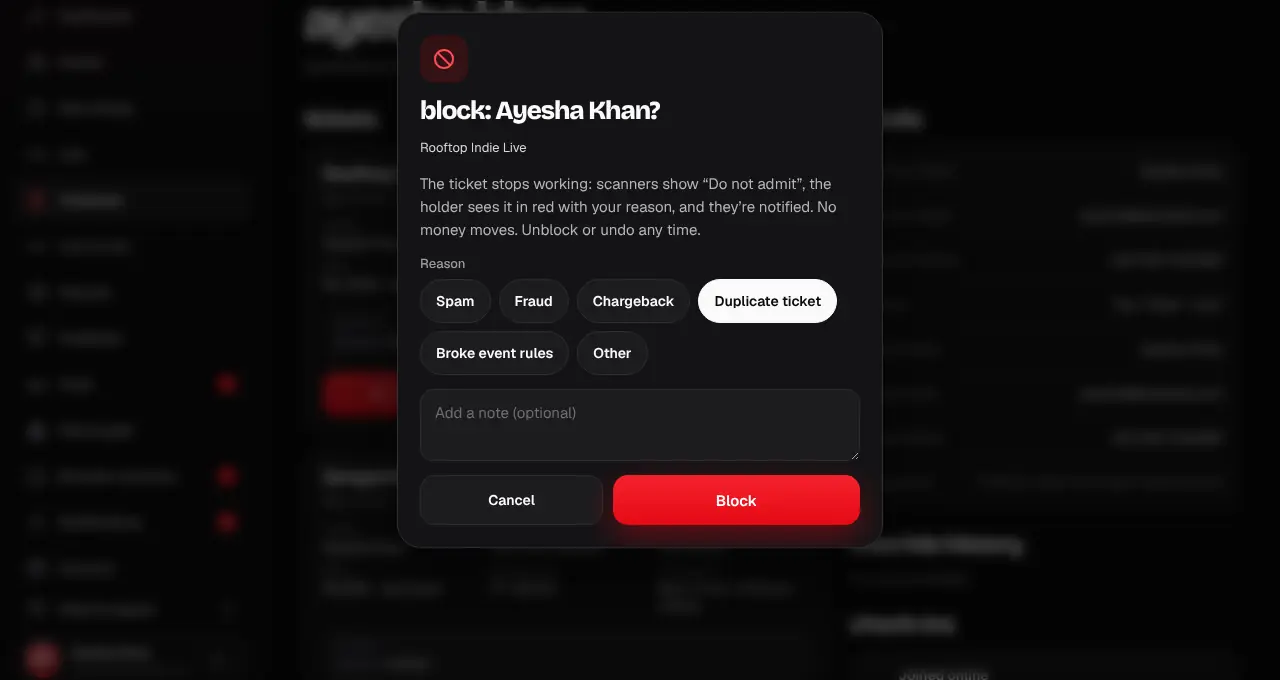
- No money moves when you block or delete a ticket.
- Every change is logged with your name and reason.
Was this helpful?
related
storefrontUndo a change and see the historyEvery manual change is listed, newest first, and one tap puts the tickets back.storefrontChange every ticket of an event at onceLet everyone in, block all, delete all or ask everyone for feedback, for a whole event.confirmation_numberWhy is my ticket blocked or removed?The organizer or our team stopped the ticket, with a reason. Here’s what that means and what to do.
Still stuck?
didn’t find what you need?
smart_toyAsk ShappyOur assistant answers straight away, with live dates, prices and your orders.chatOpen the chat
support_agentContact supportTalk to a person. We reply within one working day. WhatsApp takes messages (not calls), and each chat gets a support reference.