delete your account
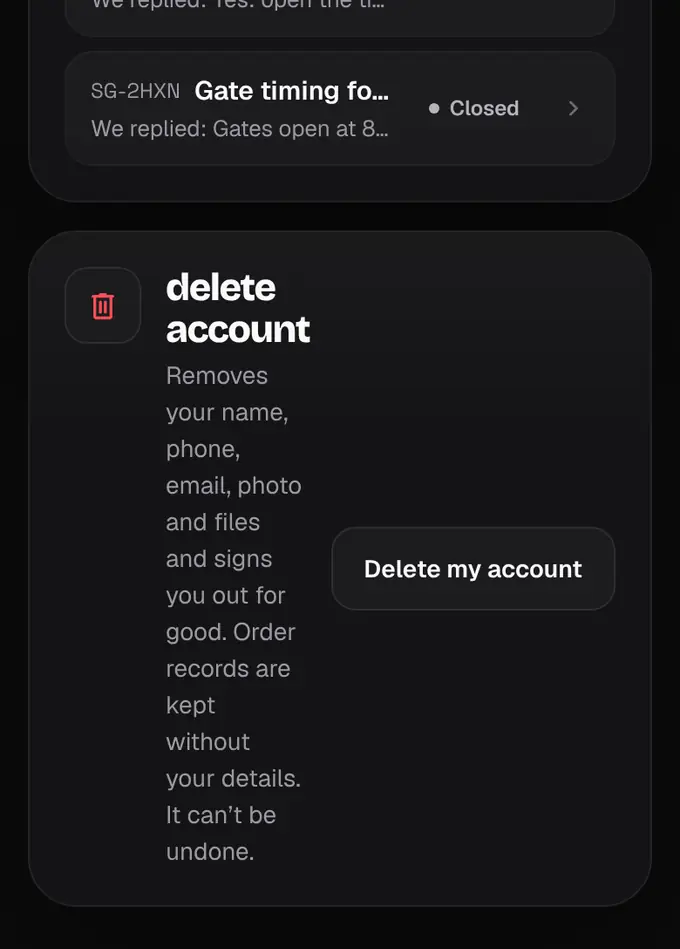
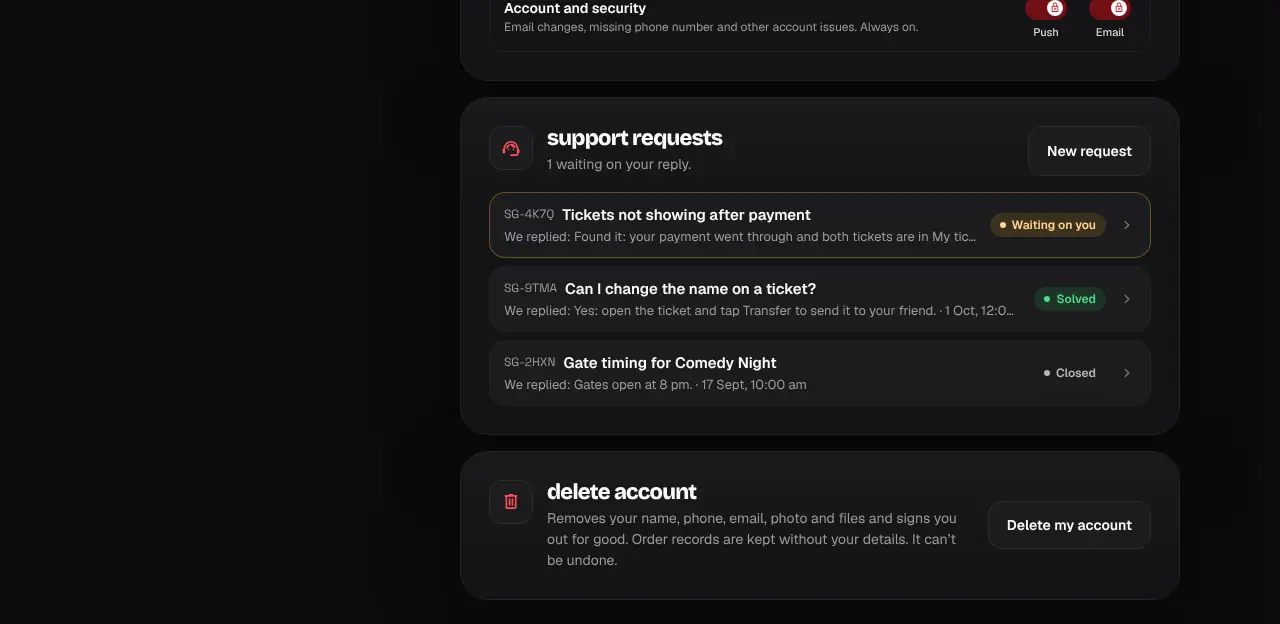
Remove your account and personal details for good.
- 1
Go to your Account page and scroll to the bottom.
- 2
Tap Delete my account, type DELETE to confirm, and tap Delete.
- 3
You’re signed out and your name, phone, email, photo and files are removed. Order records are kept without your details.
- Tickets you saved as a PDF or in Wallet still work at the gate, but won’t show in My tickets any more.
- Organizer accounts are closed by our team after payouts are settled: message us on WhatsApp.
- In the app: open Profile and tap Delete my account.
Was this helpful?
related
Still stuck?
didn’t find what you need?
smart_toyAsk ShappyOur assistant answers straight away, with live dates, prices and your orders.chatOpen the chat
support_agentContact supportTalk to a person. We reply within one working day. WhatsApp takes messages (not calls), and each chat gets a support reference.