shapargullayHelp
Browse eventssupport_agentSupport

change your name, phone, email or password

Everything about your account is on the Account page.

  1. 1

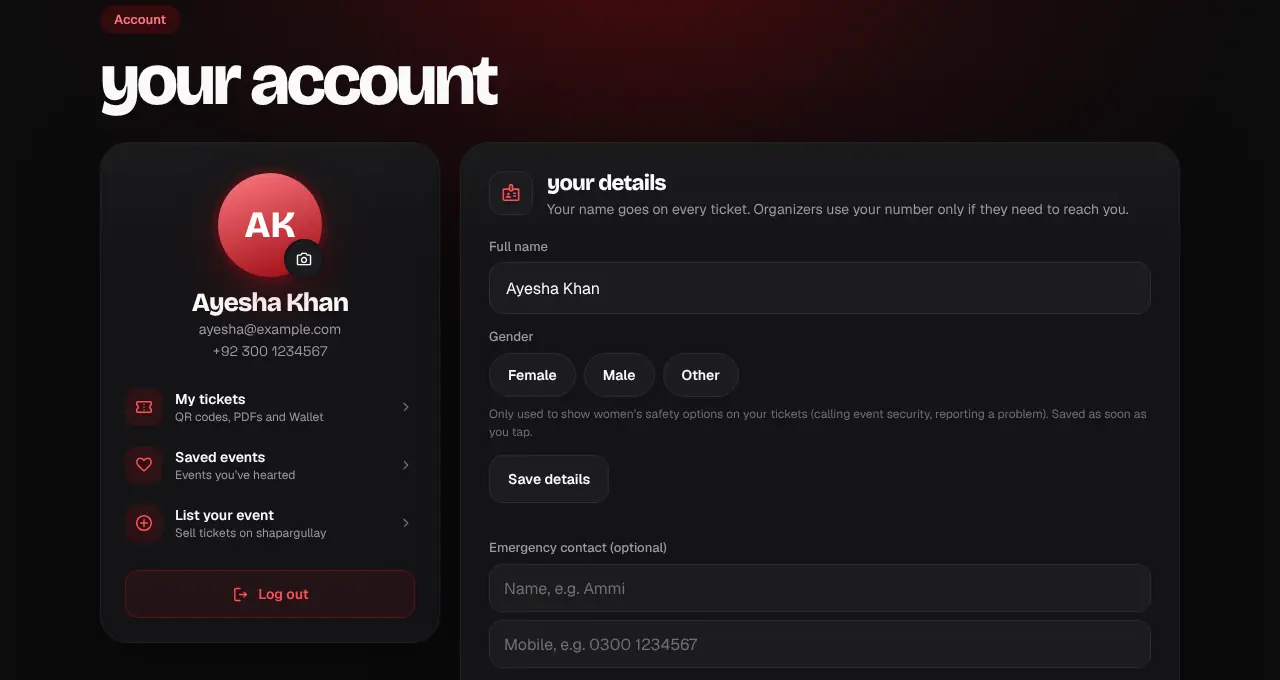
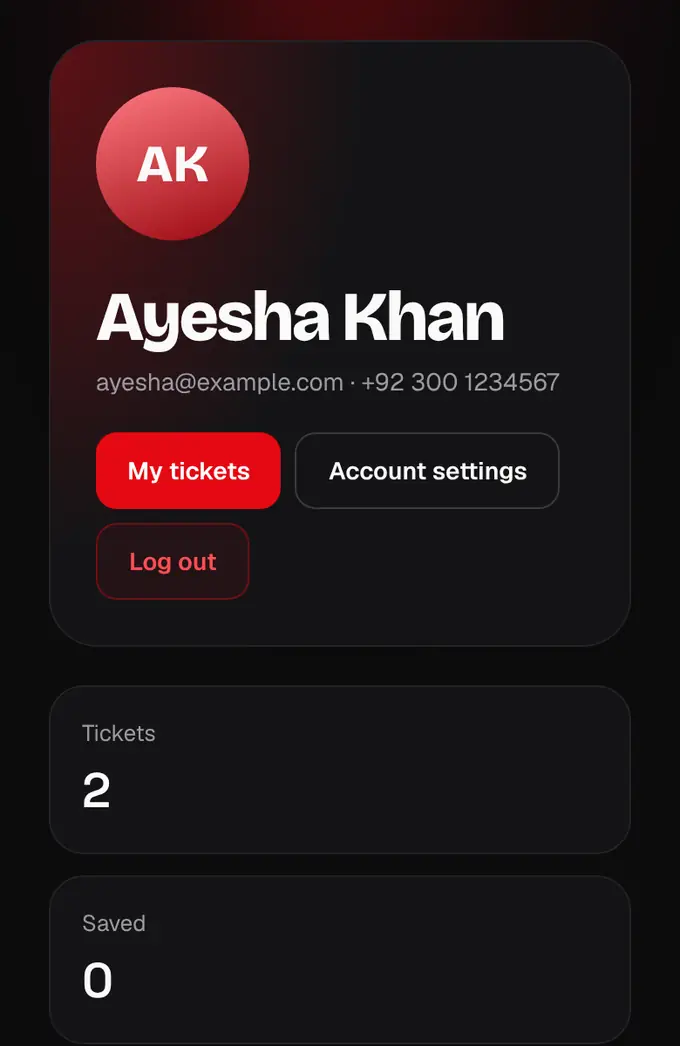
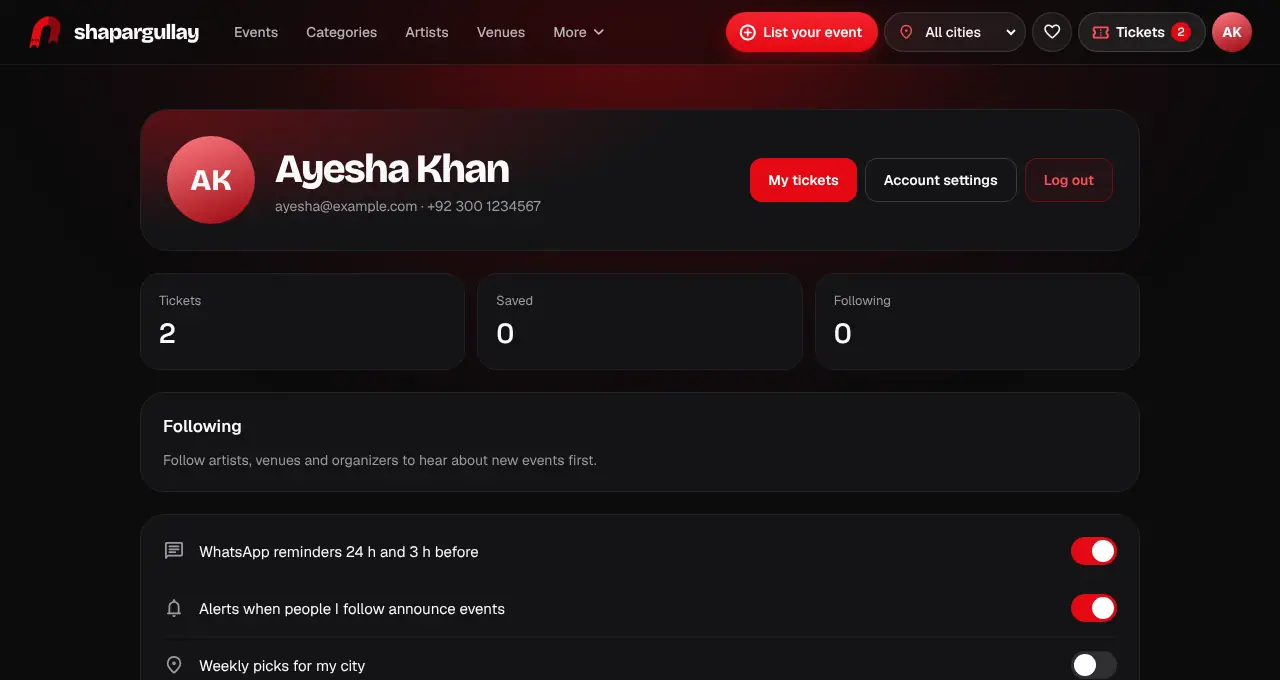
    Tap You (the person icon) in the bar at the bottom, then Account settings.

    Your profile with Account settings highlighted
    Your profile with Account settings highlighted
  2. 2

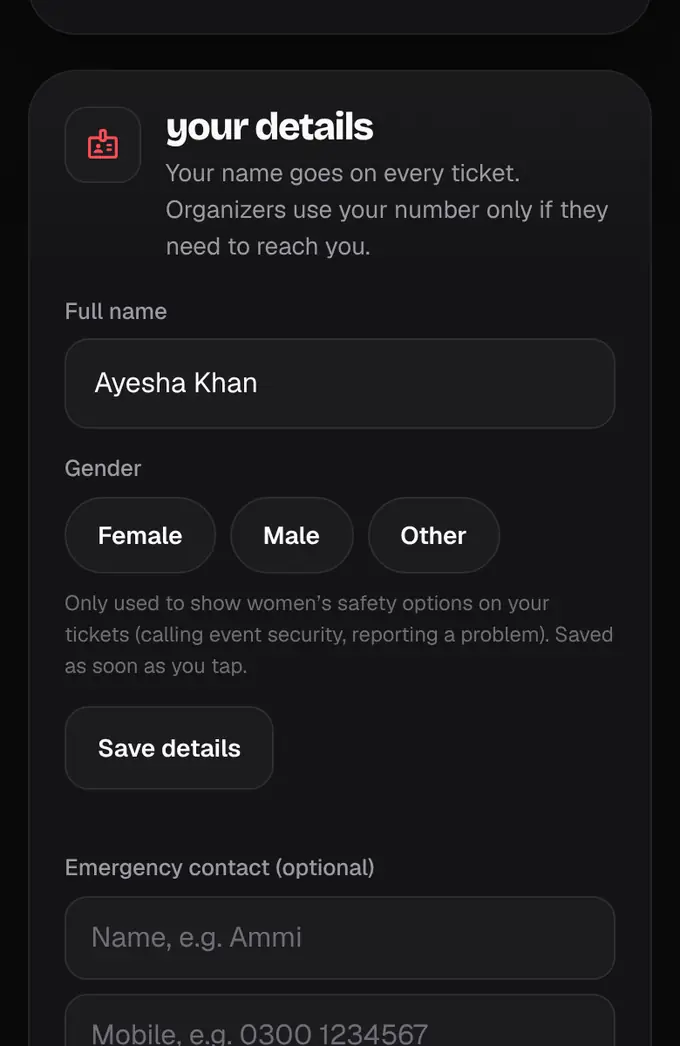
    Under your details, change your name and tap Save details. Your name goes on your tickets.

    Your details with the Save details button highlighted
    Your details with the Save details button highlighted
  3. 3

    Under Your number, tap Change number to use a different mobile number. You confirm the new one on WhatsApp the same way you did at sign-up; until then your old number stays.

  4. 4

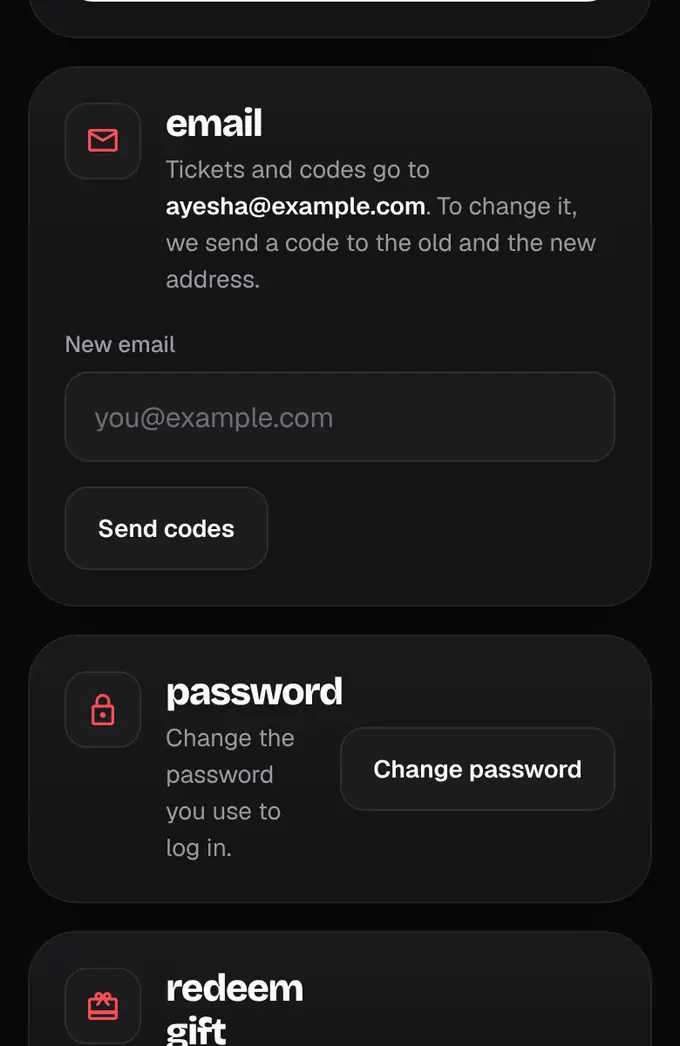
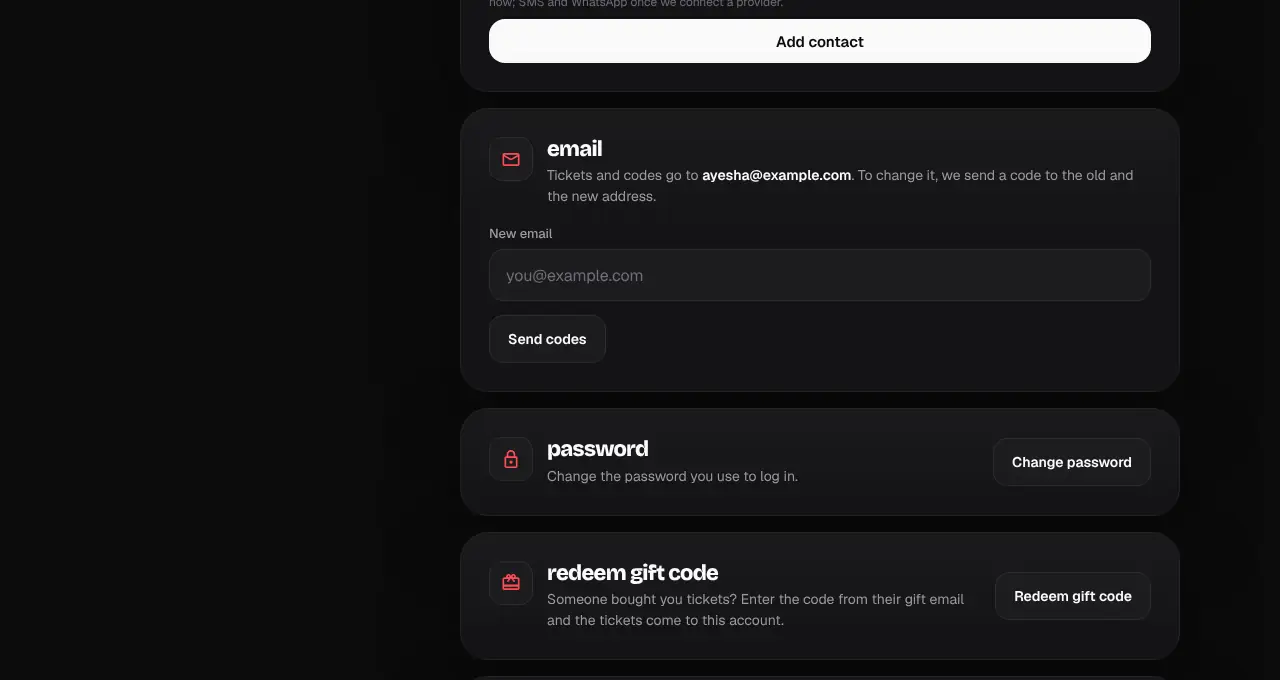
    To change your email, type the new one and tap Send codes (in the app: Change email). We check the new address for typos first, then send a code to your old and your new address; enter both to finish.

    The email section with the new email box and Send codes highlighted
    The email section with the new email box and Send codes highlighted
  5. 5

    Under password, tap Change password to choose a new one. Signed up with Google, Apple or an email code? You’ll see Set a password instead, so you can also log in with your email and a password. You can also add or change your profile photo at the top.

  6. 6

    In the apps it’s the same: Your details (or Account in the organizer and admin apps), then Change password or Set a password.
lightbulbGood to know
  • If you logged in more than a day ago, we may email you a 6-digit code to confirm it’s you before the new password is saved.
Was this helpful?

related

personChoose your notificationsPick which updates reach you by push in the app and by email.personDelete your accountRemove your account and personal details for good.personReset your passwordForgot your password? We email you a 6-digit code, then you choose a new one. Works on the website and in the apps.personLog in, or get in without a passwordLog in with email and password, with Google, or with a 6-digit code we email you.
Still stuck?

didn’t find what you need?

smart_toyAsk ShappyOur assistant answers straight away, with live dates, prices and your orders.chatOpen the chat
support_agentContact supportTalk to a person. We reply within one working day. WhatsApp takes messages (not calls), and each chat gets a support reference.mailMessage uschatWhatsAppalternate_emailsupport@shapargullay.com