log in, or get in without a password
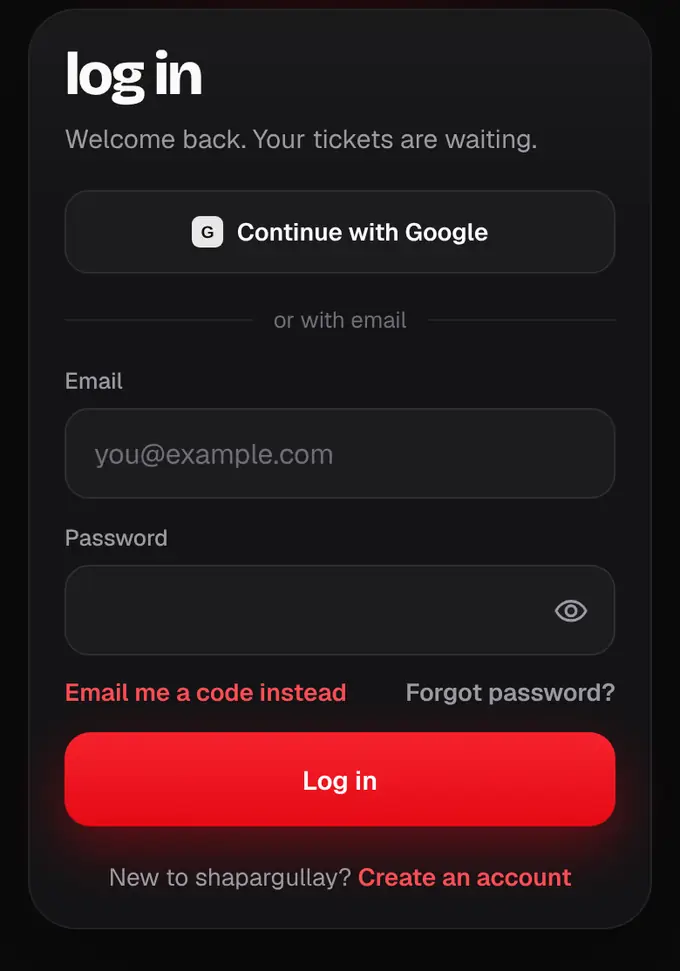
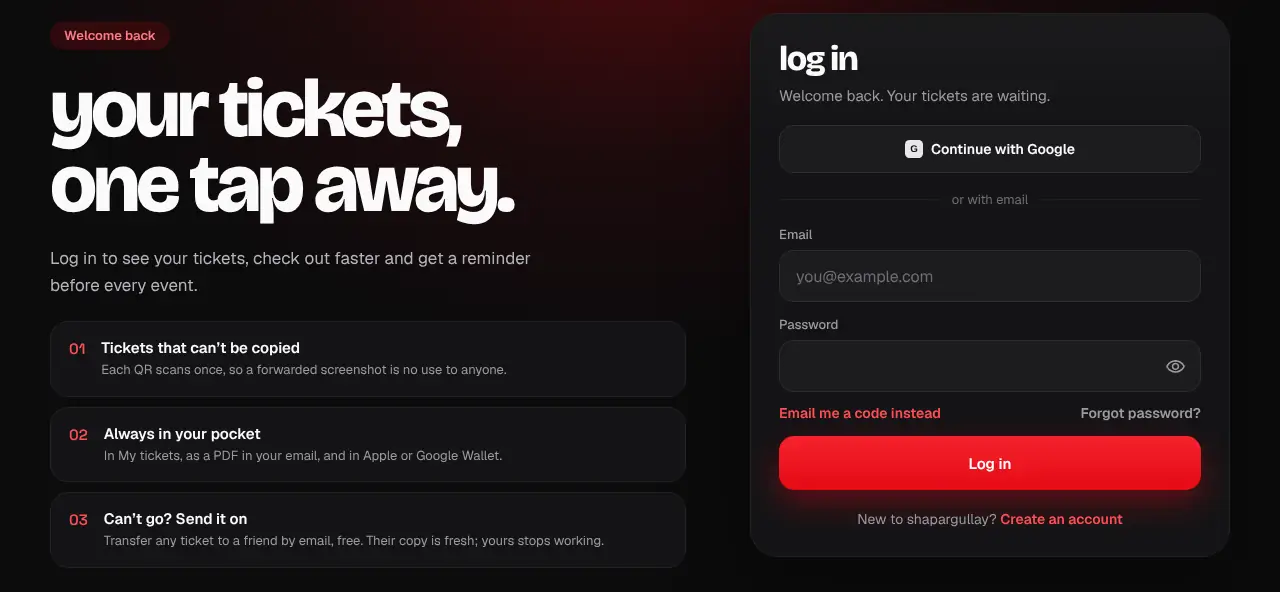
Log in with email and password, with Google, or with a 6-digit code we email you.
- 1
Go to shapargullay.com/login. Use Continue with Google, or enter your email and password and tap Log in.
- 2
Forgot your password? Tap Forgot password? to choose a new one (see Reset your password). Just want to get in? Tap Email me a code instead (in the app: Log in with an email code instead) and enter the 6-digit code we email you.
- 3
New here? Tap Create an account. Enter your email and a password, then the 6-digit code we email you. Next, your full name, and then confirm your mobile number on WhatsApp with one tap (see Confirm your number on WhatsApp). With Google or Apple, you check your name, choose a password (so the same email also works with a password), then confirm your number.
- 4
We check your email as you type. If it looks like a typo (gmail.co instead of gmail.com), we ask “Did you mean …?”: tap Use … to fix it, or No, it’s correct to keep it. If the address can’t receive mail at all, we say so before sending anything.
- 5
On the code screen your email is shown in bold. If it’s wrong, tap Edit email. If our email bounced, we tell you there and then.
- 6
The apps work the same way, with the same account: the shapargullay app, and the organizer and admin apps.
- One email, one account: log in with Google, Apple or your email and password, and you land in the same account with the same tickets.
- Codes can take a minute and sometimes land in Spam.
- Too many tries? Wait a minute and try again.
- No code after a minute? Check the address shown on the code screen, look in Spam or Promotions, then tap Send a new code.
- Logging in with a code doesn’t change your password. To choose a new one, use Forgot password?.