find your tickets
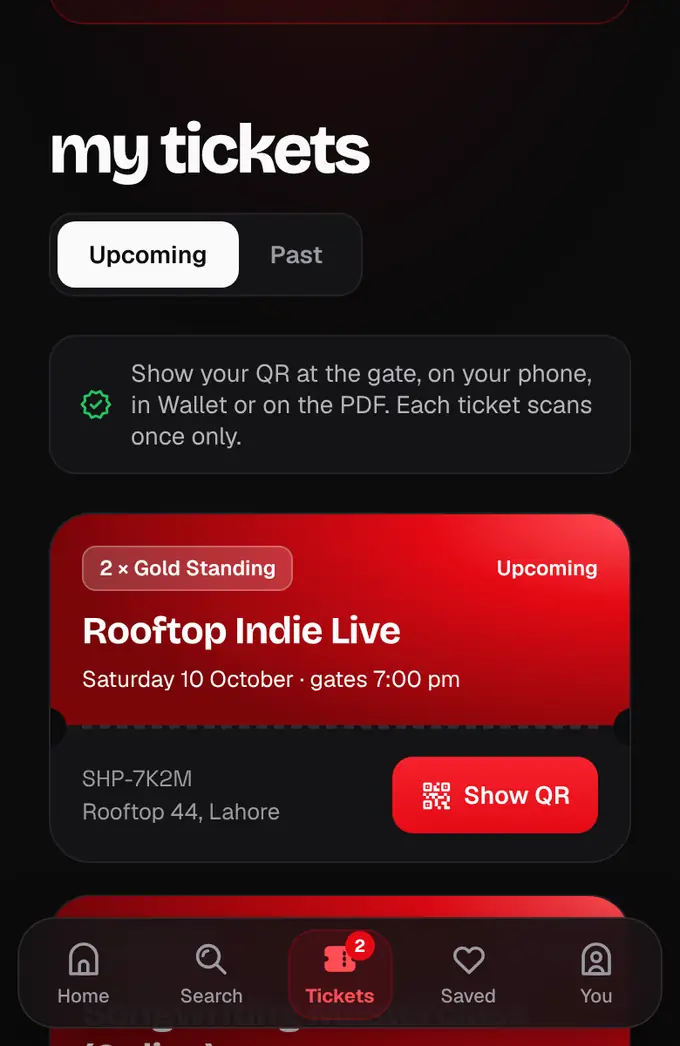
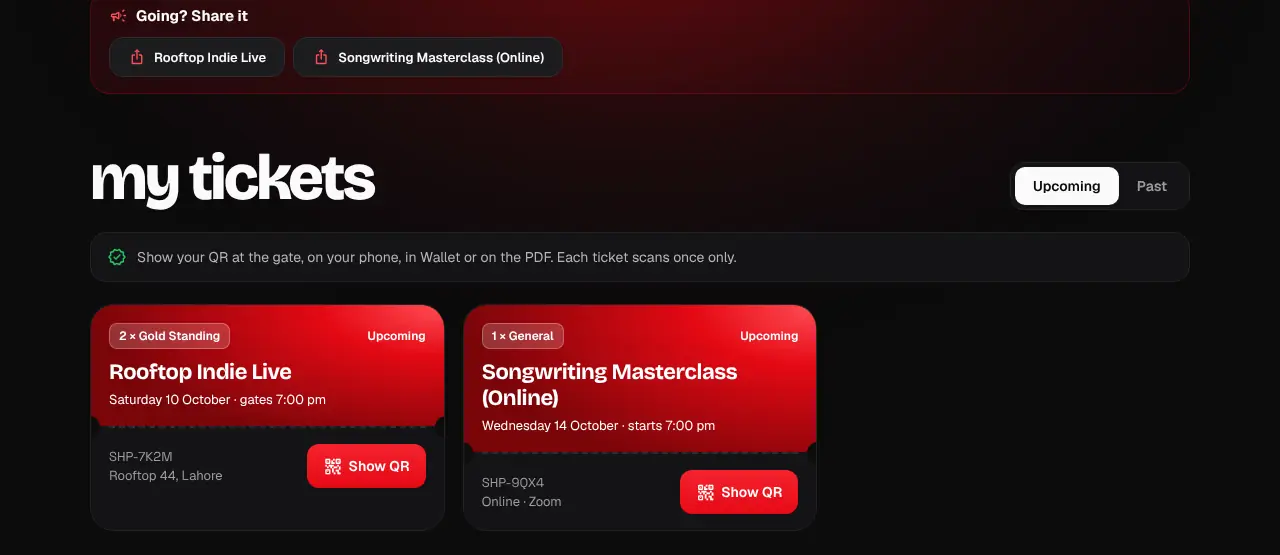
All your tickets live in My tickets on the website and in the app.
- 1
Log in and tap Tickets (the ticket icon) in the bar at the bottom (on a computer: My tickets in the menu). Upcoming shows what’s next; Past shows events you went to.
- 2
Tap Show QR on an order to open its tickets. With more than one ticket, use the arrows to move between them.
- We also email every order as a PDF from tickets@shapargullay.com. If it isn’t in your inbox, check Spam or Promotions.
- Bought with a different email? Log in with that account to see those tickets.
- Bought an official partner ticket? It shows in My tickets as a PDF instead of a QR: see Official partner tickets.
Was this helpful?
related
qr_code_scannerShow your QR code at the gateOpen the ticket and show its QR. Each ticket scans once, so keep it to yourself.confirmation_numberDownload your ticket PDF or get it emailed againEvery ticket comes as a PDF by email, and you can download or resend it any time.confirmation_numberOfficial partner ticketsSome events are sold through a partner. Our team gets your official ticket from them and puts it in My tickets as a PDF within 24 hours.personLog in, or get in without a passwordLog in with email and password, with Google, or with a 6-digit code we email you.
Still stuck?
didn’t find what you need?
smart_toyAsk ShappyOur assistant answers straight away, with live dates, prices and your orders.chatOpen the chat
support_agentContact supportTalk to a person. We reply within one working day. WhatsApp takes messages (not calls), and each chat gets a support reference.