download your ticket pdf or get it emailed again
Every ticket comes as a PDF by email, and you can download or resend it any time.
- 1
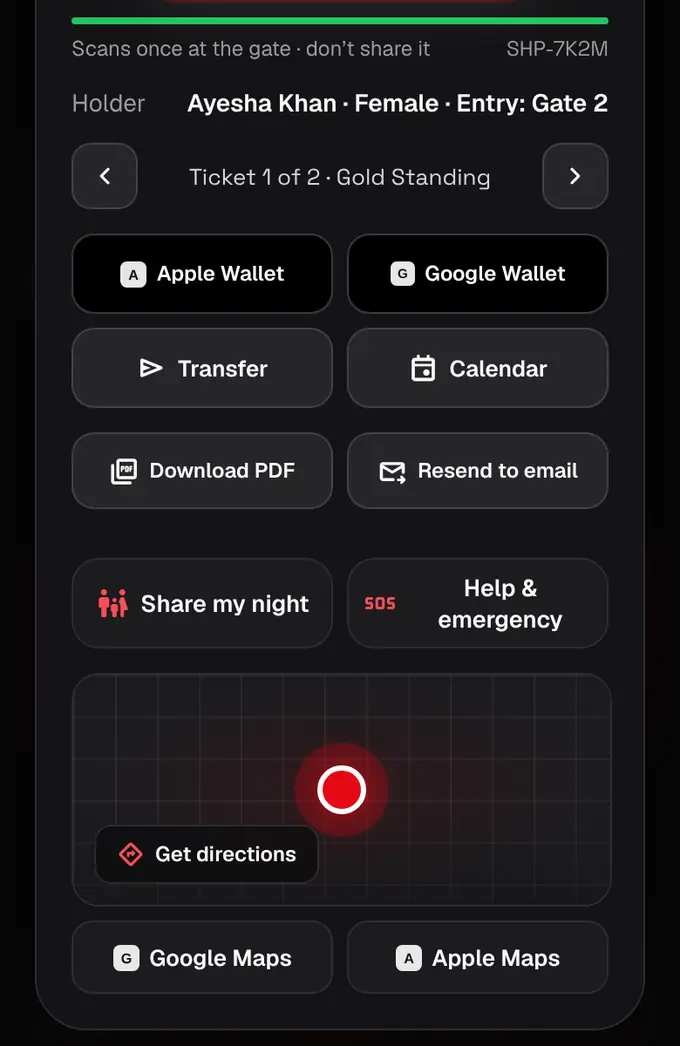
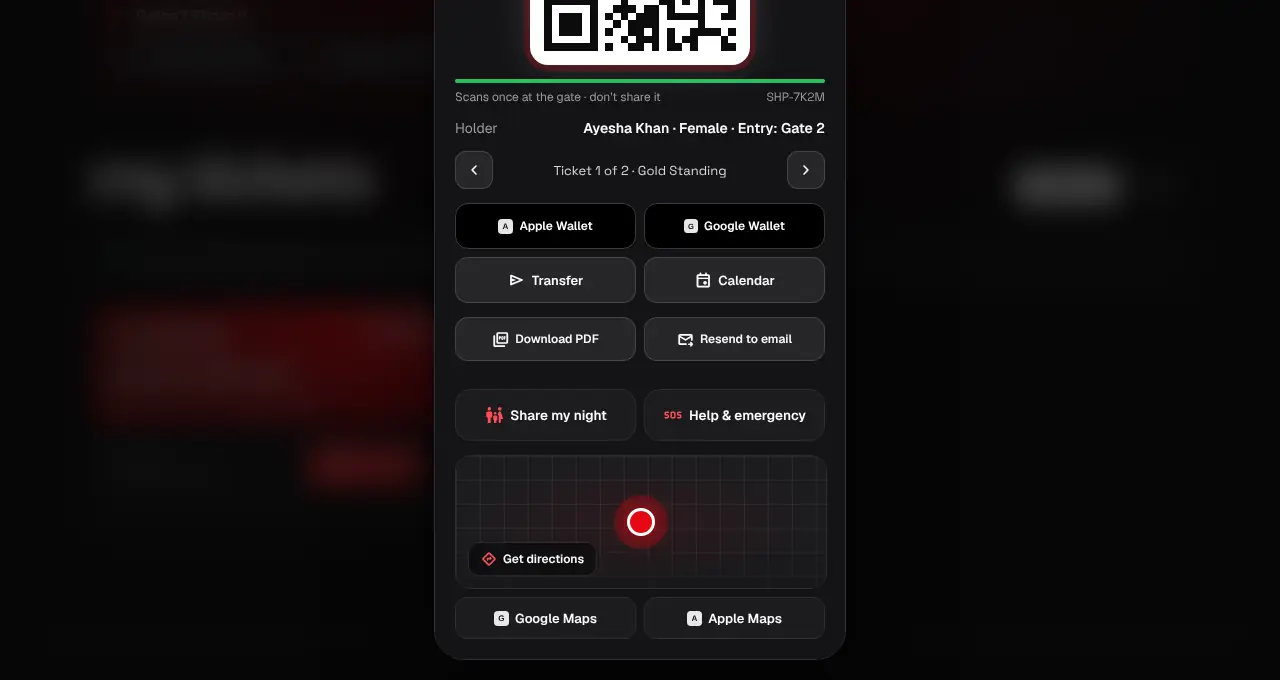
Open My tickets and tap Show QR on the order.
- 2
Tap Download PDF for a PDF of the order’s tickets, one page per ticket. Tap Resend to email to get the ticket email again.
- The email comes from tickets@shapargullay.com. Check Spam or Promotions if you can’t find it.
- WhatsApp: as we roll it out, checkout shows “Send my tickets on WhatsApp to +92 …” (ticked the way you left it last time). Leave it ticked and the order’s PDF also arrives on WhatsApp from our business number +92 322 777 4595, one message per order with a View tickets button. Untick it to get email only. Wrong number? Tap “change” to fix the phone on your account. Partner tickets come on WhatsApp once the partner’s PDF is ready. Gift tickets are only sent by email.
- Online events have no PDF: your Join button is on the ticket instead.
Was this helpful?
related
confirmation_numberFind your ticketsAll your tickets live in My tickets on the website and in the app.confirmation_numberAdd your ticket to Google Wallet or Apple WalletKeep your ticket in your phone’s wallet, with the same single-use QR.qr_code_scannerShow your QR code at the gateOpen the ticket and show its QR. Each ticket scans once, so keep it to yourself.
Still stuck?
didn’t find what you need?
smart_toyAsk ShappyOur assistant answers straight away, with live dates, prices and your orders.chatOpen the chat
support_agentContact supportTalk to a person. We reply within one working day. WhatsApp takes messages (not calls), and each chat gets a support reference.