add your ticket to google wallet or apple wallet
Keep your ticket in your phone’s wallet, with the same single-use QR.
- 1
Open My tickets, tap Show QR and pick the ticket you want with the arrows.
- 2
Tap Google Wallet (or Apple Wallet on an iPhone) and follow your phone’s steps to save the pass.
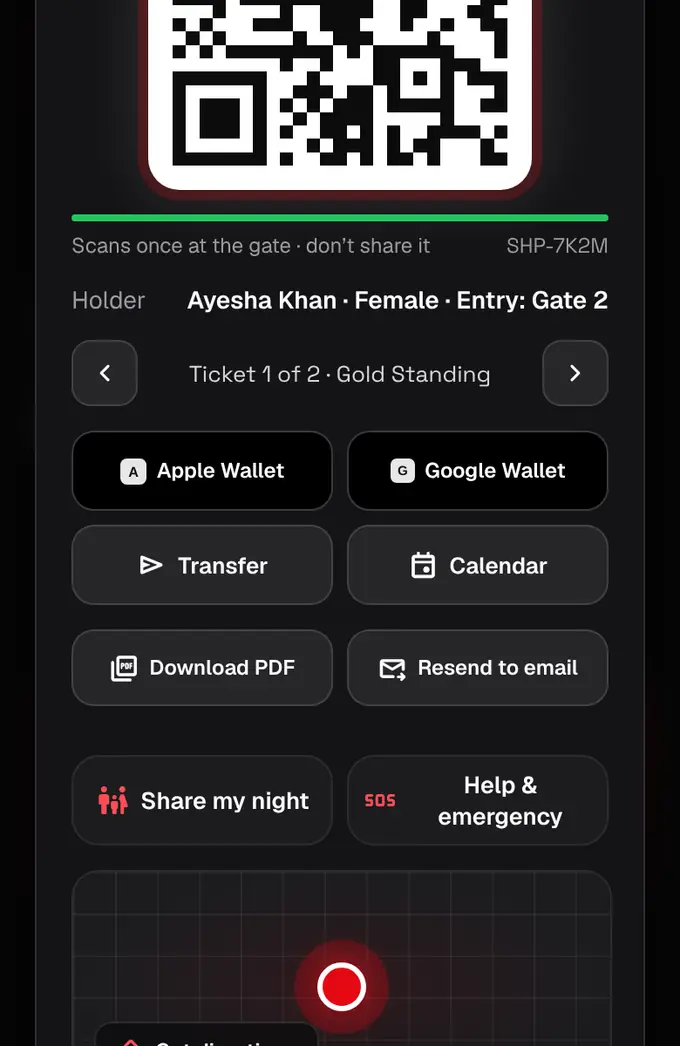
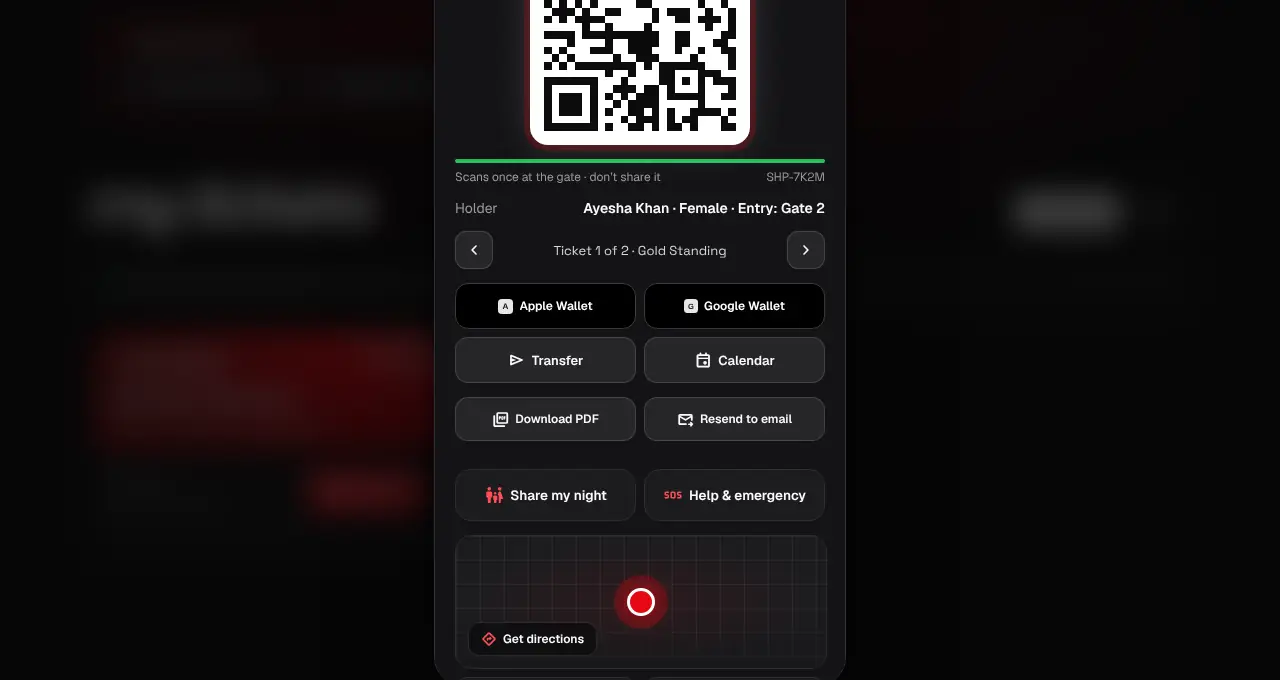
- Each ticket is its own pass: add each person’s ticket separately, or transfer it to them.
- If it says Wallet isn’t set up yet, use the QR in My tickets or the PDF: they work the same at the gate.
- Online events don’t have Wallet passes.
Was this helpful?
related
Still stuck?
didn’t find what you need?
smart_toyAsk ShappyOur assistant answers straight away, with live dates, prices and your orders.chatOpen the chat
support_agentContact supportTalk to a person. We reply within one working day. WhatsApp takes messages (not calls), and each chat gets a support reference.