add an event to your calendar
One tap puts the event in your calendar so you don’t miss it.
- 1
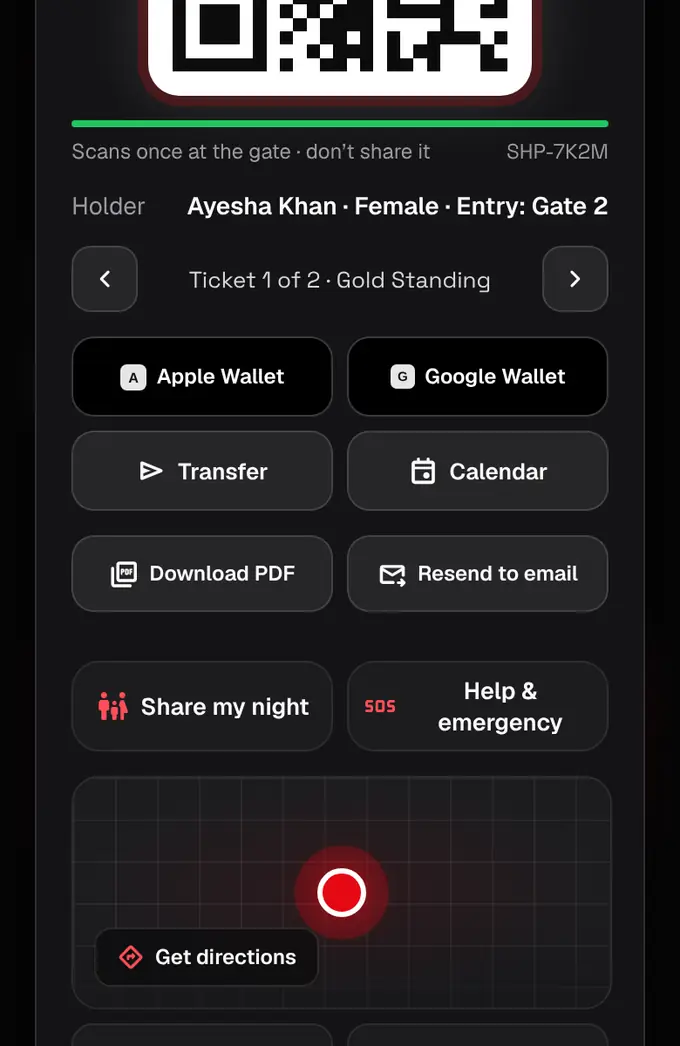
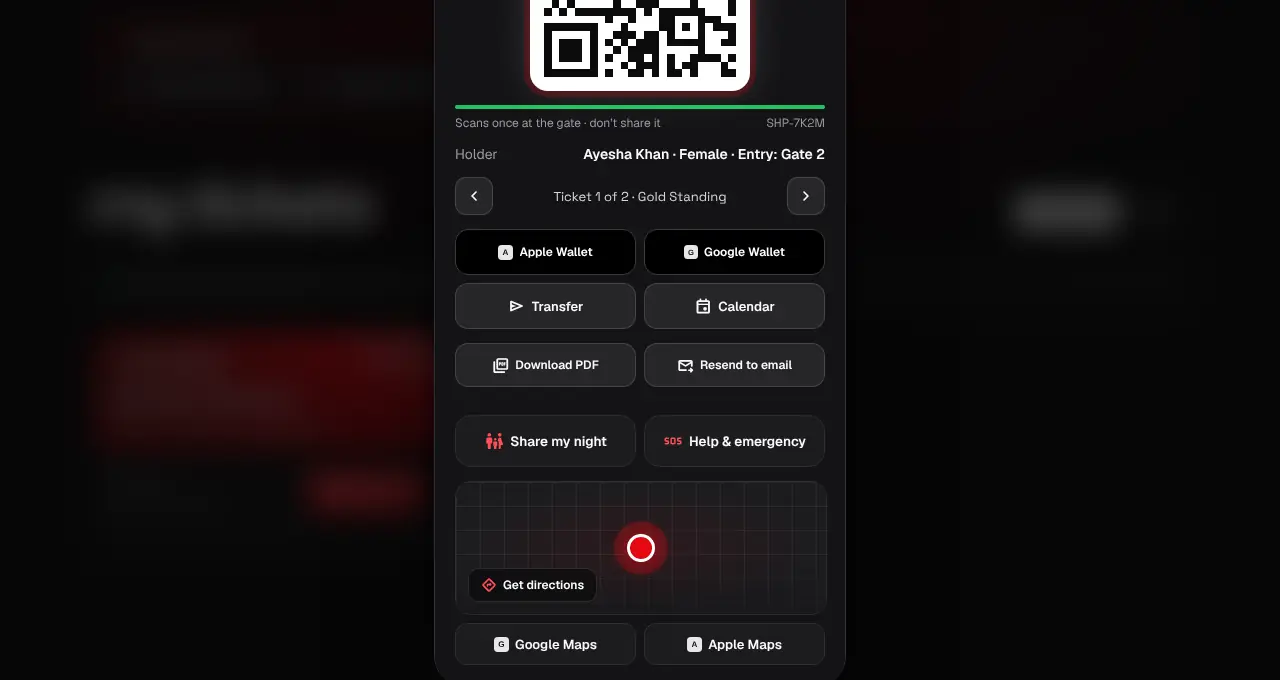
Open My tickets and tap Show QR on the order.
- 2
Tap Calendar. On an iPhone, iPad or Mac, open the file it downloads to add the event to Apple Calendar with reminders a day and 3 hours before. Anywhere else, Google Calendar opens with the event filled in; tap Save.
- We also remind you before the event: see Notifications.
Was this helpful?
related
Still stuck?
didn’t find what you need?
smart_toyAsk ShappyOur assistant answers straight away, with live dates, prices and your orders.chatOpen the chat
support_agentContact supportTalk to a person. We reply within one working day. WhatsApp takes messages (not calls), and each chat gets a support reference.