edit a listing
Drafts and listings in review can be edited; live listings are changed by our team.
- 1
Open shapargullay.com/organizer (or the Organizer app), go to Events and tap the event.
- 2
Tap Edit listing (or Edit and submit for a draft). You can edit while it’s a draft, in review or sent back with changes, and before any ticket is sold.
- 3
The editor has ready-made picks: what’s included, allowed and not allowed, terms (Add all recommended) and FAQ questions with quick answers. Tap to add, × to remove, or type your own.
- 4
Save, then submit it again for review.
- 5
Once a listing is live, message support with the change you need. To move a date, use Reschedule on the event page: pick the new date and a reason, and every ticket holder is told; their tickets stay valid.


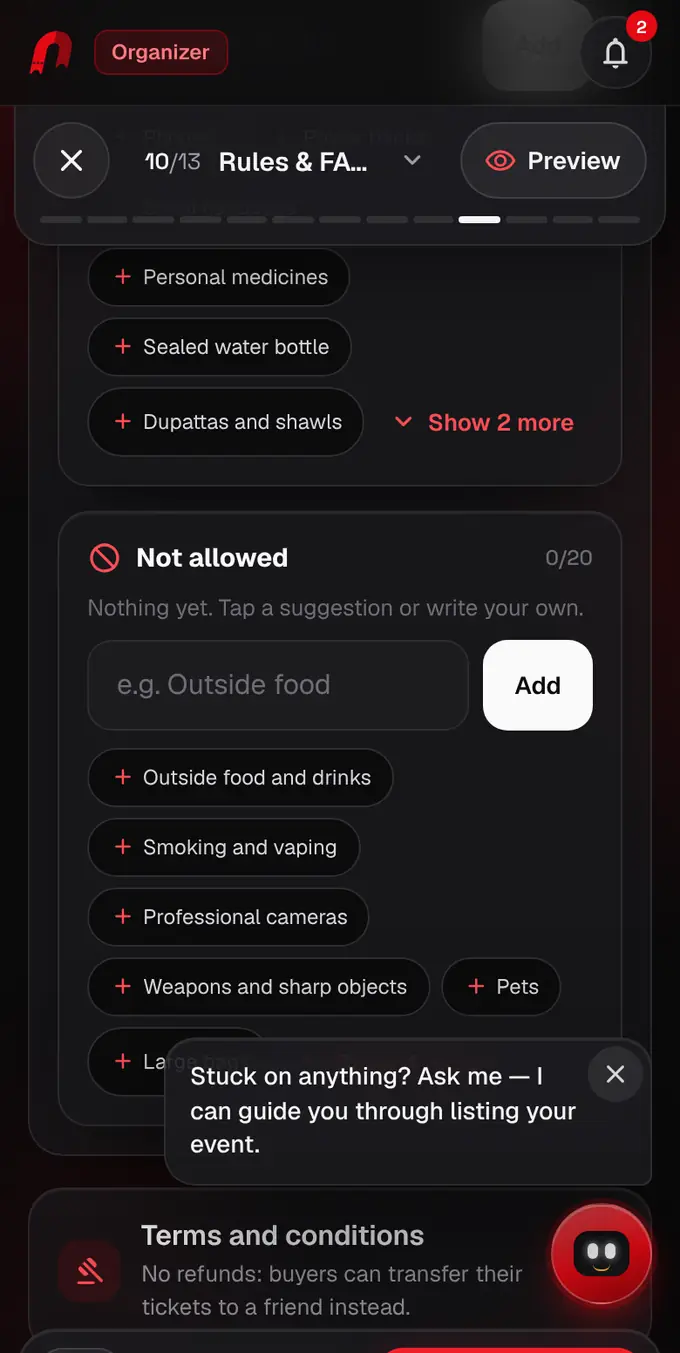
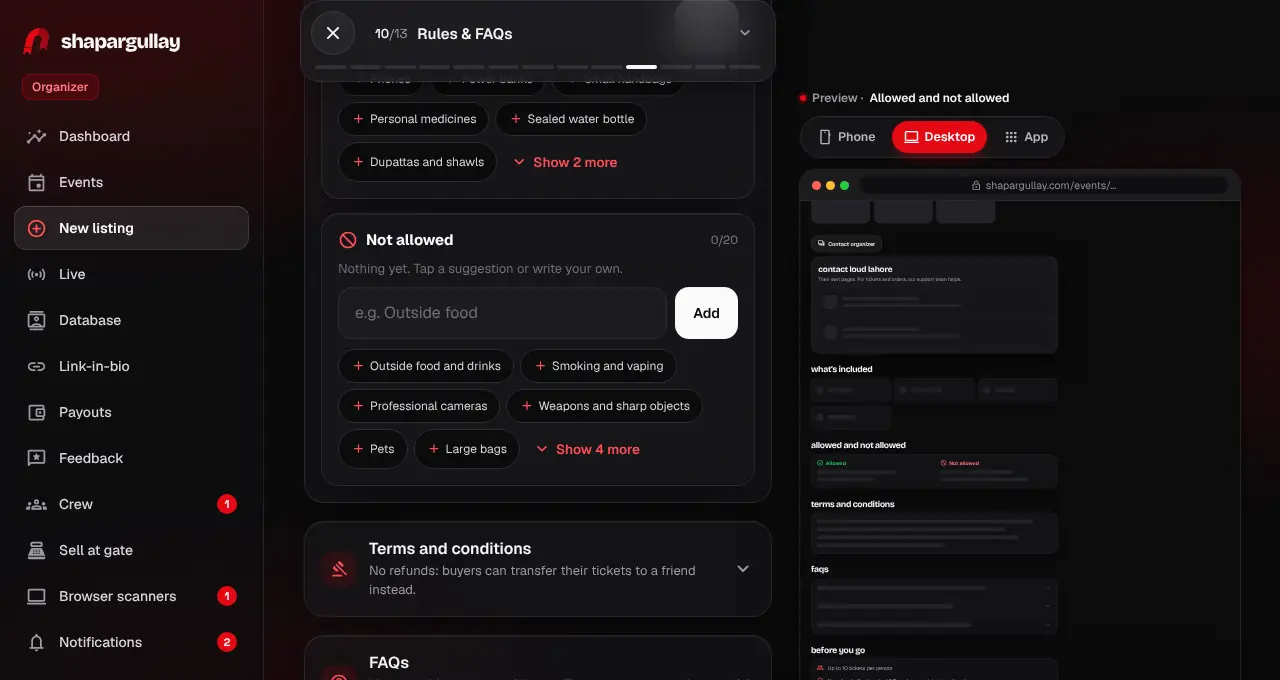
- Not finished? Tap Save draft in the editor: the listing waits under Events until you come back and submit it.
Was this helpful?
related
storefrontHow listing review worksA person checks every listing before it goes live, usually within 24 hours.storefrontList an in-person eventThe listing editor goes one step at a time: fill in each screen, tap Next, check the live preview, then review and submit.storefrontReschedule an event to a new dateMove a date of a live event to a new date and time, pick a reason, and we tell every ticket holder for you.
Still stuck?
didn’t find what you need?
smart_toyAsk ShappyOur assistant answers straight away, with live dates, prices and your orders.chatOpen the chat
support_agentContact supportTalk to a person. We reply within one working day. WhatsApp takes messages (not calls), and each chat gets a support reference.