get paid: organizer payouts
Payouts are automatic: every Monday for sales that cleared 7 days after payment, once Rs 10,000 has cleared.
- 1
Open Payouts at shapargullay.com/organizer/payouts (or in the Organizer app; your dashboard shows the same card). The top card is your next payout, and a bar shows where everything you’ve earned is: Available (cleared, goes out Monday), Clearing (with the day each part clears), On the way, Paid out and Held. Tap “What do these mean?” for a line on each.
- 2
By event lists every event: ticket sales (what buyers paid for tickets, after discounts) − our fee − promoter commission = your earnings, and a small bar of where that money is. Tap an event to see it line by line, with the days its money clears. The chart shows your earnings, ticket sales or tickets per day over 7, 30 or 90 days; touch or hover a bar to see that day.
- 3
Each sale clears 7 days after the buyer pays. Every Sunday night (23:59) we make the week’s payout list: if Rs 10,000 or more has cleared, it’s on the list and the top of the page says “Next payout: Mon 3 Nov · Rs 18,400”. Less than that rolls over to the next week.
- 4
When your payout is on the list you get a notification, and our team sends the money on Monday, within 24 hours, to the account shown under the next payout. There’s nothing to request.
- 5
After your last event has ended and everything has cleared, the next Monday payout pays everything left, even below Rs 10,000.
- 6
Once it’s paid, tap View payment screenshot in your payout history to see the proof.
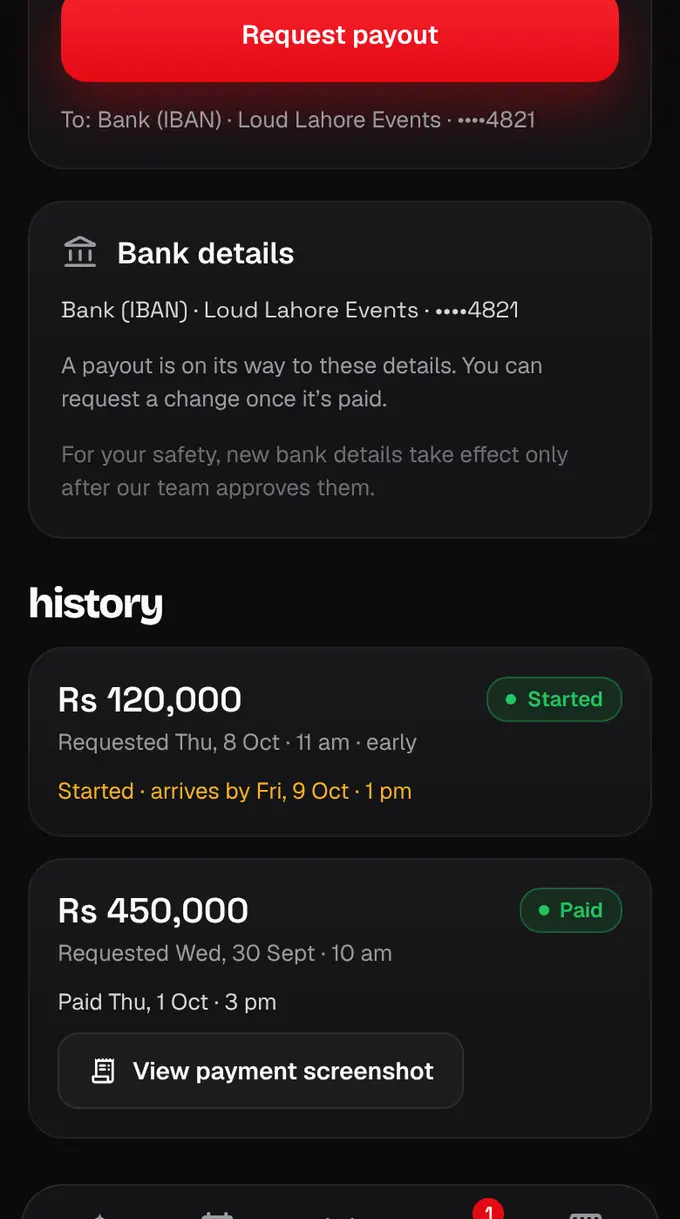
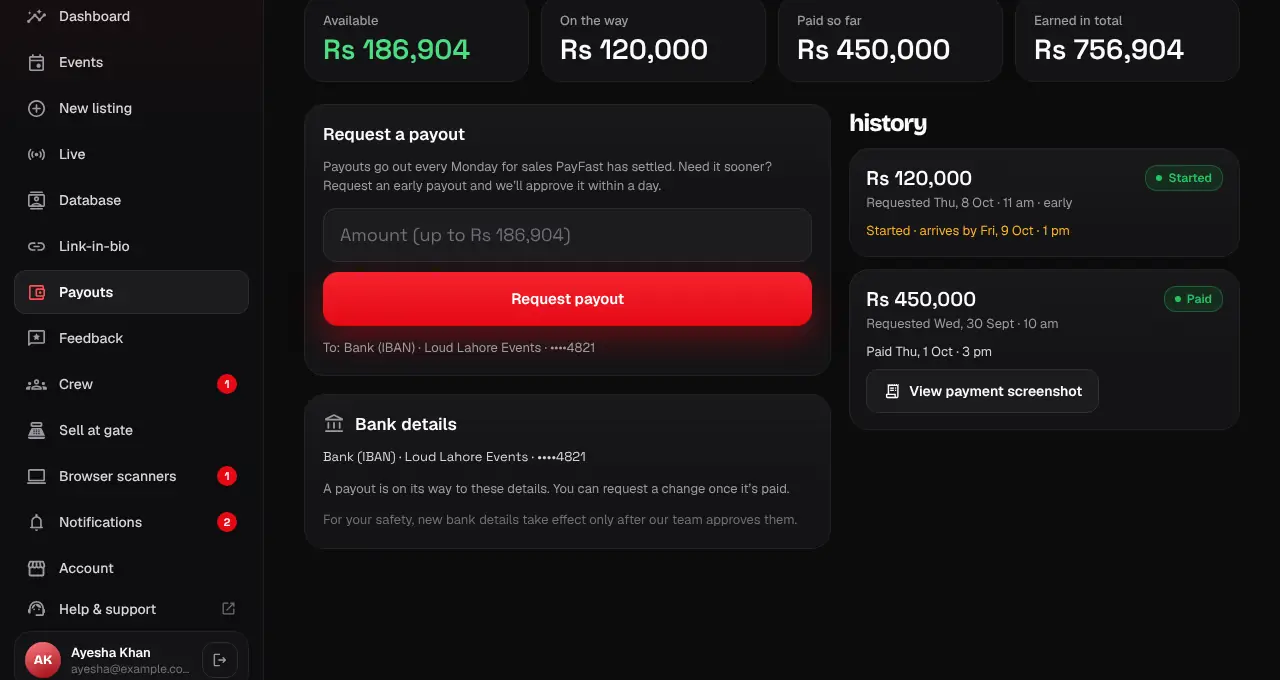
- Your earnings are your ticket sales minus our fee (4%, or 6% on tickets sold while a listing is featured) and any promoter commission.
- Your account must be verified before the first payout.
- Payouts can go out before your event takes place: only the 7 days of clearing count.
- Want to keep the money here for now? Turn on Pause payouts; turn it off and it goes out the next Monday.
- Some money can be on hold while our team checks orders.
- If one of your events is cancelled, the money from it that hasn’t been paid out yet shows as “Held · cancelled event” while our team reviews the cancellation. We tell you whether we release it (it then goes out with your next Monday payout) or keep holding it, with a note. Money already paid out isn’t affected.
- Sales on test listings (marked “TEST”) never count towards your balance or payouts.
- If a payout comes back as “Needs fixing”, see Fix your bank details.
- To move payouts to another account, see Change your bank details.