become an organizer
Sign up as an individual or a company, send your verification once, and list your events as soon as our team has approved you.
- 1
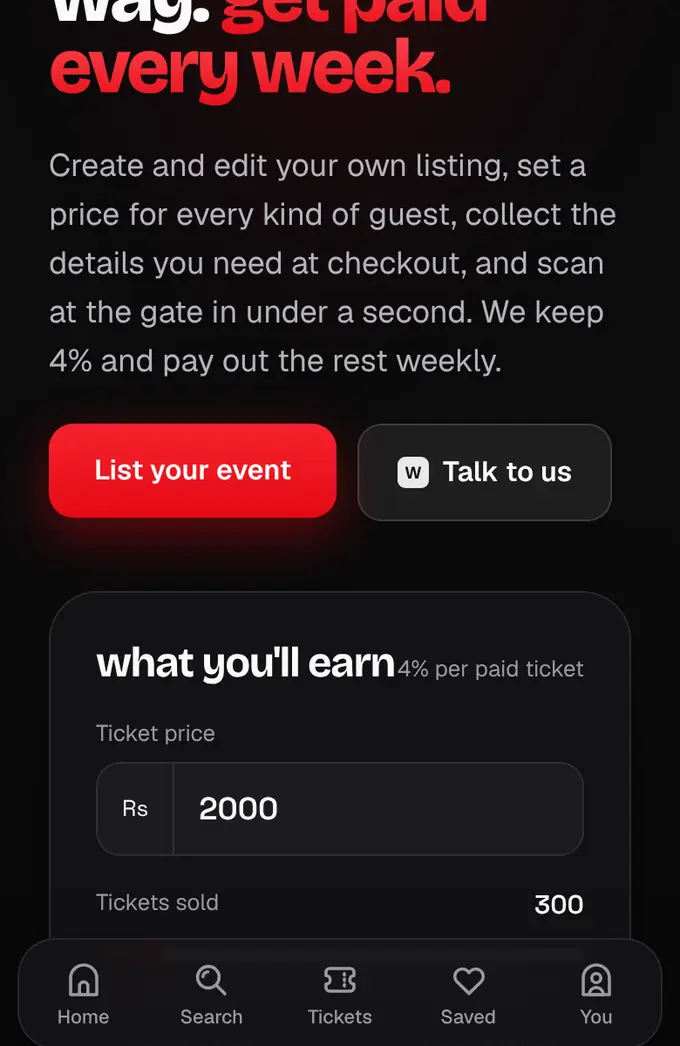
Go to shapargullay.com/for-organizers and tap List your event. Log in or create an account first (we confirm your number on WhatsApp).
- 2
At shapargullay.com/organizer/signup (or in the shapargullay Organizer app), confirm your email and your WhatsApp number (the first step), pick whether you’re registering as an individual or a company, then add your name or business details, your WhatsApp number and city. Tap Next to start your verification.
- 3
Carry on with the verification steps: documents, the bank account we pay into, and (optional) your track record. Every Next saves your progress, so you can finish later.
- 4
On the last step check everything, tick the box and tap Send for review. You get a tracking ID (like KYC-7Q4M2X) by notification and email, and your verification status page shows where it stands.
- 5
Once our team has approved you (usually within 1 to 2 working days), your dashboard opens and you can list events: each listing goes live after our review, and payouts unlock.

- You can list events only after our team has approved your organizer account. Until then you see your verification and its status.
- Listing is free. We keep 4% of each paid ticket; free events cost nothing.
- You can have up to 2 listings waiting at a time (drafts, in review or sent back).