let guests step out and come back in (re-entry)
Tell buyers whether they can leave and come back, then fine-tune each ticket: none, 1 to 5, or unlimited.
- 1
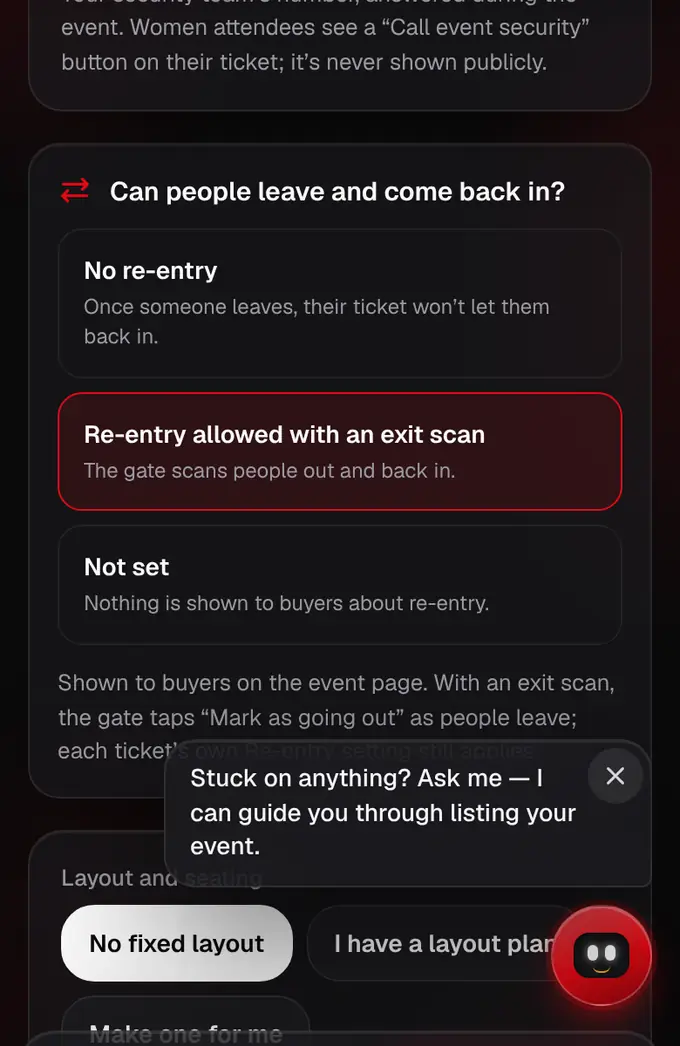
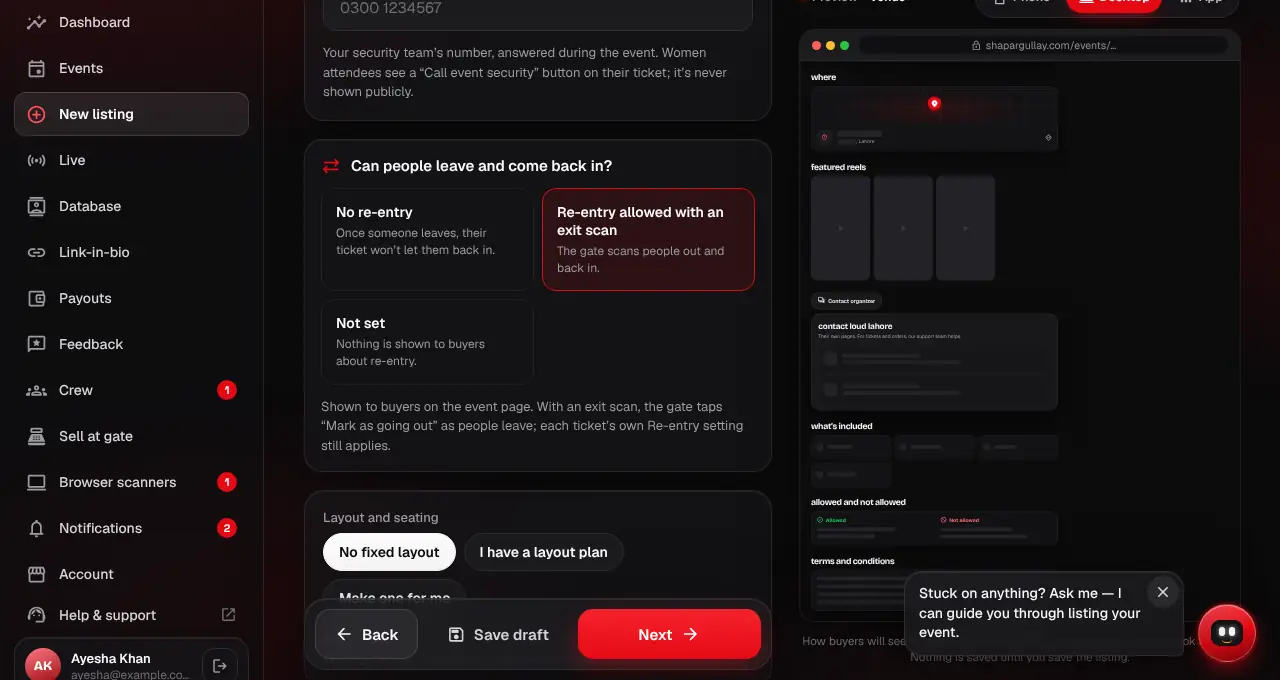
Under the venue in the listing editor, answer “Can people leave and come back in?”: No re-entry, Re-entry allowed with an exit scan, or Not set. Your event page shows the answer to buyers (and adds it to the questions); with Not set it says nothing.
- 2
No re-entry turns re-entry off on every ticket. Re-entry allowed gives every ticket unlimited re-entry, unless you set some tickets yourself: then only those can come back in, and the event page names them.
- 3
To fine-tune, set Re-entry on each ticket: No re-entry (the default), 1 to 5 re-entries, or Unlimited. This is what the gate checks.
- 4
At the gate, when someone with re-entries left wants to step out, the crew scans their ticket and taps “Mark as going out”. That logs an exit.
- 5
When they come back, the crew scans the same ticket: “Welcome back · let them in”, with “Re-entry 1 of 2”. With none left, the scanner refuses and says why.
- 6
People who stepped out aren’t counted as inside until they scan back in, so your “inside now” number stays right.