ask guests for feedback
Requests go out by themselves after the event; you can send them again to one booking or everyone.
- 1
12 hours after each date ends, every paid booking gets a private feedback link by push, email and inbox. You don’t need to do anything.
- 2
To send again to everyone, open Feedback, pick the event and tap Send feedback requests, then Send.
- 3
For one booking, open the person in your Database and tap Send feedback request on their ticket. In the Database, Feedback to all does the same for a whole event.
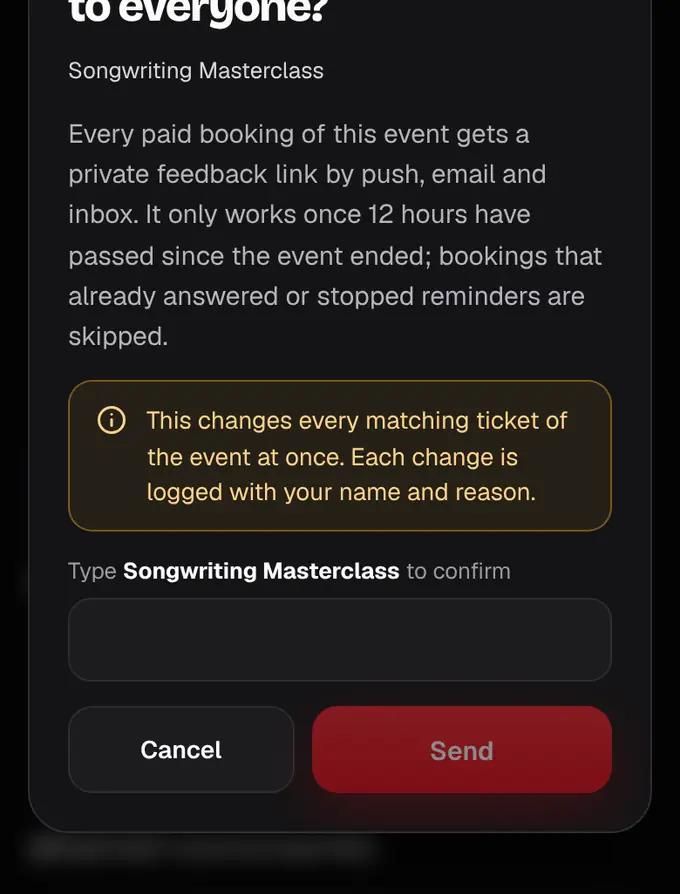
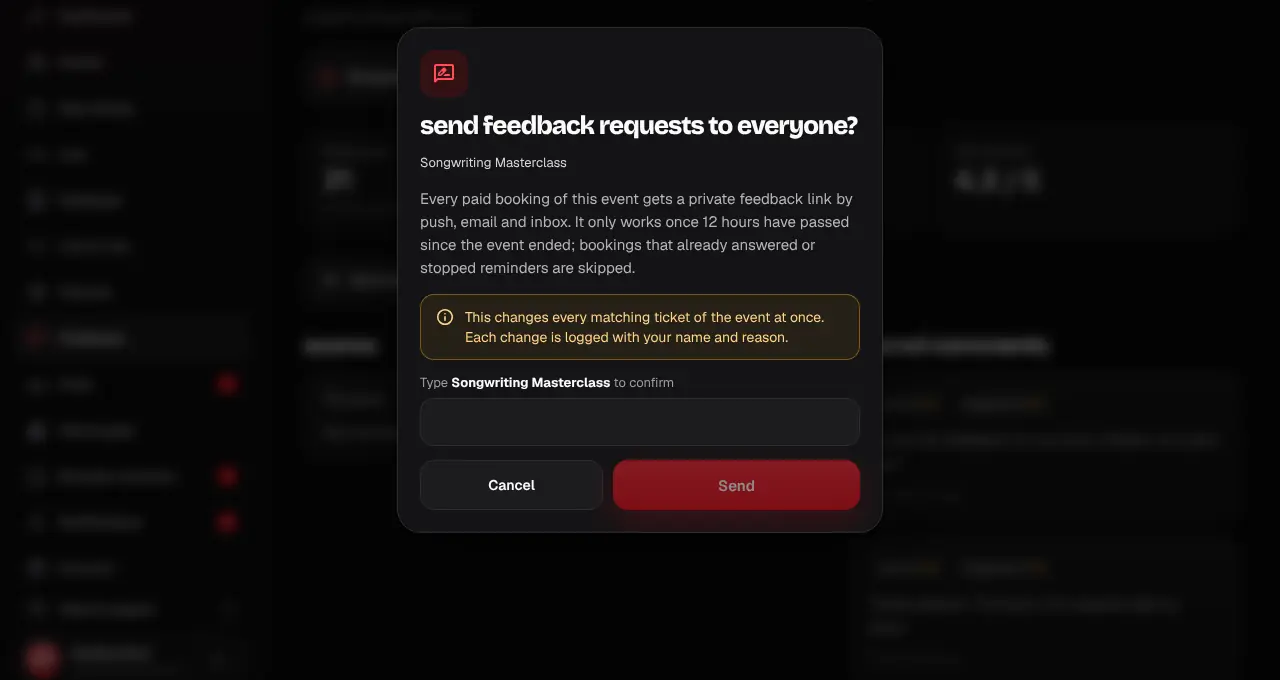
- Bookings that already answered, or asked us to stop, are skipped.
- Requests only work once 12 hours have passed since the event ended.
Was this helpful?
related
Still stuck?
didn’t find what you need?
smart_toyAsk ShappyOur assistant answers straight away, with live dates, prices and your orders.chatOpen the chat
support_agentContact supportTalk to a person. We reply within one working day. WhatsApp takes messages (not calls), and each chat gets a support reference.