read your event feedback
See how guests rated your event and your service, and the comments they chose to share.
- 1
Open Feedback at shapargullay.com/organizer/feedback and pick the event.
- 2
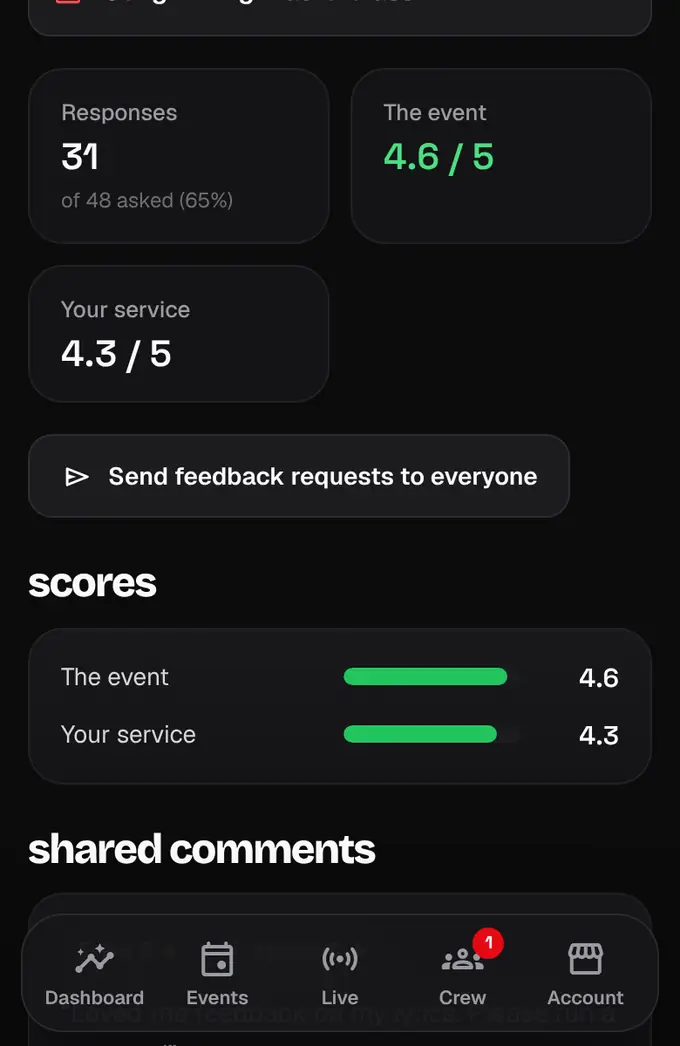
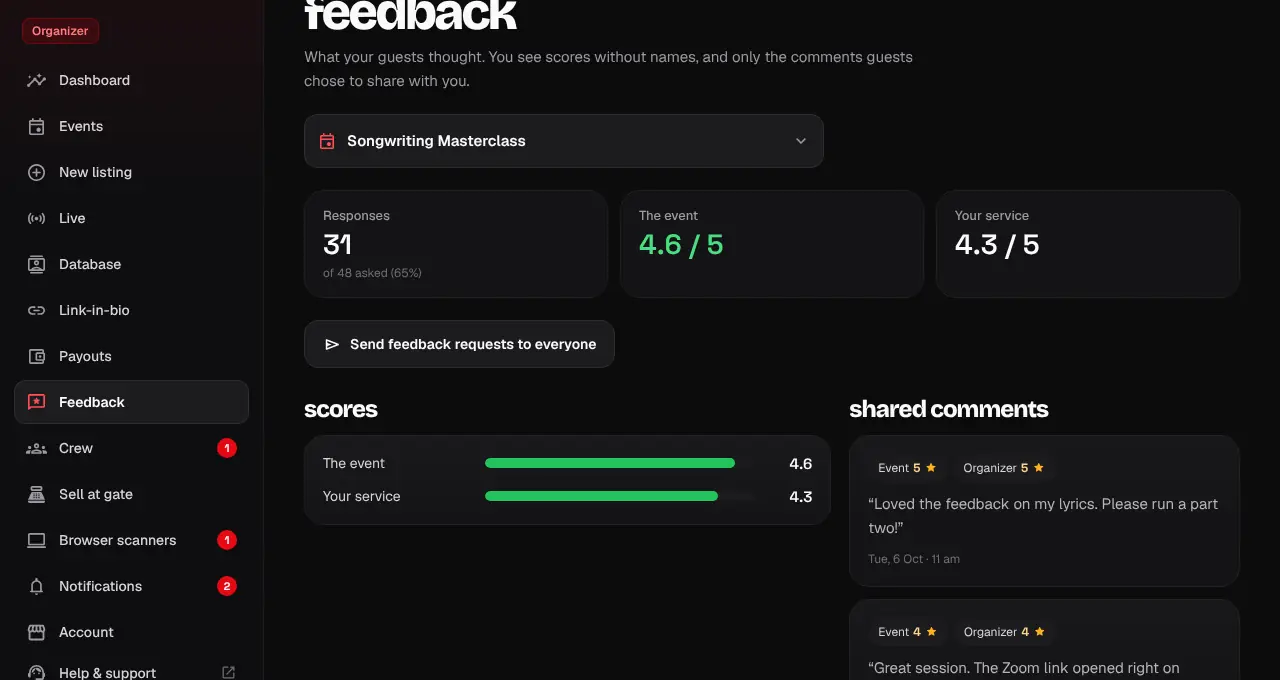
At the top: how many guests answered out of those asked, and the average for the event and for your service (out of 5).
- 3
Below are the scores for each question and the comments guests chose to share with you.
- You see scores without names. Guests decide whether their comment is shared with you; our team sees every answer.
- Feedback requests go out 12 hours after the event ends, and we send you a summary 3 days later.
Was this helpful?
related
Still stuck?
didn’t find what you need?
smart_toyAsk ShappyOur assistant answers straight away, with live dates, prices and your orders.chatOpen the chat
support_agentContact supportTalk to a person. We reply within one working day. WhatsApp takes messages (not calls), and each chat gets a support reference.