tell us how your event was
After the event we send you a short, private form. Every question is optional.
- 1
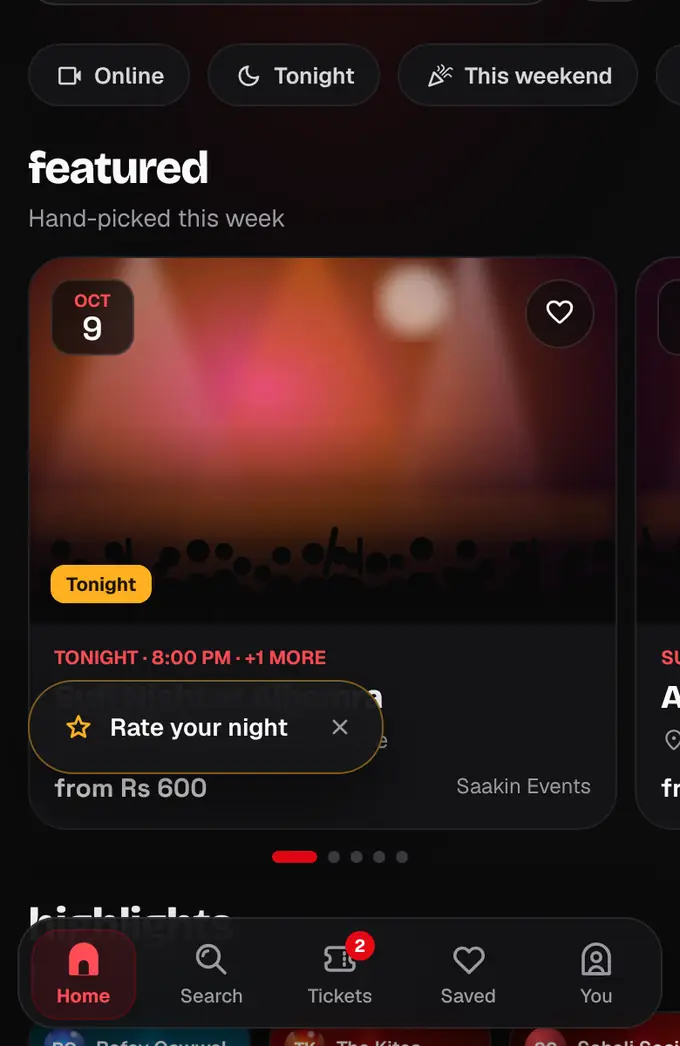
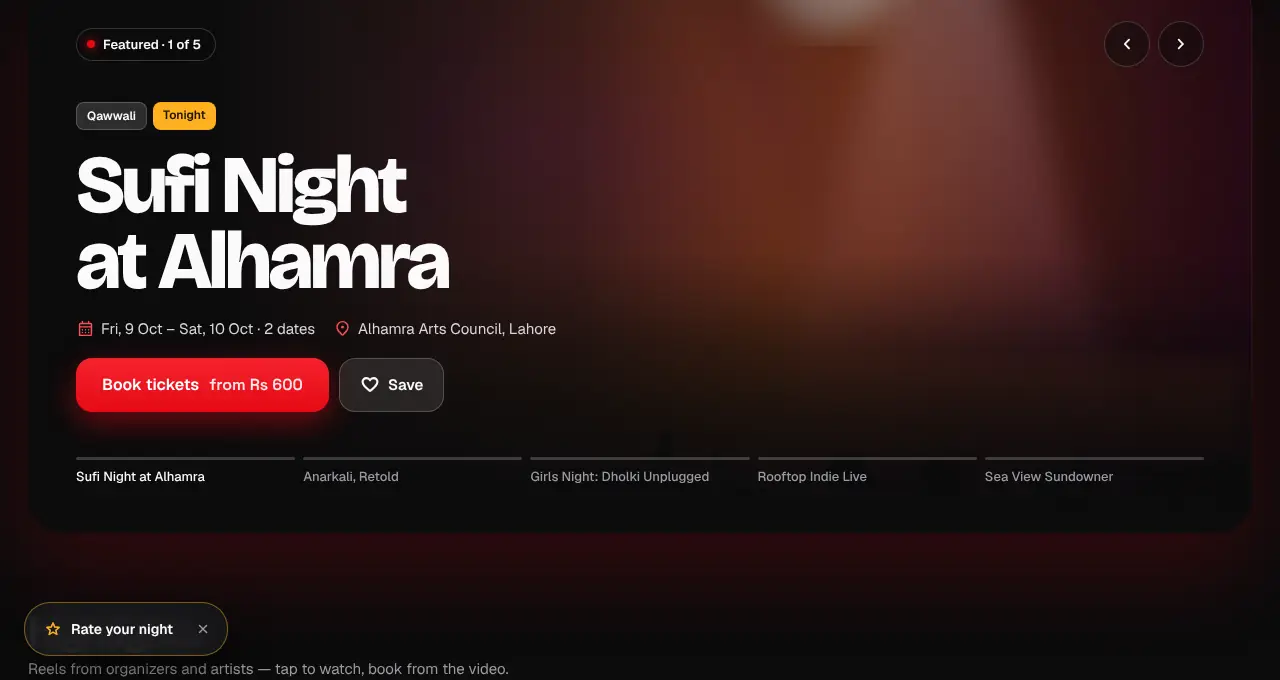
About 12 hours after the event ends, we send you a feedback link by push, email and in your notifications. On the website, a “Rate your night” button also appears at the bottom of the page.
- 2
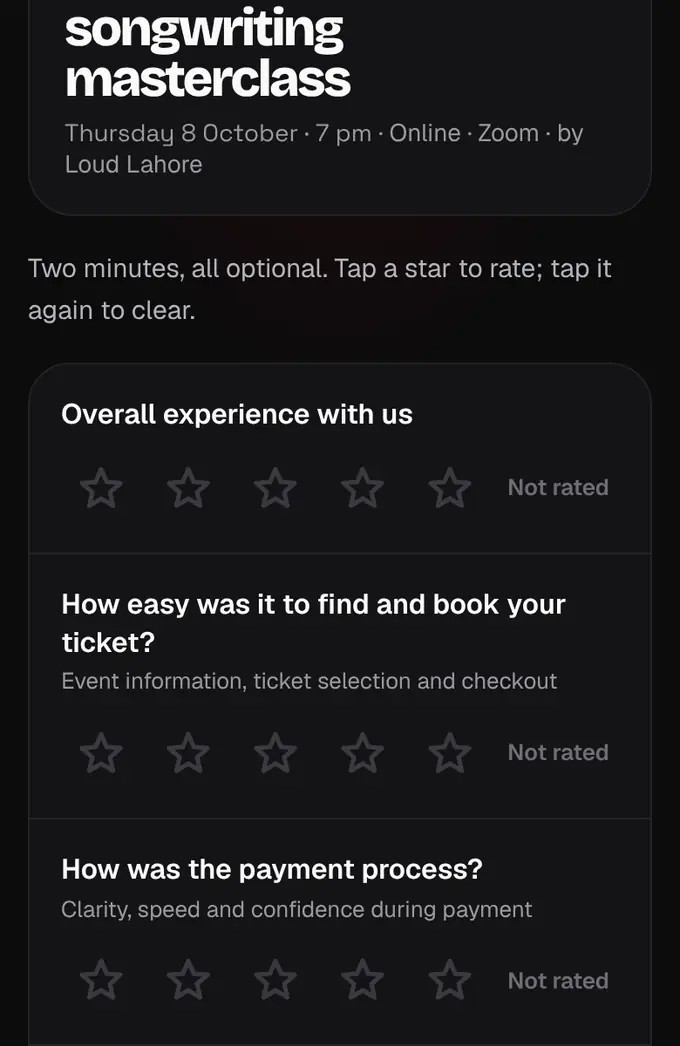
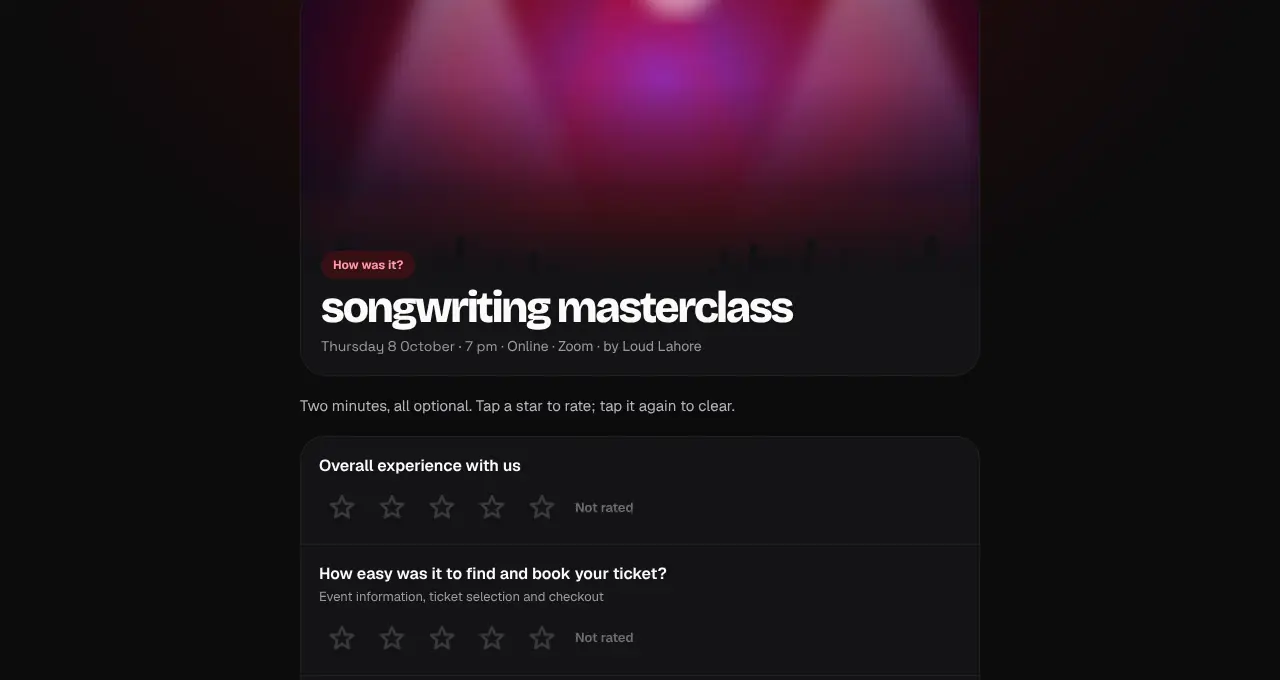
Rate what you like from 1 to 5 stars: the overall experience, booking, payment, ticket delivery, our support, the event itself and the organizer. Skip anything that didn’t apply.
- 3
Add a comment if you want. Tick “Share this comment with the event organizer” to let them read it, and say whether we may contact you. Then tap Send feedback.
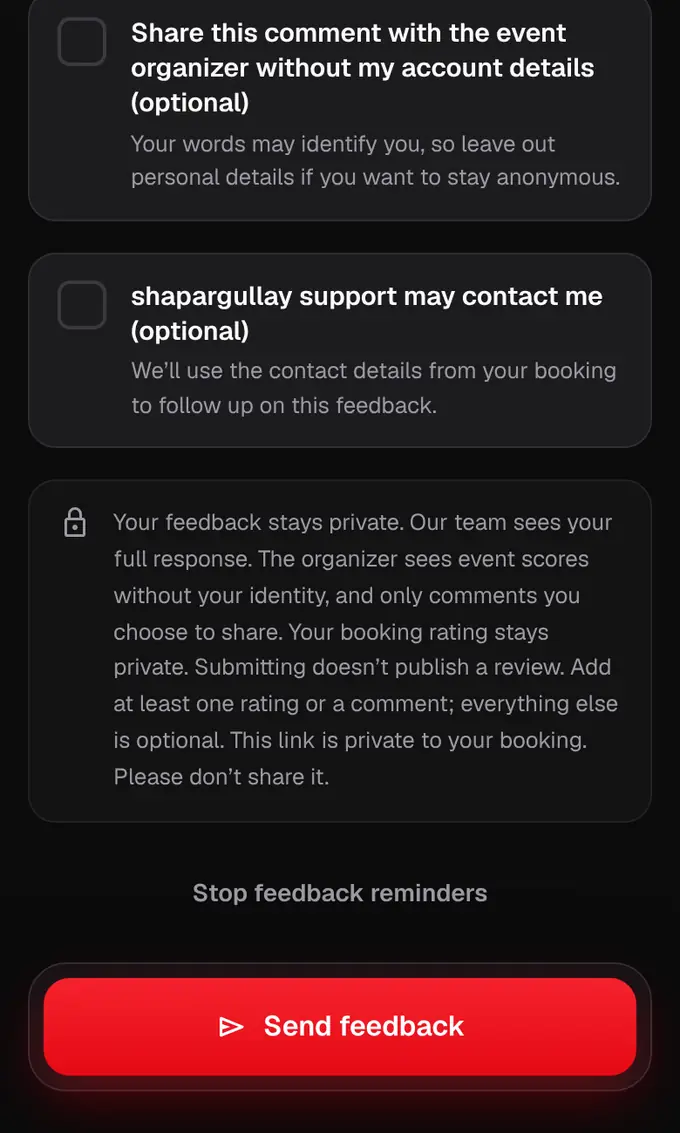
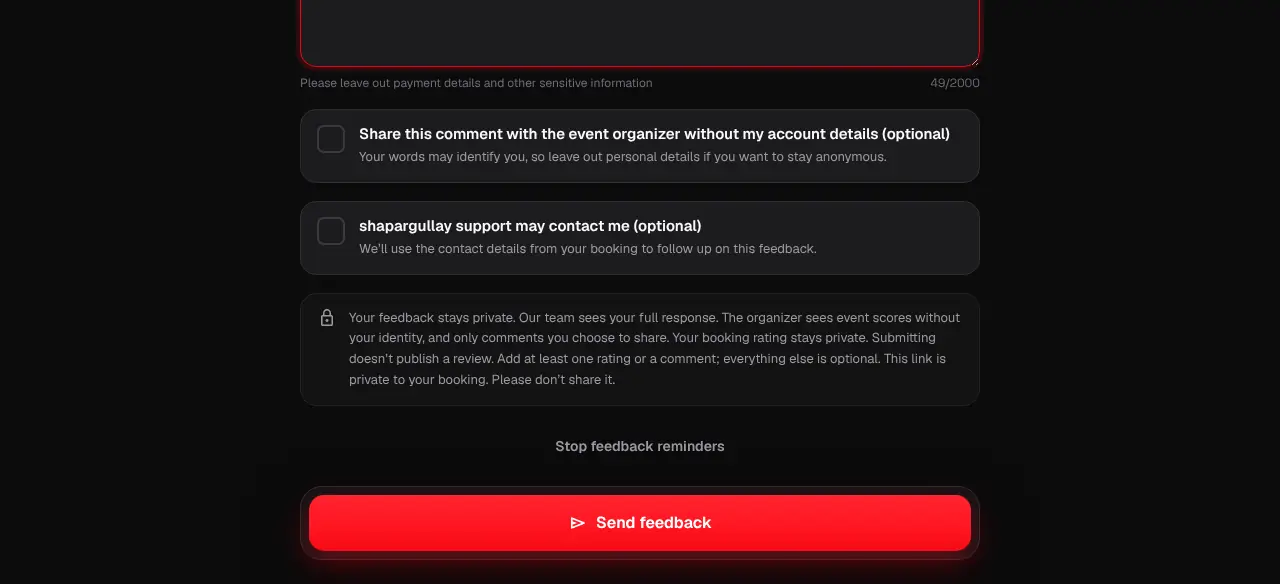
- Organizers see scores without your name, and your comment only if you tick share. Our team reads every answer.
- You can send feedback once per booking.
Was this helpful?
related
Still stuck?
didn’t find what you need?
smart_toyAsk ShappyOur assistant answers straight away, with live dates, prices and your orders.chatOpen the chat
support_agentContact supportTalk to a person. We reply within one working day. WhatsApp takes messages (not calls), and each chat gets a support reference.