stop feedback reminders
Don’t want to rate an event? Stop the reminders for that booking in one tap.
- 1
Open the feedback link from the email or notification.
- 2
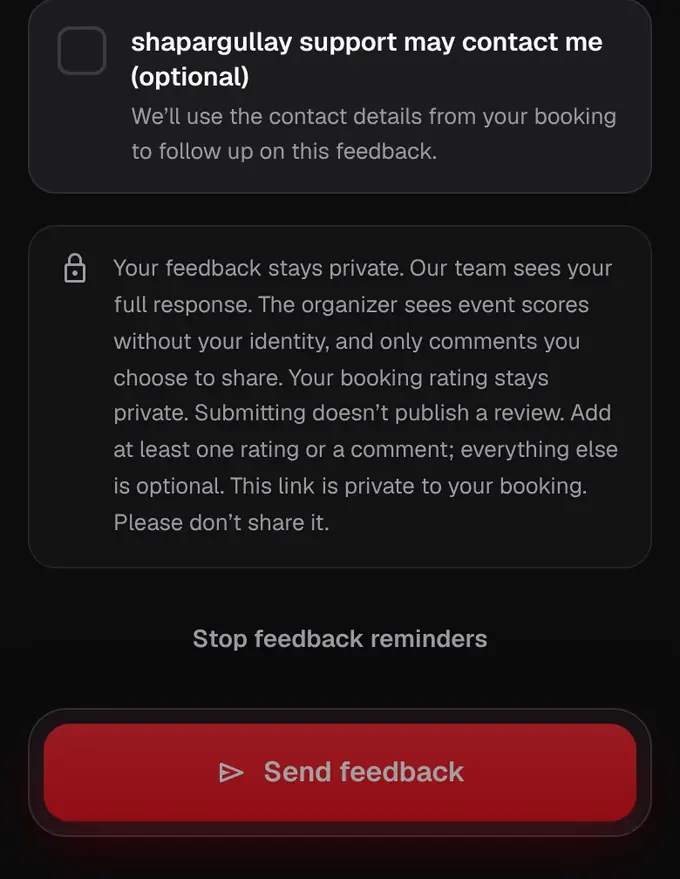
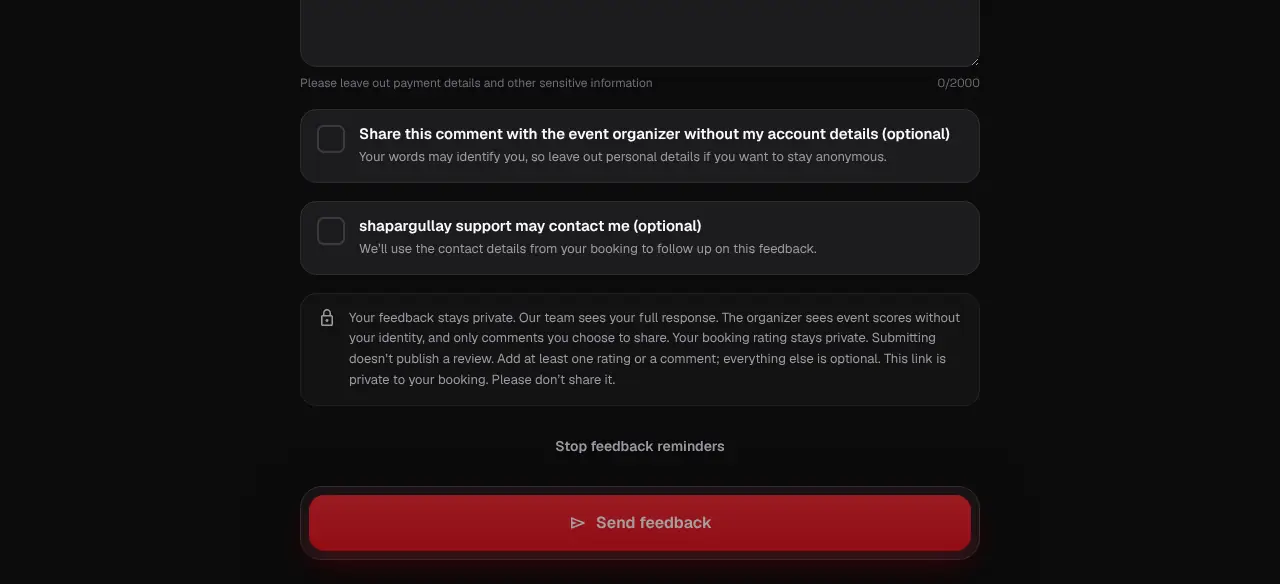
Scroll down and tap Stop feedback reminders. We won’t ask about that booking again.
- 3
On the website, tap the × on the “Rate your night” button to hide it.
- This stops reminders for that booking only.
Was this helpful?
related
Still stuck?
didn’t find what you need?
smart_toyAsk ShappyOur assistant answers straight away, with live dates, prices and your orders.chatOpen the chat
support_agentContact supportTalk to a person. We reply within one working day. WhatsApp takes messages (not calls), and each chat gets a support reference.