ask shappy, our assistant
Shappy answers questions about events, prices, tickets left and your orders.
- 1
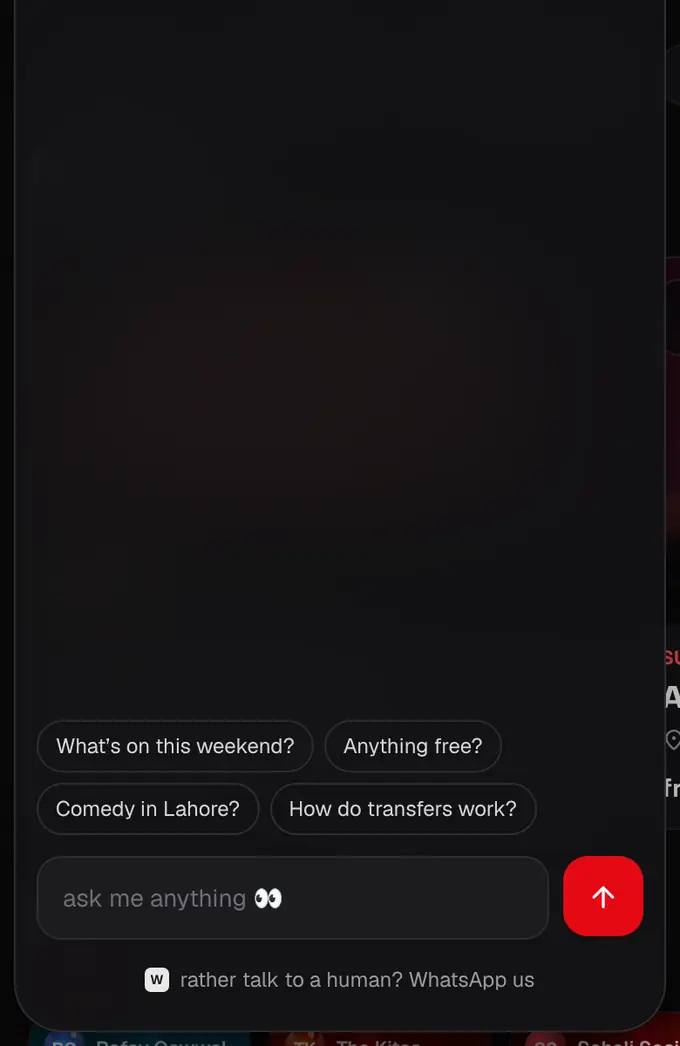
Tap the little red Shappy button at the bottom of the page (on a phone it sits next to the tab bar). It’s our one help button: the chat opens with two choices, Chat with Shappy or WhatsApp support.
- 2
Type your question, like “Comedy in Lahore this weekend?” or “How do I transfer a ticket?”, or tap a suggestion.
- 3
Shappy answers with live dates, prices and tickets left, and links to the right page or help article. When you’re logged in it can see your orders too.

- Shappy never sees payment details.
- Rather talk to a person? Tap WhatsApp support in the chat, or WhatsApp our team under it (the message already names the event or order you’re looking at), or Other ways to reach us for the support form, email and phone. Shappy can also open a support request for you, with your order filled in.
Was this helpful?
related
Still stuck?
didn’t find what you need?
smart_toyAsk ShappyOur assistant answers straight away, with live dates, prices and your orders.chatOpen the chat
support_agentContact supportTalk to a person. We reply within one working day. WhatsApp takes messages (not calls), and each chat gets a support reference.