buy tickets as a gift
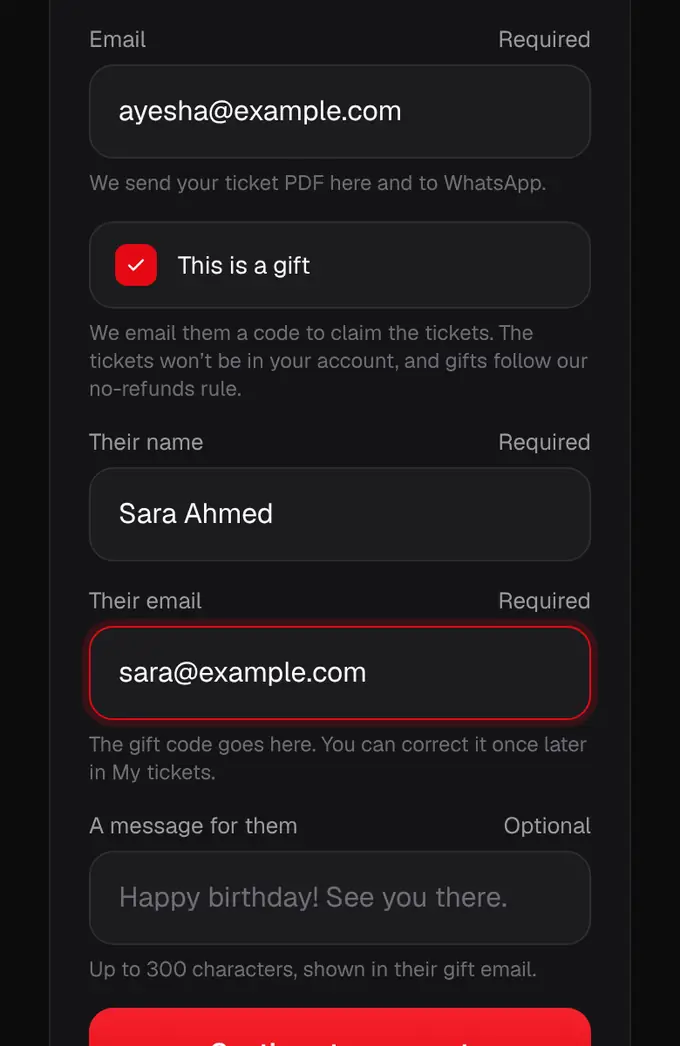
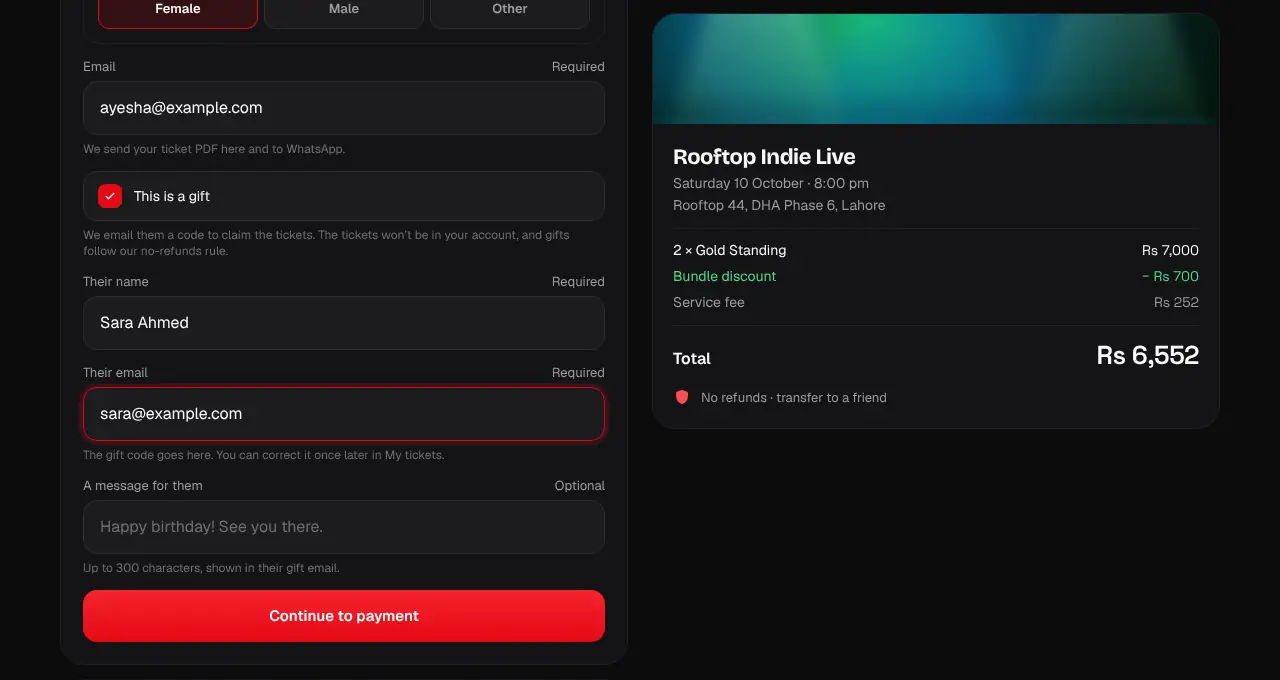
Tick “This is a gift” at checkout. We email your friend a code, and the tickets go to whoever claims it.
- 1
Pick your tickets and go to checkout as usual. On the details step, tick This is a gift.
- 2
Enter your friend’s name and email, and a message if you like (up to 300 characters). Their name goes on the tickets for now; they can change it when they claim.
- 3
Pay as normal. We email your friend a gift code (it looks like SG-GIFT-7K4Q-29XM) with a button that opens the event and fills it in.
- 4
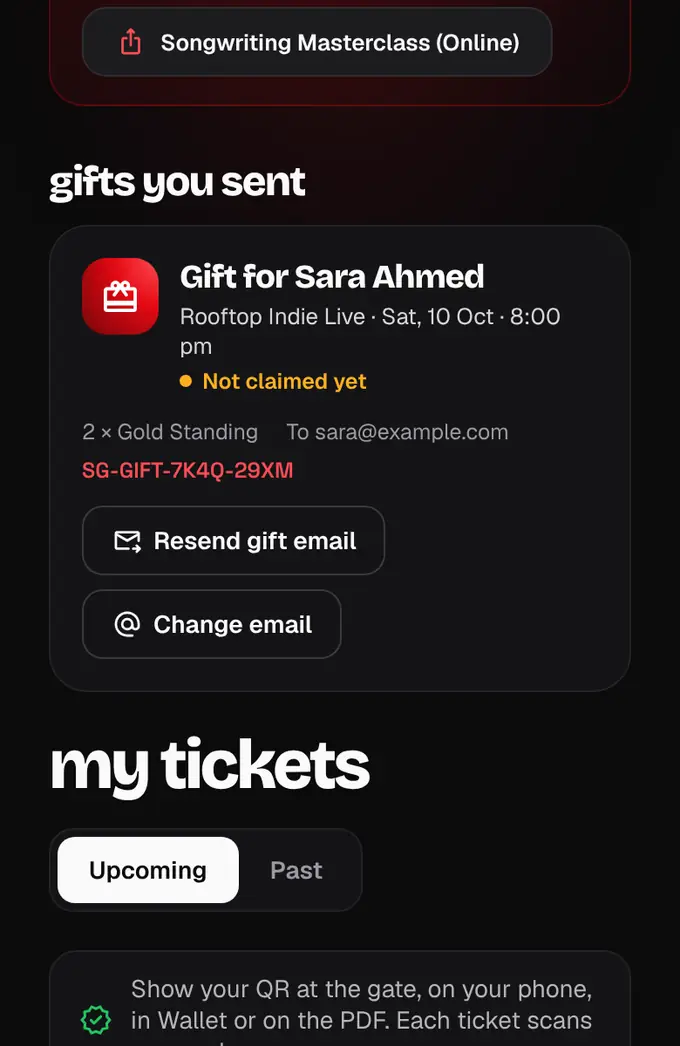
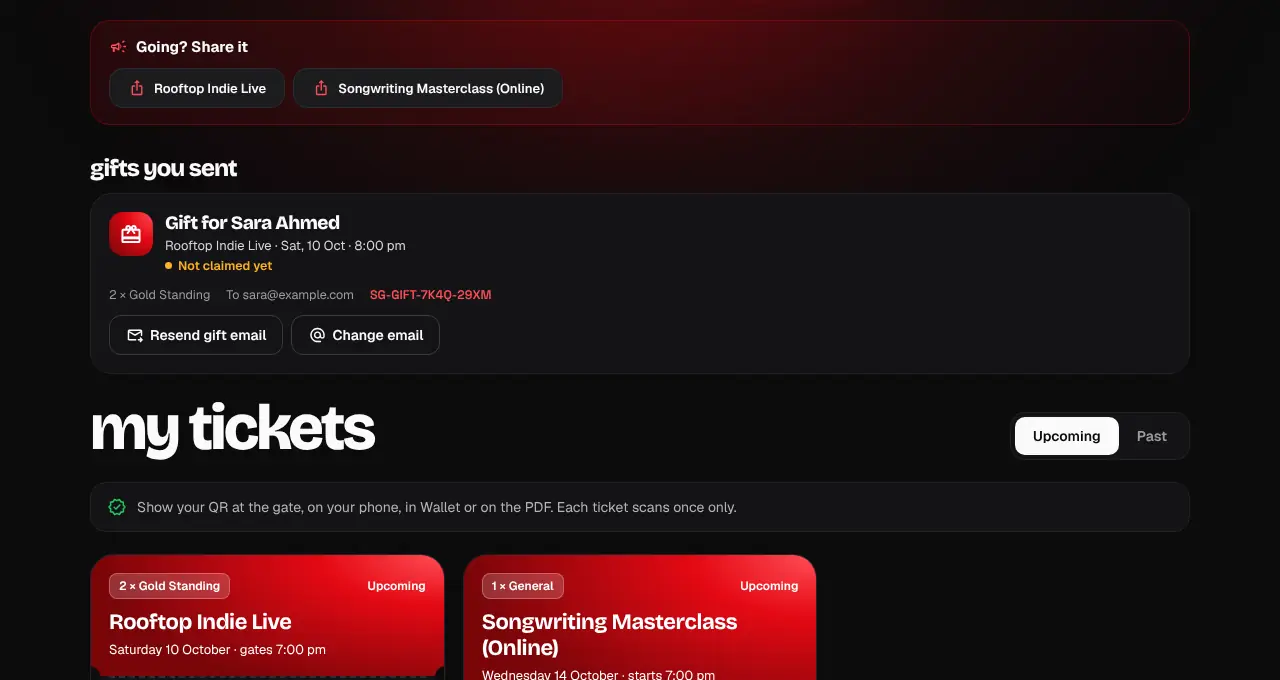
The tickets don’t come to your account. Instead, My tickets shows “Gift for Sara · not claimed yet”, and we tell you when they claim it.
- 5
Didn’t get it? Tap Resend gift email. Got the address wrong? Tap Change email: you can do that once, before it’s claimed, and it goes to the new address straight away.
- Official partner tickets can’t be bought as a gift.
- Every ticket in the order goes to whoever claims the code, group passes included, so share it only with the person it’s for.
- Gifts follow our no-refunds rule. Once claimed, your friend can transfer a ticket like any other.
- They have until the event ends to claim it; we remind them 3 days and 1 day before.
- If the event is cancelled, an unclaimed gift is cancelled too.