claim a gift code
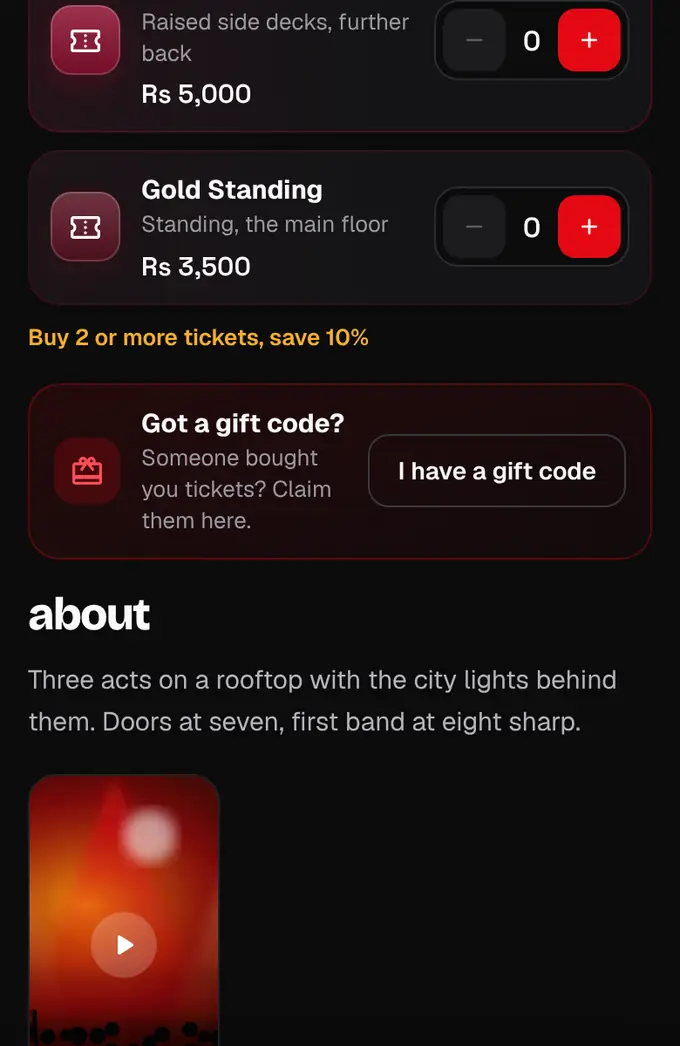
Someone bought you tickets? Log in, open the event and tap “I have a gift code”.
- 1
Sign up or log in at shapargullay.com (or in the app). Any email works; the tickets go to the account you’re logged in to.
- 2
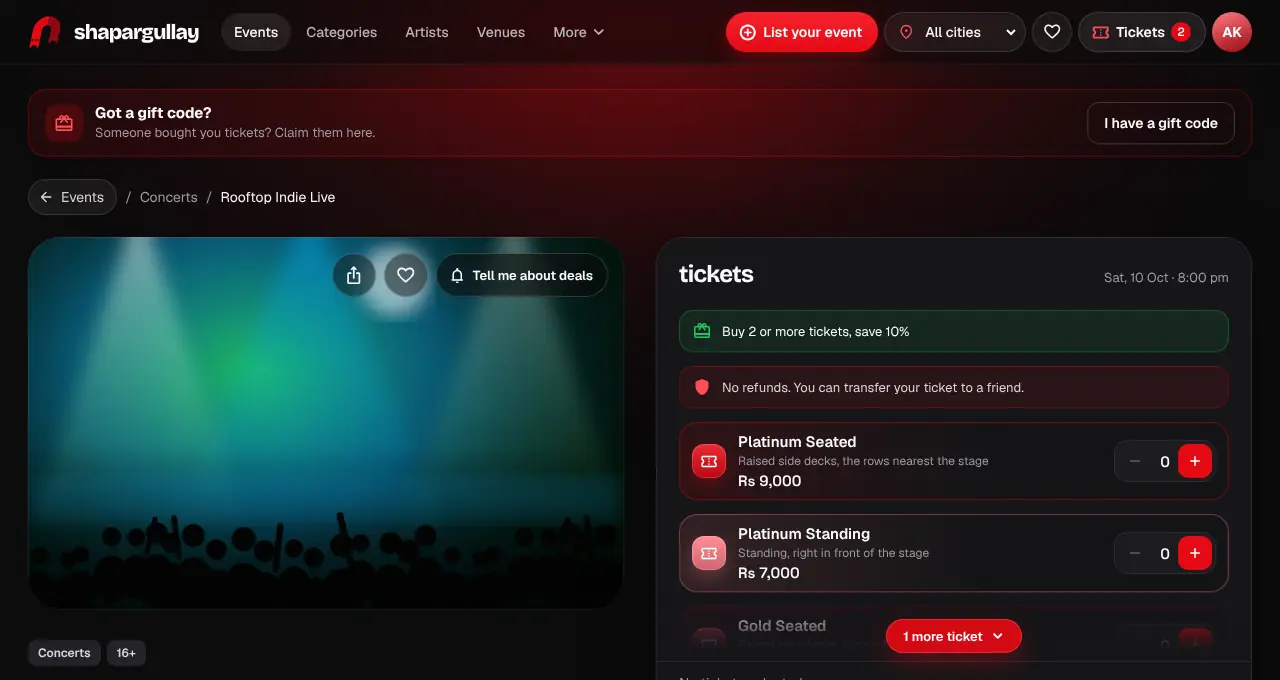
Open the event from your gift email’s button, or find it on the site. Tap I have a gift code. You can also use Account › Redeem gift code.
- 3
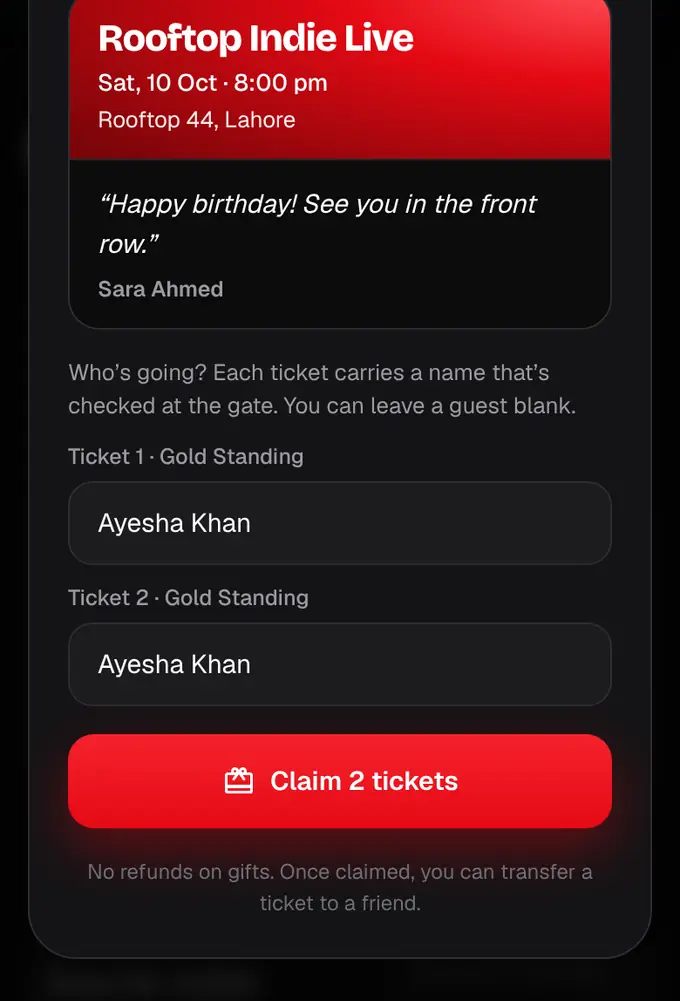
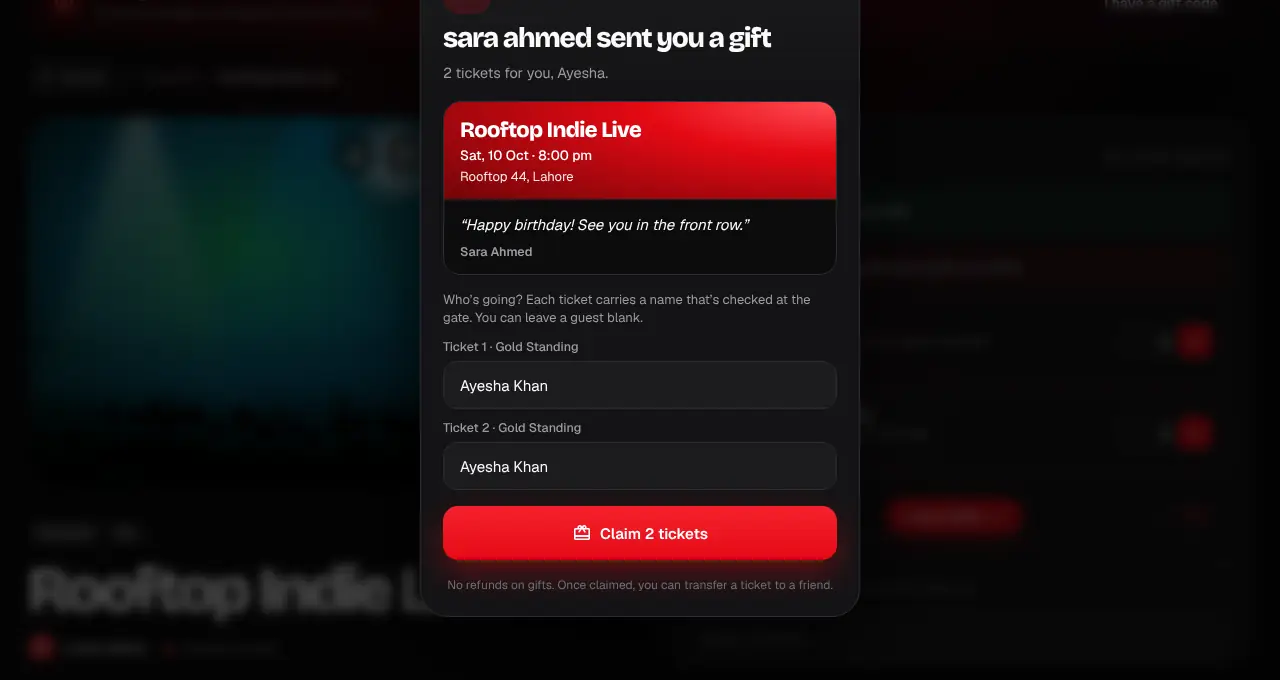
Enter the code. You’ll see who it’s from, their message and the tickets.
- 4
Check the name on each ticket (it’s checked at the gate), then tap Claim. The tickets are in My tickets straight away, and we email them to you.
- Codes work until the event ends.
- After 10 wrong codes in an hour, claiming pauses for an hour to stop guessing.
- If it says the gift was already claimed and it wasn’t you, ask the person who sent it.
Was this helpful?
related
confirmation_numberBuy tickets as a giftTick “This is a gift” at checkout. We email your friend a code, and the tickets go to whoever claims it.confirmation_numberFind your ticketsAll your tickets live in My tickets on the website and in the app.qr_code_scannerShow your QR code at the gateOpen the ticket and show its QR. Each ticket scans once, so keep it to yourself.
Still stuck?
didn’t find what you need?
smart_toyAsk ShappyOur assistant answers straight away, with live dates, prices and your orders.chatOpen the chat
support_agentContact supportTalk to a person. We reply within one working day. WhatsApp takes messages (not calls), and each chat gets a support reference.