help & emergency at an event
Emergency numbers for everyone, and for women attendees a direct line to event security and a way to report a problem to the organizer.
- 1
Open your ticket (or the event page on the day) and tap Help & emergency.
- 2
Tap any emergency number to call it: Police 15, Rescue 1122, Fire Brigade 16, Edhi 115, Chhipa 1020 and Motorway Police 130, plus the Women Protection helpline 1043 for events in Punjab.
- 3
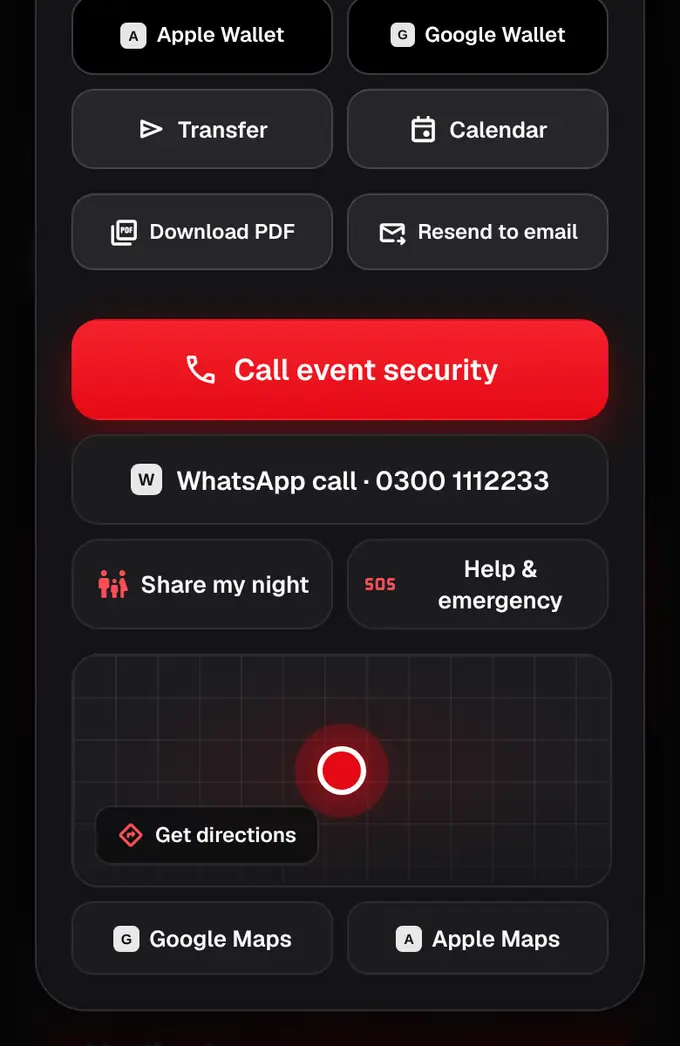
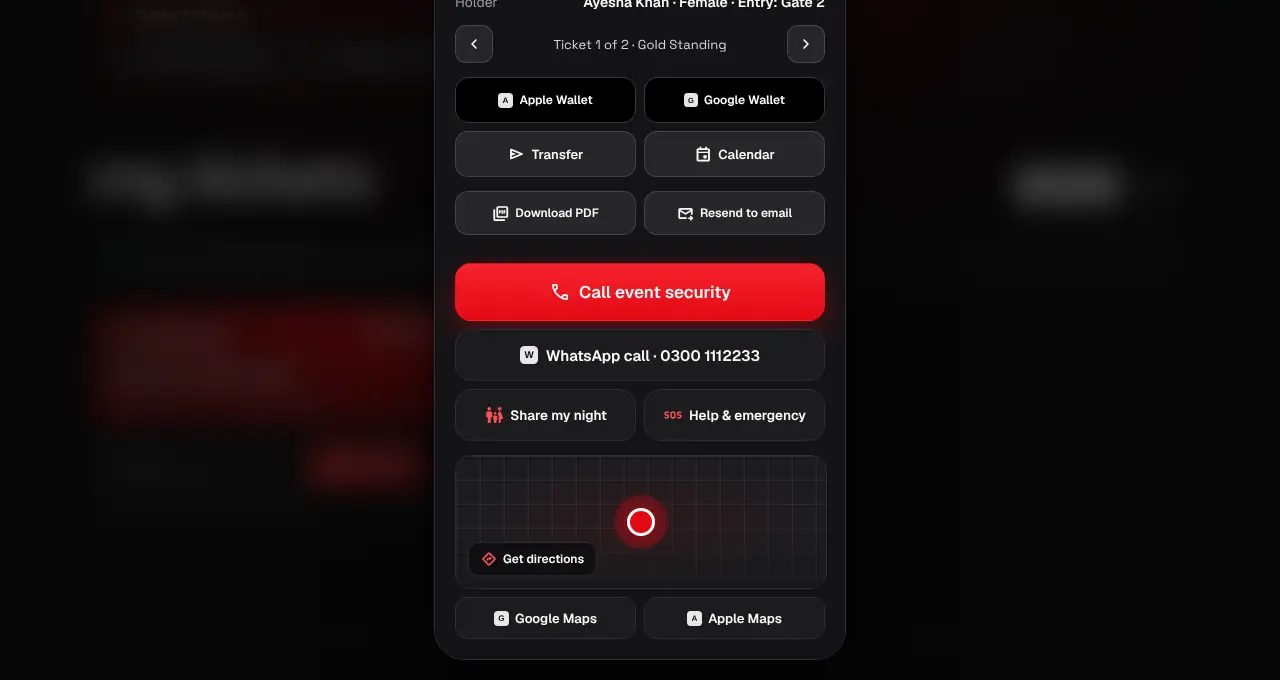
Women attendees: your ticket shows a red Call event security button that opens your phone’s dialer, with WhatsApp call as a second option. We show it to women only, using the gender on your ticket or in your profile. If we don’t know, the ticket asks once: “Are you a woman?”
- 4
Women attendees can also Report an issue to the organizer: pick Harassment, Medical help, Lost item or Something else, add a note if you like, and tap Send. The organizer gets it straight away by push, email and inbox, with your first name, ticket type, gate, the time, your phone number and, if you’re sharing your night with location on, your last location. Their security team also sees a “plan vs what happened” timeline for your ticket (when you arrived, the exact gate scan, when you stepped out or left), so they know where to look; your family never see your reports.
- Official partner tickets: only the emergency numbers show (no event security line or reports to the organizer, since we aren’t connected to the organizer).
- In danger right now? Call 15 or 1122 first, then event security.
- Change your gender any time on your Account page (website or app).
- Reports open 12 hours before the event and close a day after it.