share your night with family (safe night)
Send family a private link that shows when you reach the venue, which gate you enter by and when you leave. No app or sign-in needed for them.
- 1
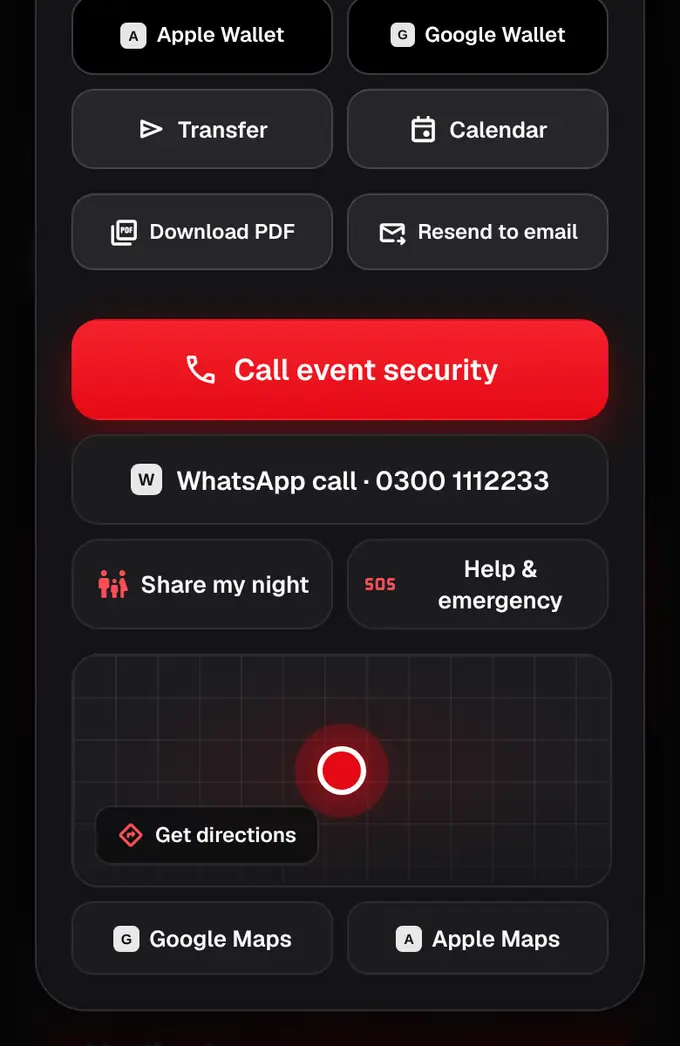
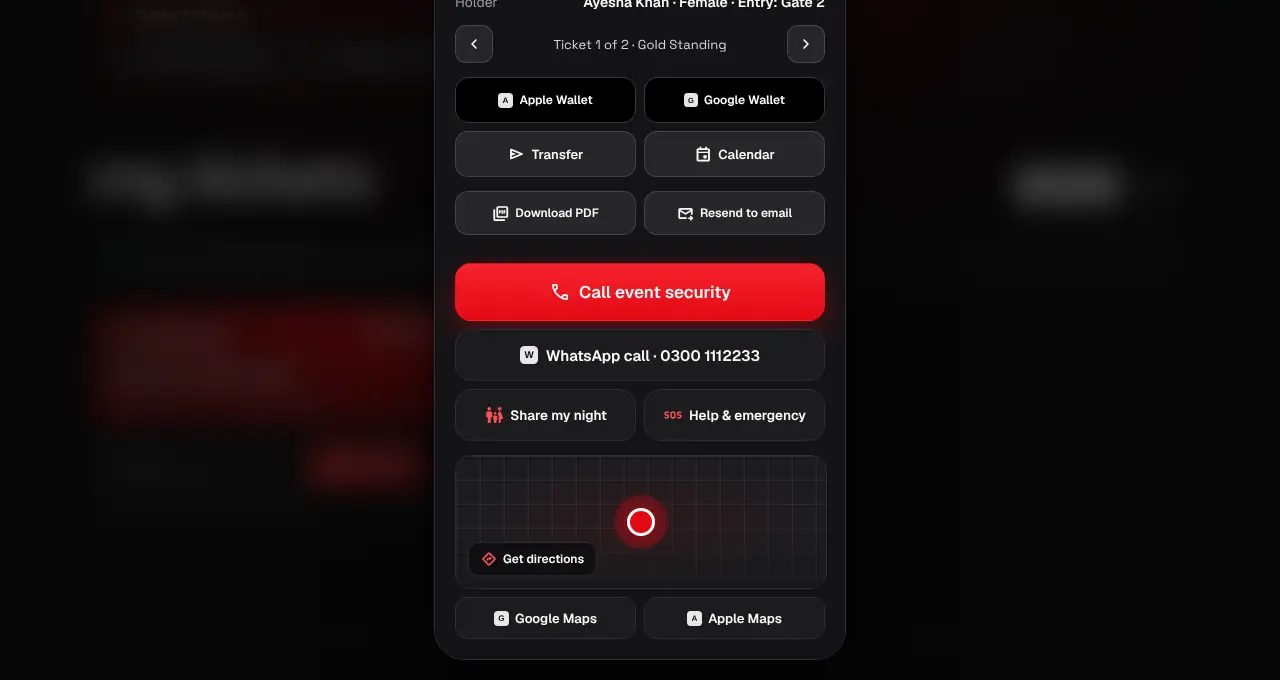
Open the ticket in My tickets (website) or tap it in the app. On an upcoming in-person ticket, tap Share my night.
- 2
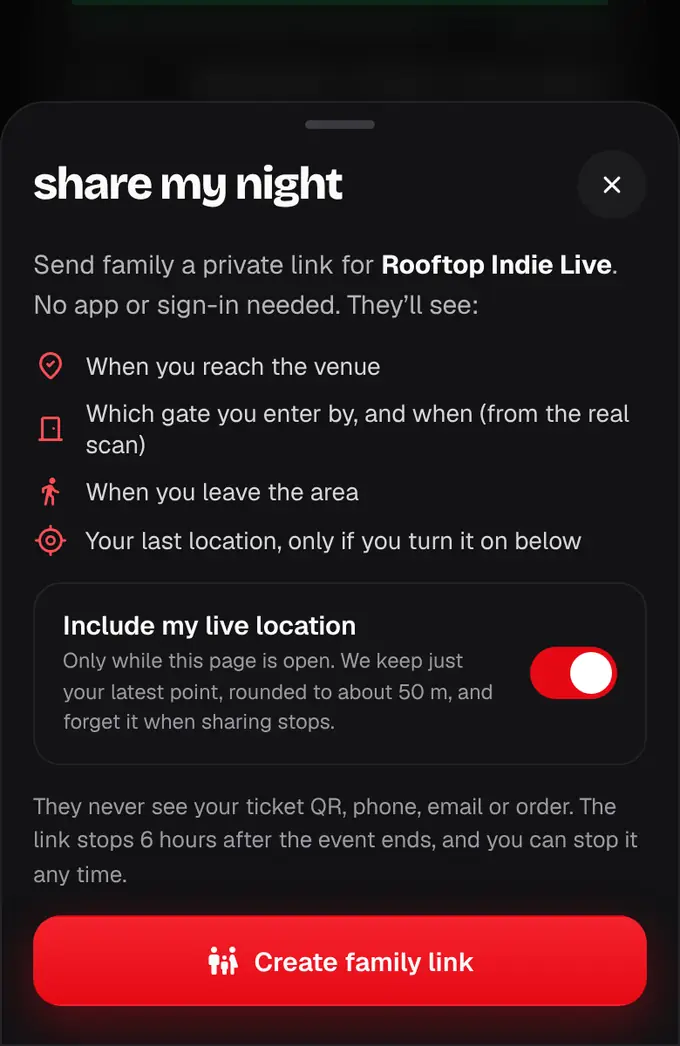
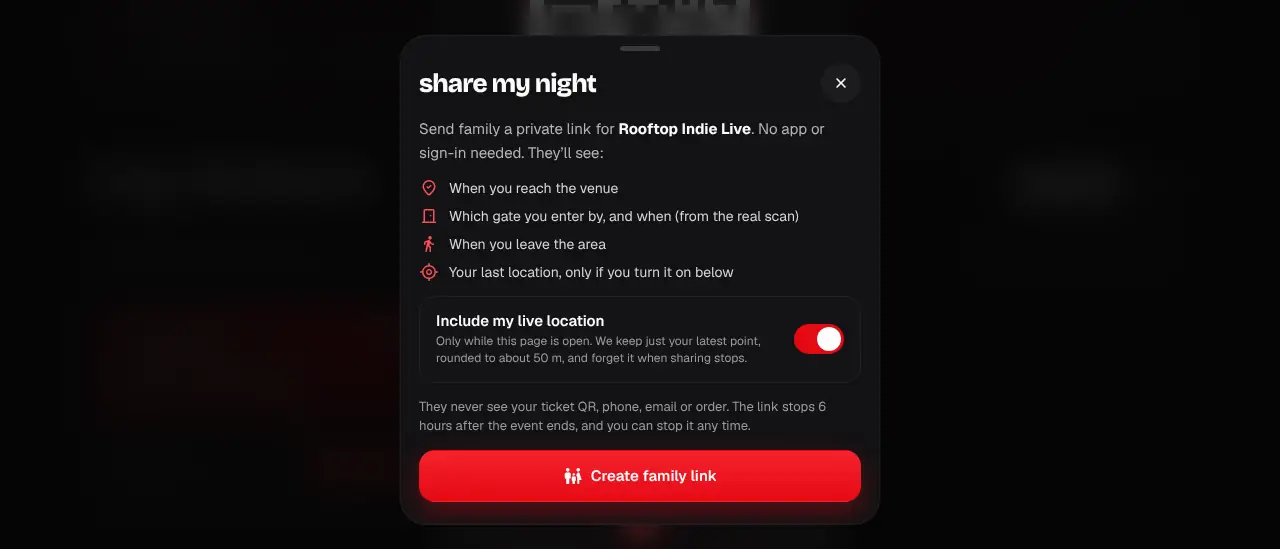
Choose whether to include your live location. It’s only sent while the ticket page or the app is open on your phone, at most once a minute.
- 3
Tap Create family link, then Send on WhatsApp (your own WhatsApp opens with the message and link typed in; you pick who gets it) or Copy link.
- 4
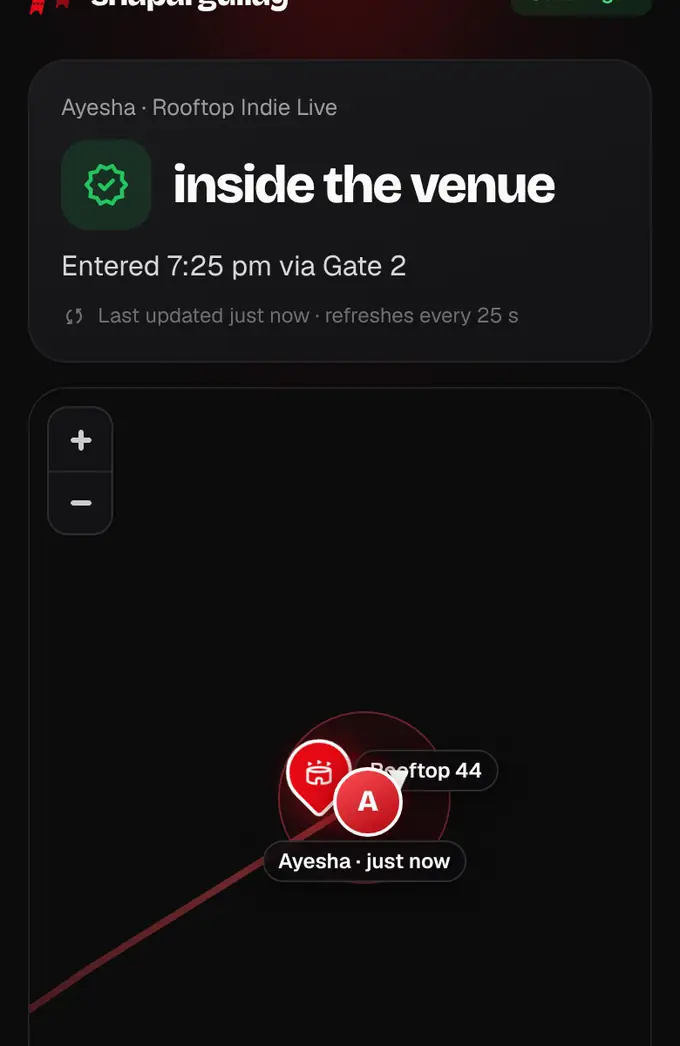
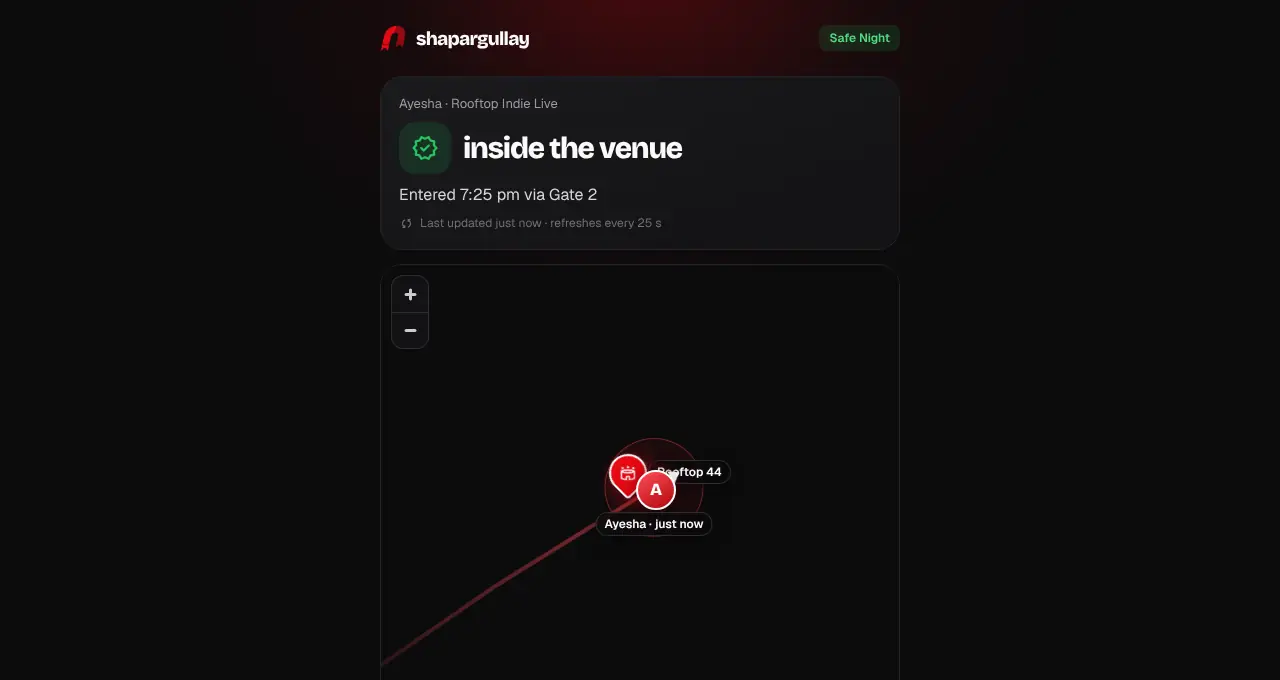
Your family opens the link: they see your first name, the event and a live map. The venue is a red pin; with location on, you’re a round pin with your initial that moves as your phone sends updates, with a short faded trail of the last 30 minutes, and a line like “Ayesha is 1.2 km from the venue”. While you’re on your way, like a delivery app, a bold red line shows the road route from you to the venue, an arrow on your pin shows which way you’re heading, and a chip says “ETA ~25 min · 12 km by road” (if the route can’t be worked out, a dashed straight line with “~12 km away”). Within about 300 m it says Arriving; once you arrive or get scanned in the line goes away. Chips under the map show Arrived, Entered (with the gate, from the real scan) and Left the venue area, with times. The page refreshes about every 25 seconds while it’s open.
- 5
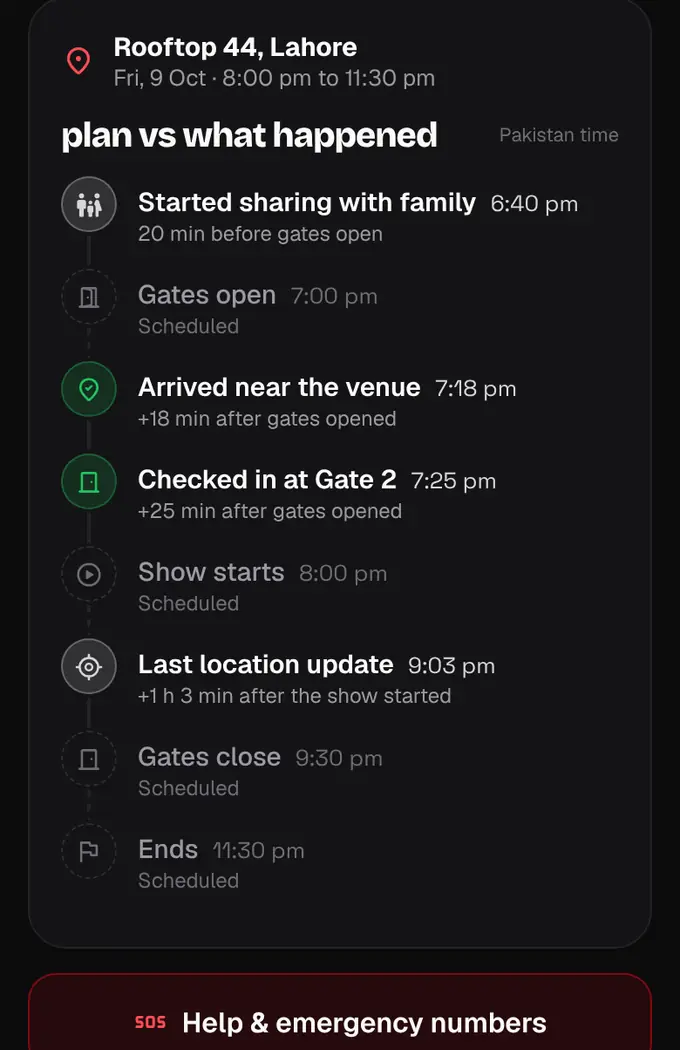
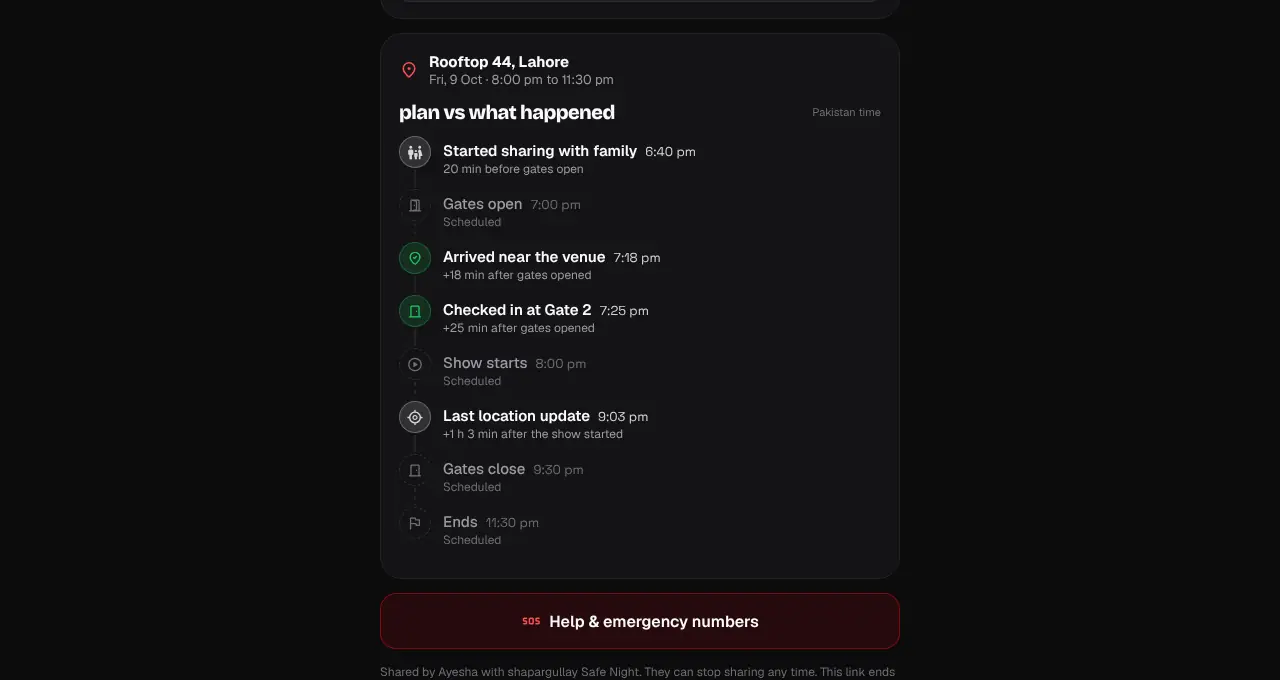
Below the map is “Plan vs what happened”: the event’s schedule (gates open, show starts, gates close when the organizer set it, ends) marked Scheduled, next to what really happened, like “Checked in at Gate 4 · 9:25 pm · +25 min after gates opened”. Before you’re scanned in it says, for example, “Not checked in yet · Gates opened 40 min ago”. All times are Pakistan time.
- 6
Your family can tap Show me on the map to add themselves as a blue dot (their browser asks first). They then see how far they are from you and get Directions to you or to the venue in Google Maps. Their location stays on their phone; it isn’t sent to us or to you.
- 7
While a link is live you see a green “Sharing with family” banner. Tap Stop (or Stop sharing in the sheet) any time; the link stops working straight away.
- 8
Optional: turn on “Remind me to text my emergency contact if my battery gets low” in the same sheet and pick 15% or 10%. When your battery gets low, we’ll remind you to text your emergency contact a link to your live location — you just tap send. Add your emergency contact first (a name and a mobile number); you can also add it when you sign up or on your Account page.
- 9
If your battery reaches that level during the event while the app (or the page, in Chrome on Android) is open and you’re online, your family page shows “Phone battery low” with your current location (rounded to about 50 m), and we remind you once: a notification in the app (or a banner on the page) with Text and WhatsApp buttons. Tap one and your own messages app opens with your contact’s number and a short message with your Safe Night link typed in; you just tap send.
- Not available for official partner tickets: we resell those and aren’t connected to the organizer or the entry team.
- Privacy: family never see your QR, phone, email or order. With location on we keep your points from the last 30 minutes only (at most 30, each rounded to about 50 m) for the trail on the map, plus the times you arrived, entered and left. Turning location off, stopping or the link ending forgets all of them.
- If your phone stops sending (closed page, no signal, flat battery), your pin turns grey with “last seen 25 min ago”. If location is off, the map shows only the venue and says you share arrival and entry only. Secret-venue events never show the venue on the map.
- If you stop sharing while your family has the page open, it freezes on the last update without your location and says you stopped sharing; it doesn’t refresh any more.
- Links end on their own 6 hours after the event finishes. We send you a notification when the event starts (“You’re sharing your night with family”) and when sharing ends.
- “Arrived” means within about 300 m of the venue; “left” means more than about 600 m away after arriving or entering. Without location, family still see your gate entry.
- Sending your ticket to someone else stops your link.
- The reminder needs internet for your family page to update, and you need enough battery to send the text, so 15% is safer. Turning it on asks for precise location (for the family page) and, once, to show notifications.
- Your emergency contact is visible only to you and used only for this alert.
- We never message your contact ourselves: the text or WhatsApp goes from your own phone, to the number you saved, only when you tap send.