your link-in-bio page
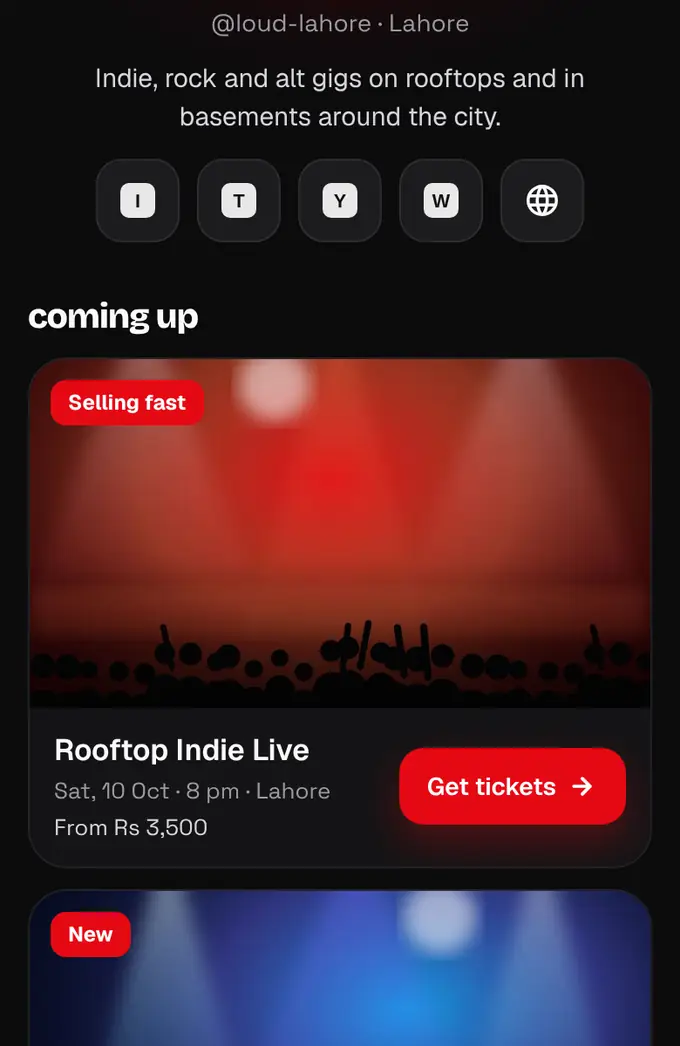
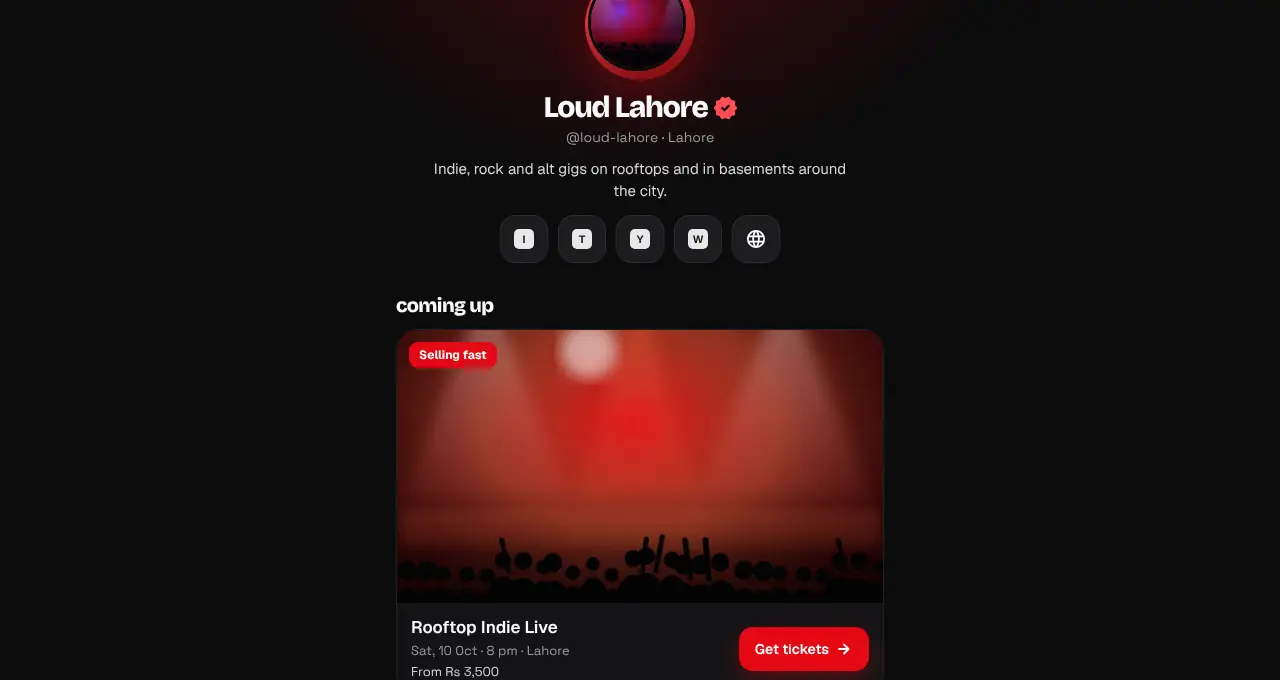
One short link (shapargullay.com/o/yourname) for your Instagram or TikTok bio, with your logo, socials and every upcoming event.
- 1
Every organizer gets a page at shapargullay.com/o/ followed by their handle (made from your brand name at sign-up). It shows your logo, name, bio and social icons, a big Get tickets button for each upcoming event, and past events as a small grid.
- 2
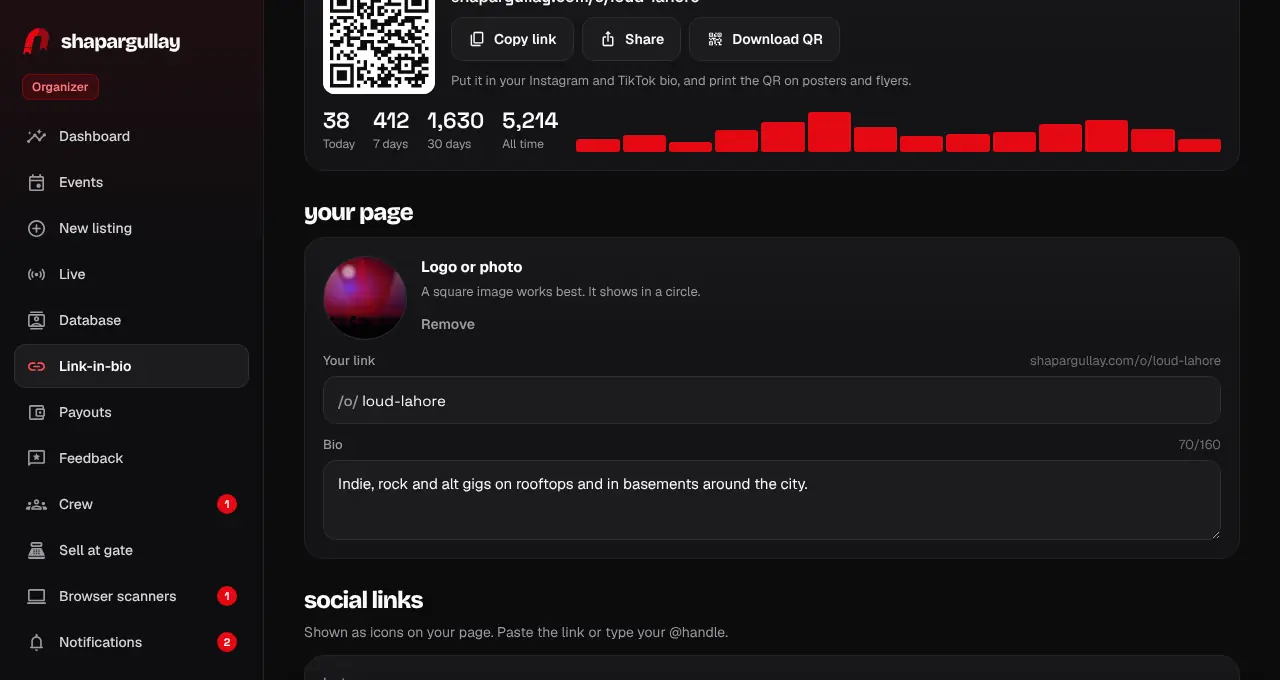
Open shapargullay.com/organizer. The Your link-in-bio card on the dashboard has Copy link, Share and Download QR (a print-ready PNG for posters), plus how many people visited today, this week and this month.
- 3
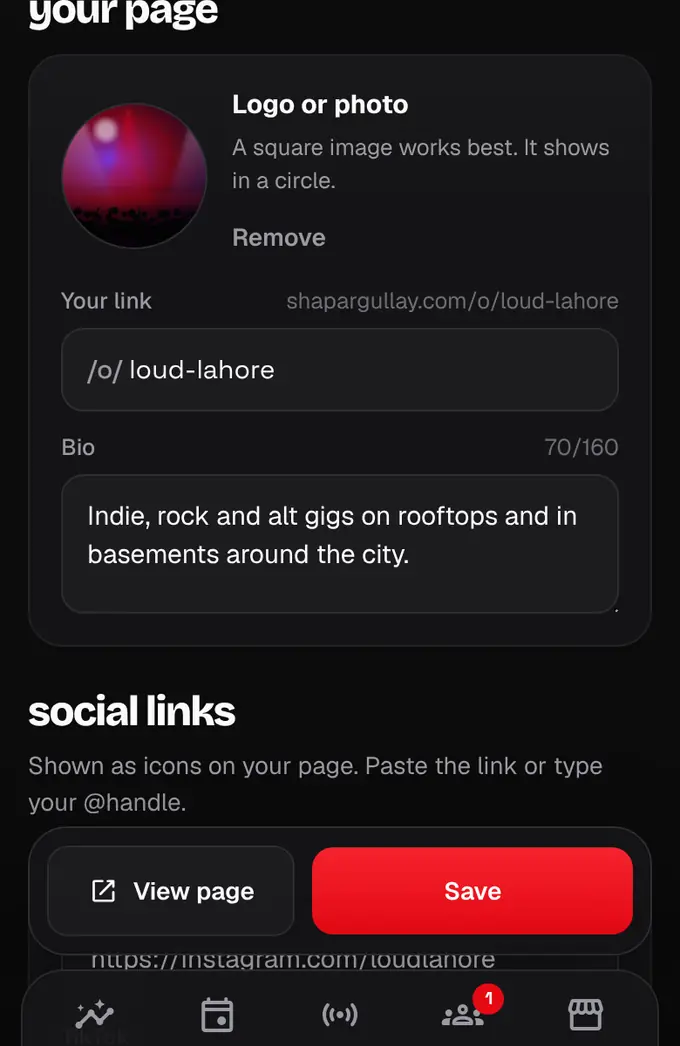
Tap Edit page to change your handle, add a logo, a bio (up to 160 characters) and your Instagram, TikTok, YouTube, Threads, X, WhatsApp channel, Facebook or website links. Tap Save. The same links appear on your event pages and organizer page under a Contact organizer button (partner listings never show it).
- 4
In the Organizer app, the same card is on the dashboard, and Account > Your link-in-bio page edits it.
- Changing your handle breaks the old link and any QR codes you printed for it.
- Visits are counted once per person per hour, and your own visits don’t count.
- Only events that are live and public show on the page.