events on several days: same show or one festival?
With more than one date, choose “Same show on different days” or “One event across several days”.
- 1
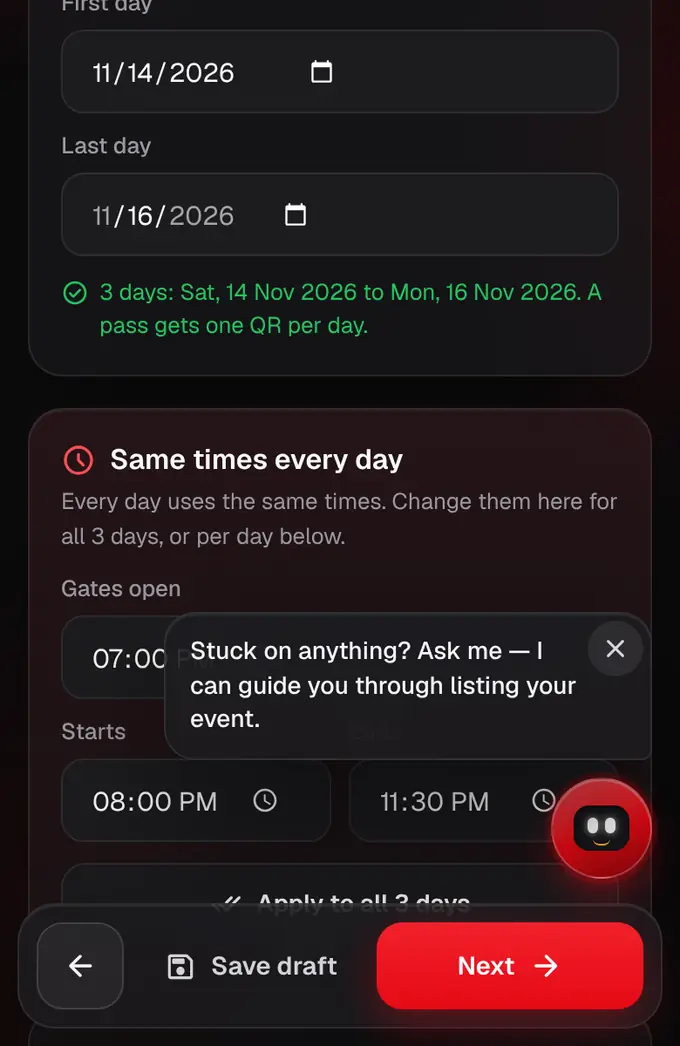
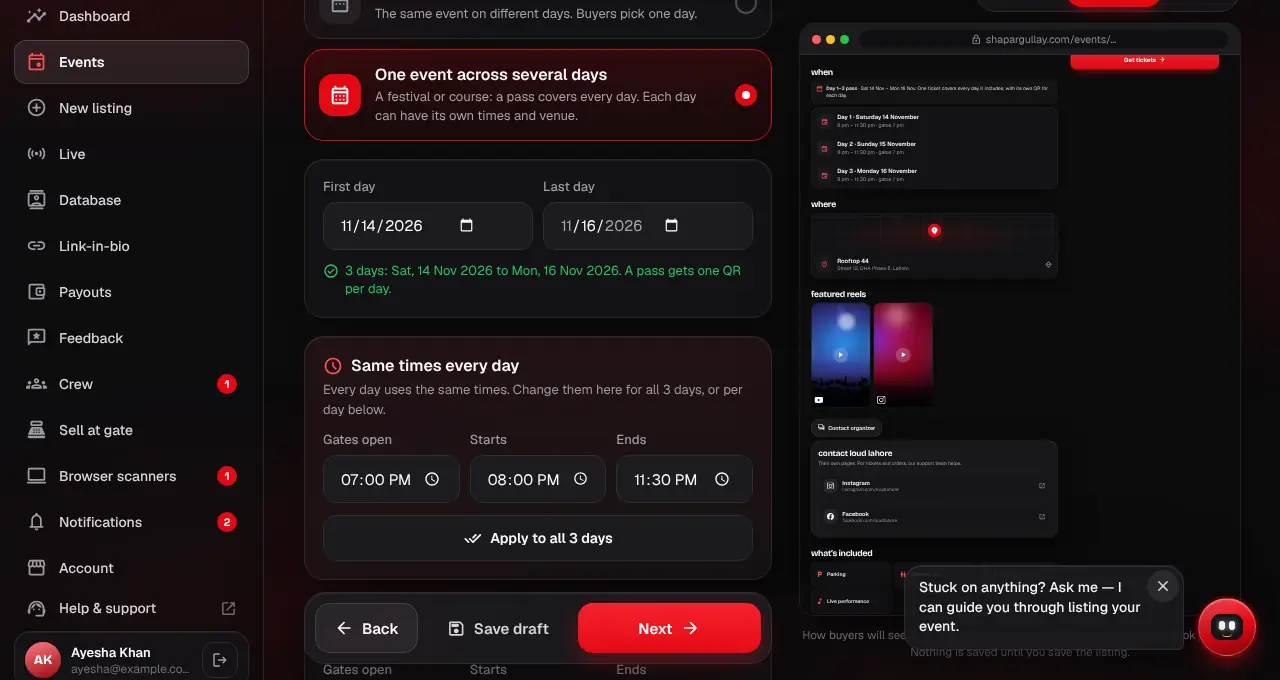
On the When step of the listing editor, pick how the dates work: One day, Separate days, or One event across several days.
- 2
Same show on different days (for example a comedy show on 2, 3 and 4 Oct for new audiences each night): buyers choose one day, and each ticket is for that day only. This is how listings worked before.
- 3
One event across several days (for example a 3-day festival where Friday, Saturday and Sunday are parts of one event): pick the first and last day and the times once. Buyers don’t pick a date. A full pass covers every day, with a separate ticket and QR for each day (“Festival pass · Day 1 of 3”).
- 4
For one event across several days, tick the days each ticket covers. All days makes a full pass; one day makes a single-day ticket; you can also cover a few days, like a weekend pass.
- 5
Each day’s QR only works on its own day. Group passes still give everyone their own ticket, for every day, and “enter together” applies each day.
- How many you sell is counted once for the whole event, not per day.
- Once tickets are sold, the days a ticket covers can’t change.