promote an event and earn commission
Accept an organizer’s invitation, then share your own link and code. Every ticket sold through them earns you commission.
- 1
An organizer invites you by email or sends you an invite link. Open it and sign in (or make a free account with the same email).
- 2
Check the event and your commission, then tap Accept and get my link.
- 3
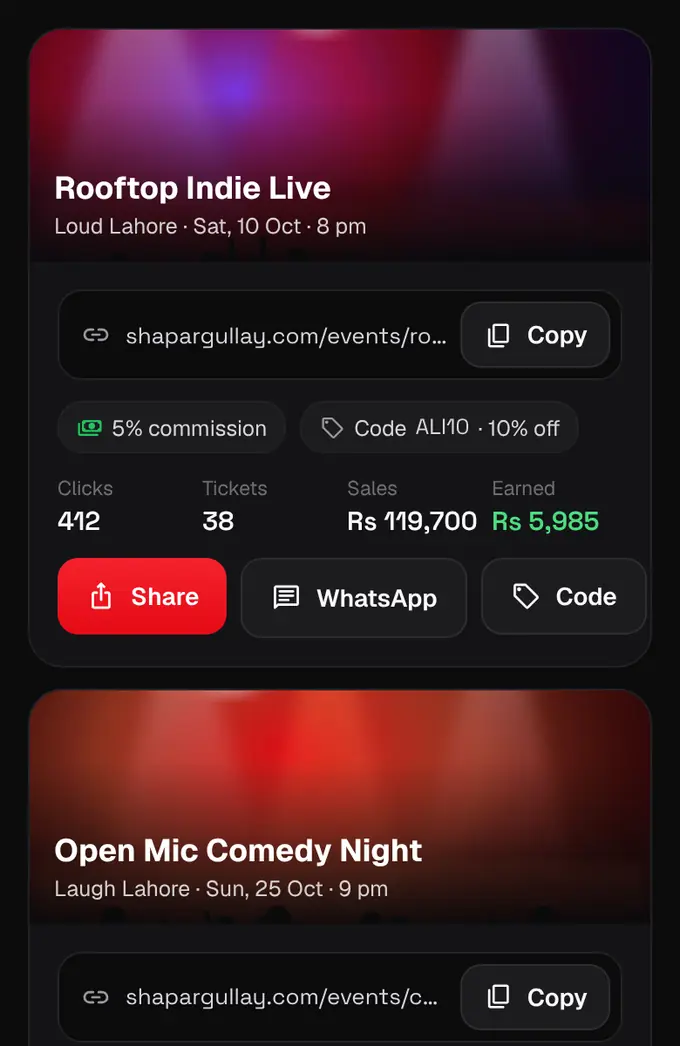
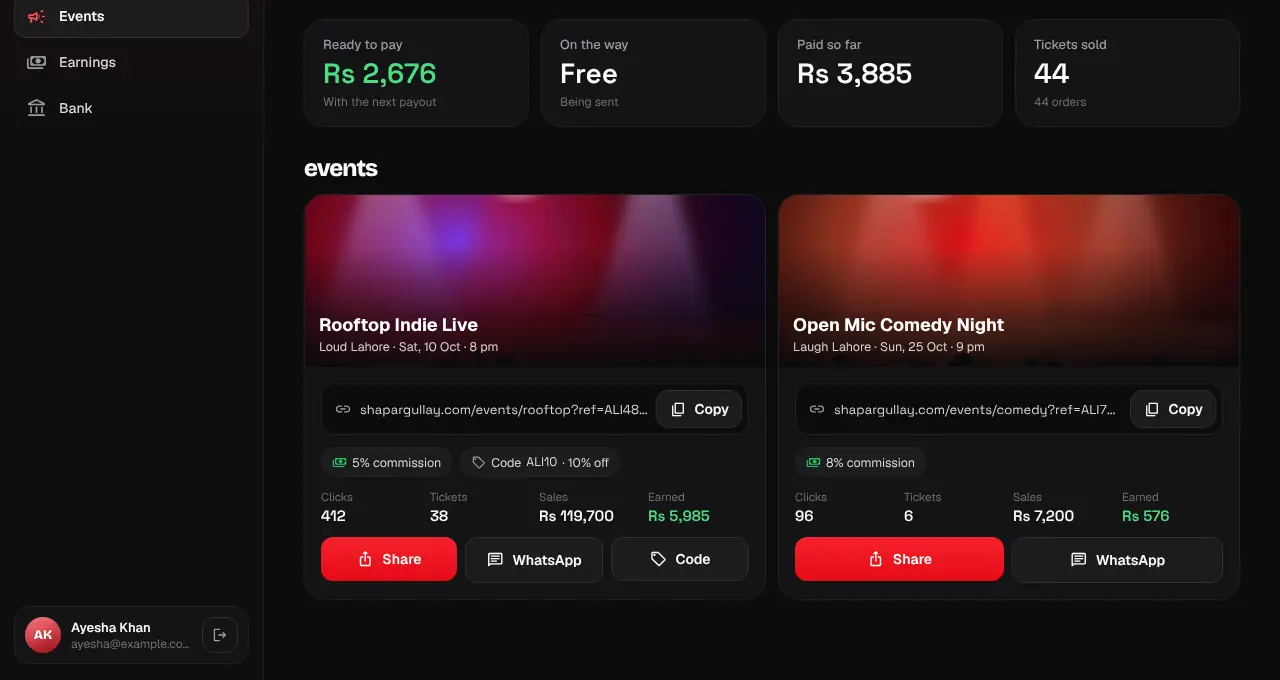
Your promoter page is at shapargullay.com/promoter (in the app: Profile, then Promoter). Each event shows your link and, if the organizer gave you one, your code and its discount.
- 4
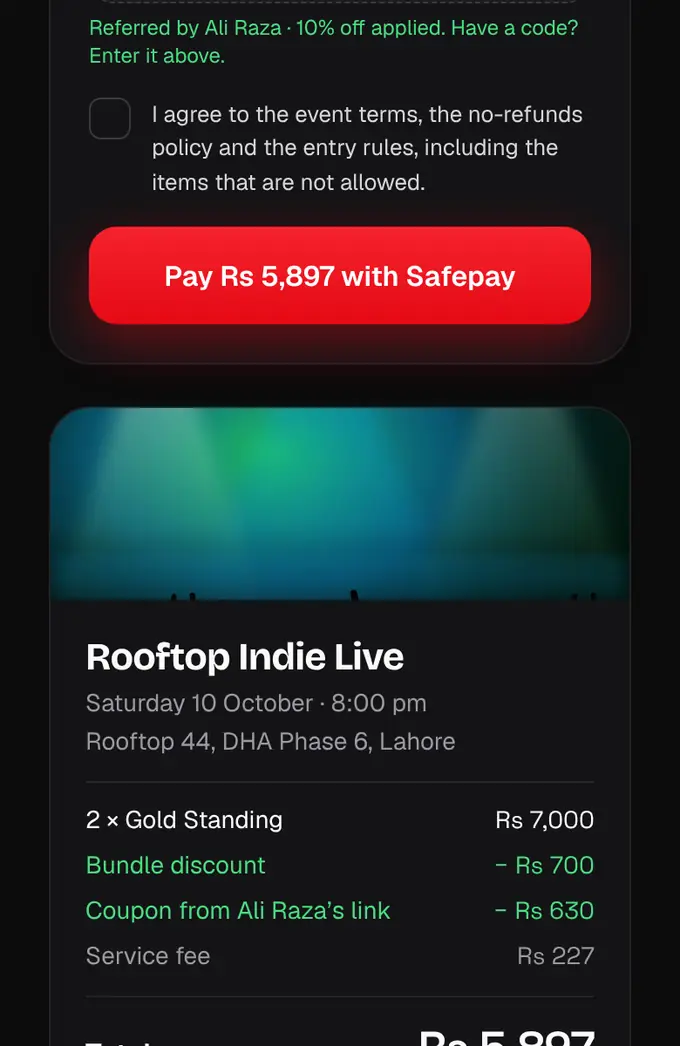
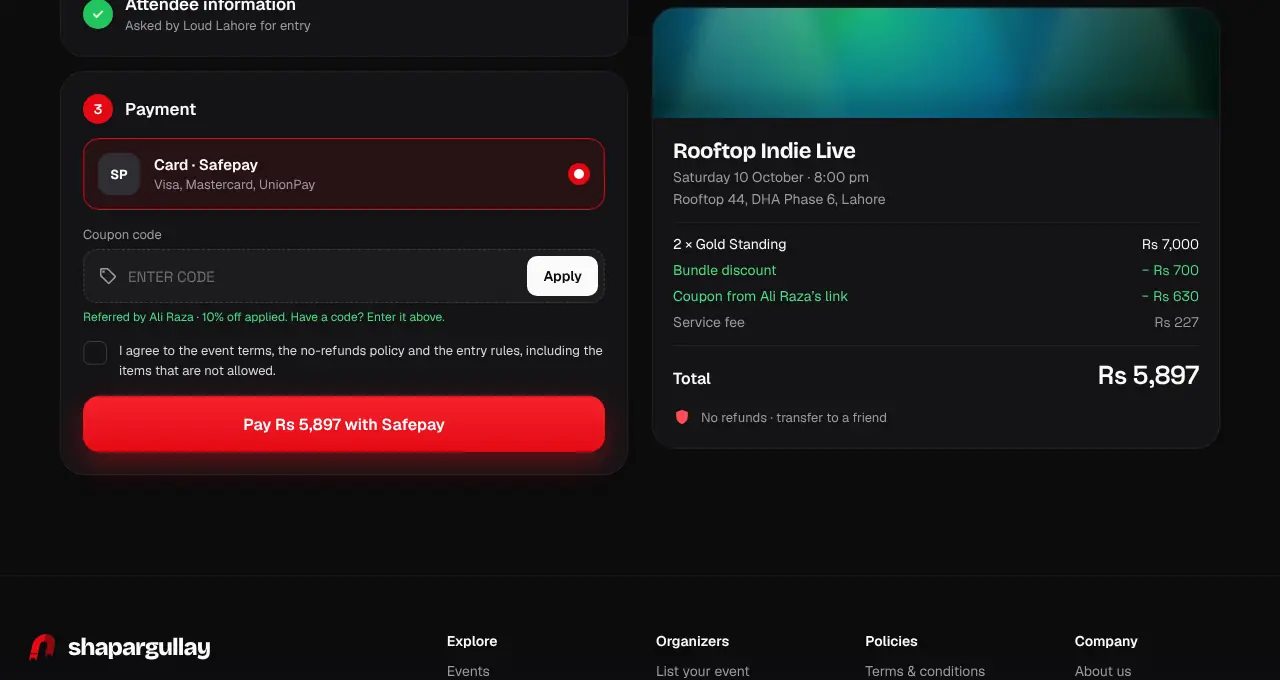
Tap Share or WhatsApp to send it, or Copy to paste it into a post or bio. When someone opens your link, it’s remembered on their phone for 7 days and checkout shows “Referred by” your name; if they type your code, the sale is always yours.
- 5
Watch your clicks, tickets, sales and earnings on each event card. You get a notification for your first sale and a weekly summary.
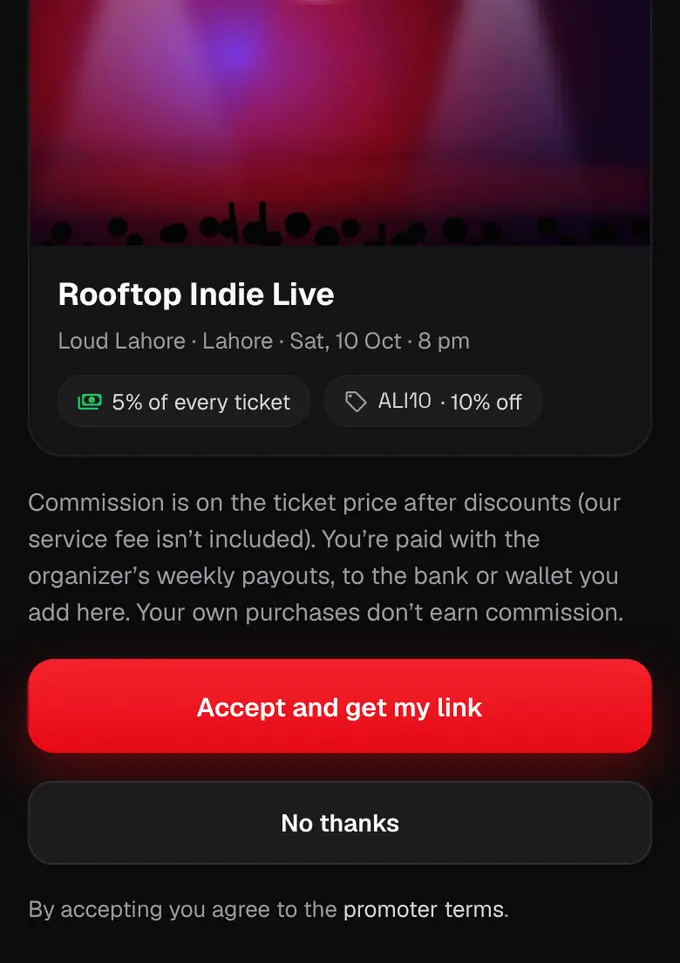
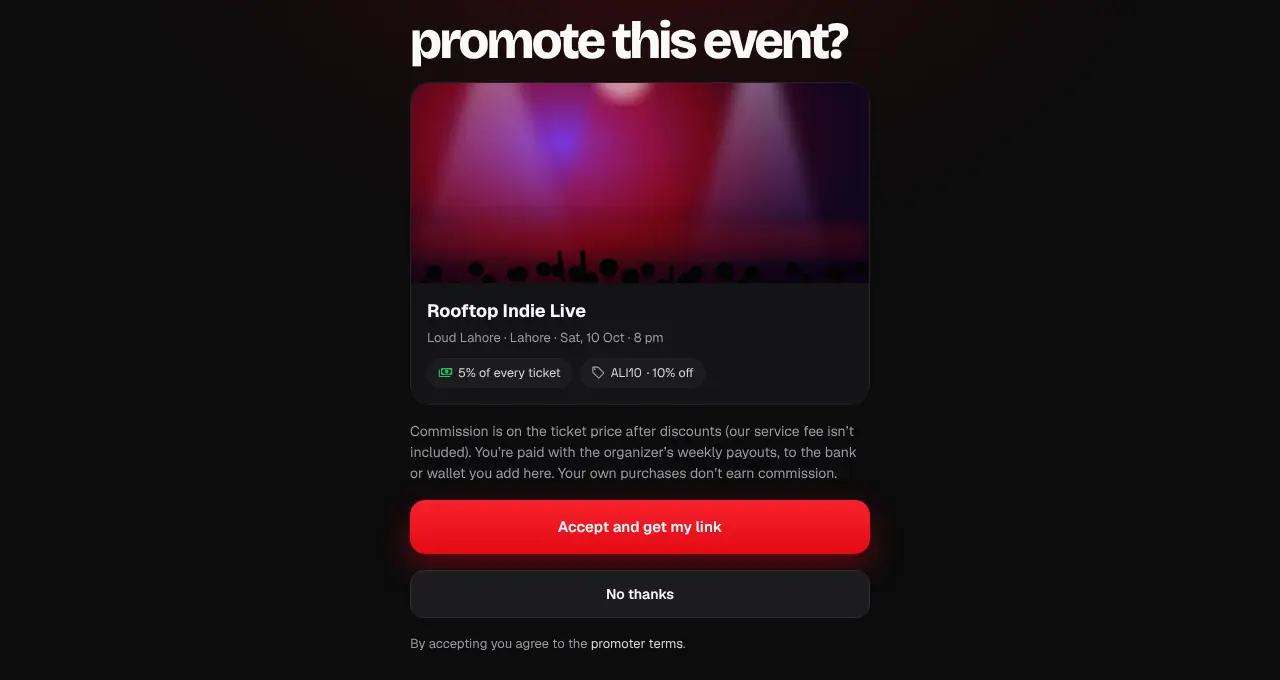
- Commission is a % of the ticket price after discounts; the buyer’s service fee isn’t included.
- Your own purchases never earn commission.
- If a buyer types someone else’s code, that sale goes to the code’s owner.
- If the organizer pauses you, your link and code stop working until they resume you; sales made before still count.