“was this you?” when your ticket is scanned
We tell your other phones when your ticket is scanned. If it wasn’t you, report it in one tap.
- 1
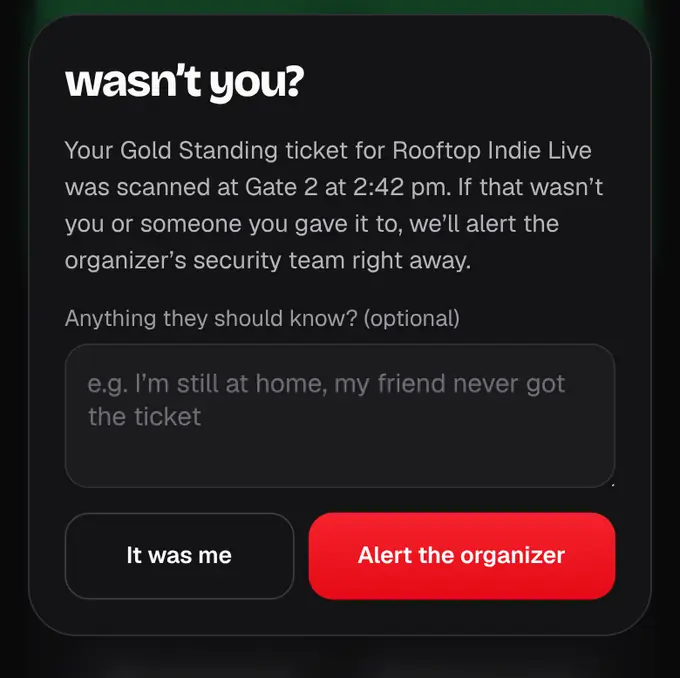
When your ticket is scanned (or used to join an online event), the shapargullay app on your other phones gets a notification: “Your ticket for … was scanned at Gate 2 · 8:42 pm. Not you? Report it.” It’s also in your notifications.
- 2
The phone showing the ticket at the gate isn’t pinged. If that’s your only phone, you just get a quiet “Checked in at Gate 2” in your notifications.
- 3
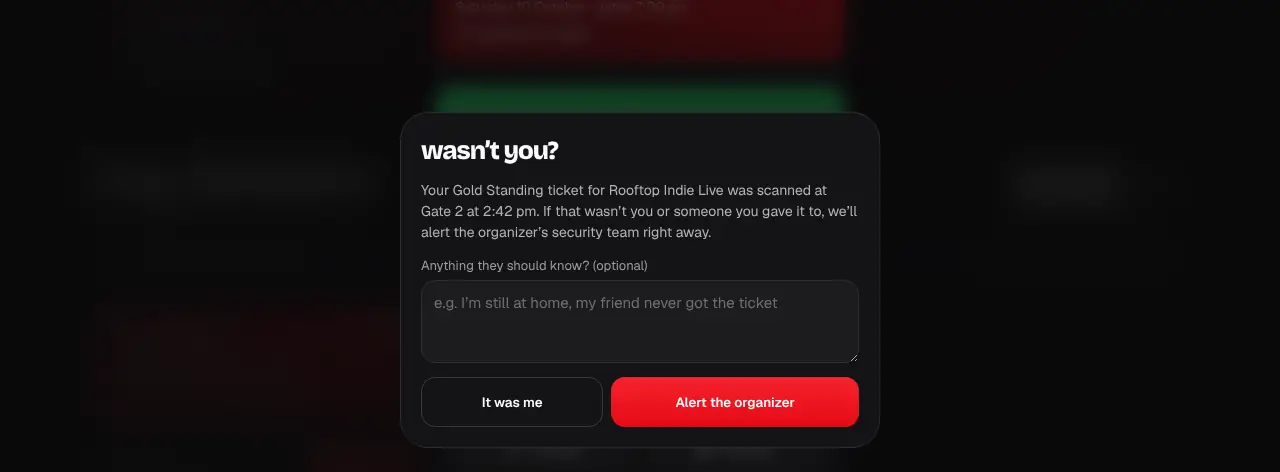
If it wasn’t you or someone you gave the ticket to, tap the notification (or open the ticket and tap Report it). Add a note if you like and tap Alert the organizer.
- 4
The organizer’s security team gets your report with the gate and time of the scan, and may call you on the number in your account.
- Turn these alerts off or on in Account → notifications (“Ticket scanned alerts”).
- A group pass let in together (like a Family pass) sends one alert for the whole group, for example “Your Family pass (4 people) was just scanned at Gate 2”.
- Reports work for 3 days after the scan. After that, contact support.
- Never share your QR: whoever scans it first gets in.