shappy tips while you list
Short, step-by-step advice as you fill in a listing: title, description, prices, missing details. Nothing changes unless you tap it.
- 1
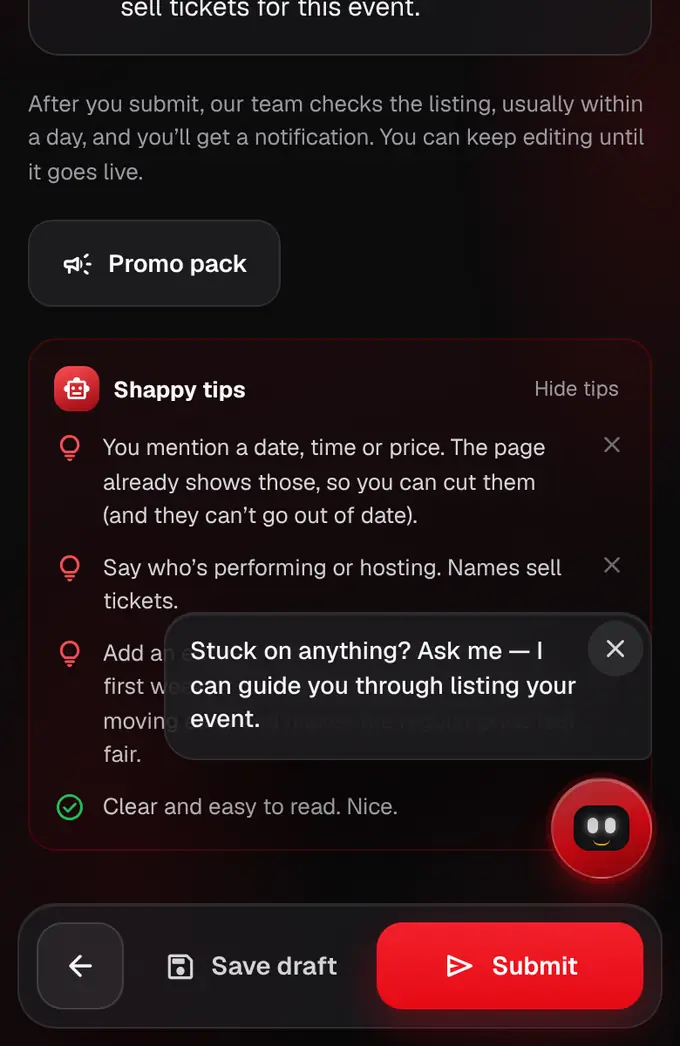
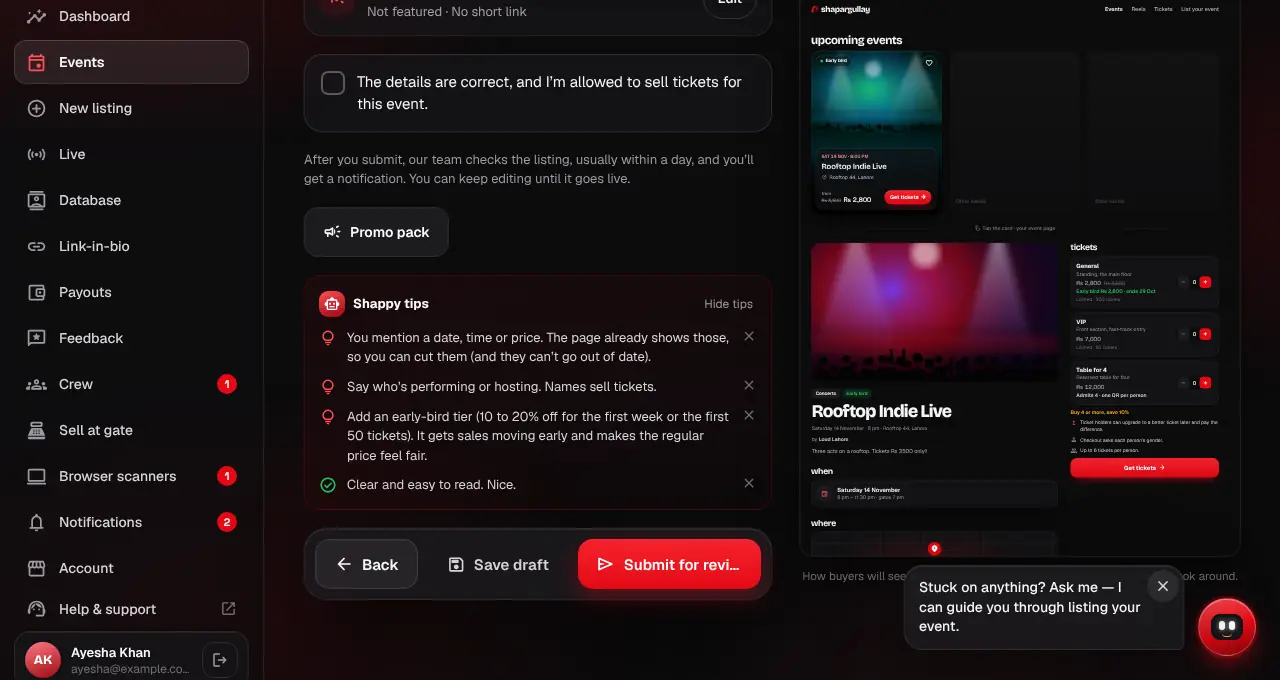
As you fill in the listing editor (at shapargullay.com/organizer/listing or in the Organizer app), a Shappy tips box on each step gives advice for that part: a title that’s too long, a description that’s too short, a missing gate time, banner or meeting link.
- 2
Under the tickets, Shappy compares your prices with similar live events in the same city and category, and says if they look unusually high or low, or suggests an early-bird tier.
- 3
Some tips have a button, like “Add Comedy” or “Limit to 4 each”. Tap it to use the suggestion; otherwise nothing in your listing changes. Tap × to dismiss a tip, or Hide tips to turn the box off.
- 4
Under the basics, tap Improve with AI for a cleaner version. Read it, then tap Use this or Keep mine. It never adds facts, dates or prices, and it’s never applied without you.
- 5
Stuck on anything? Tap the red Shappy button at the bottom right of the editor (on a phone it sits just above the Back and Next buttons) and ask in your own words, like “One day or several days?” or “What does featuring cost?”. Shappy knows which step you’re on and what’s still empty, and links the step-by-step guide. “WhatsApp our team” in the same chat reaches a person.
- The tips are instant and free. AI rewrites and AI answers in the Shappy chat share a limit of 20 an hour per account; after that Shappy still answers from our guides.
- Our team still reviews every listing by hand before it goes live.