download a sponsor report
A branded PDF for your sponsors after the event, with totals and charts only.
- 1
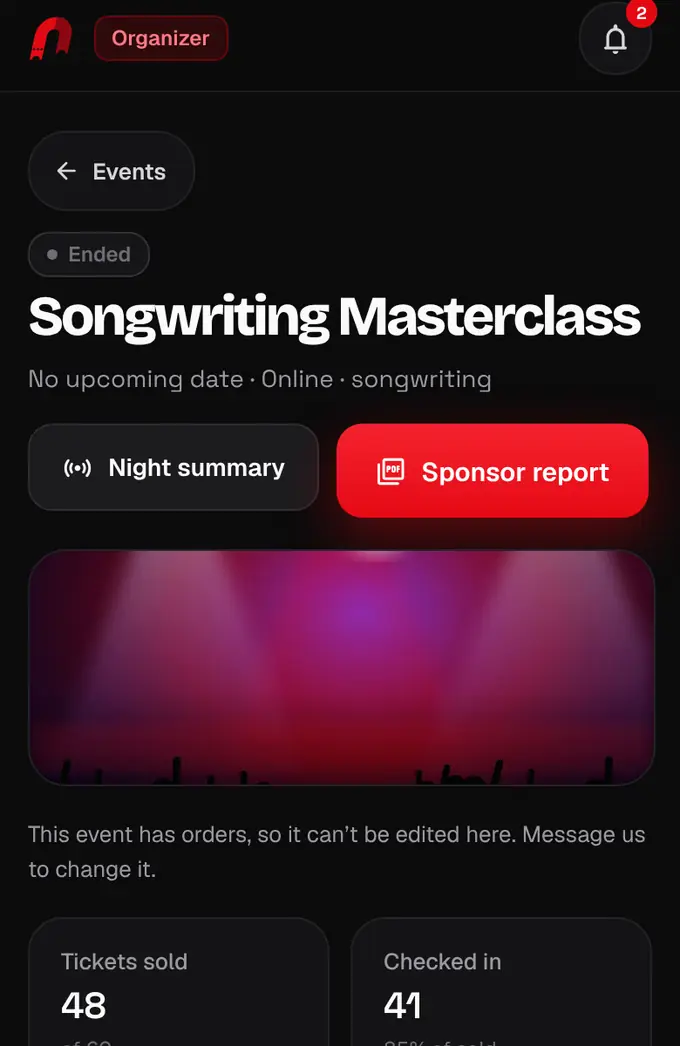
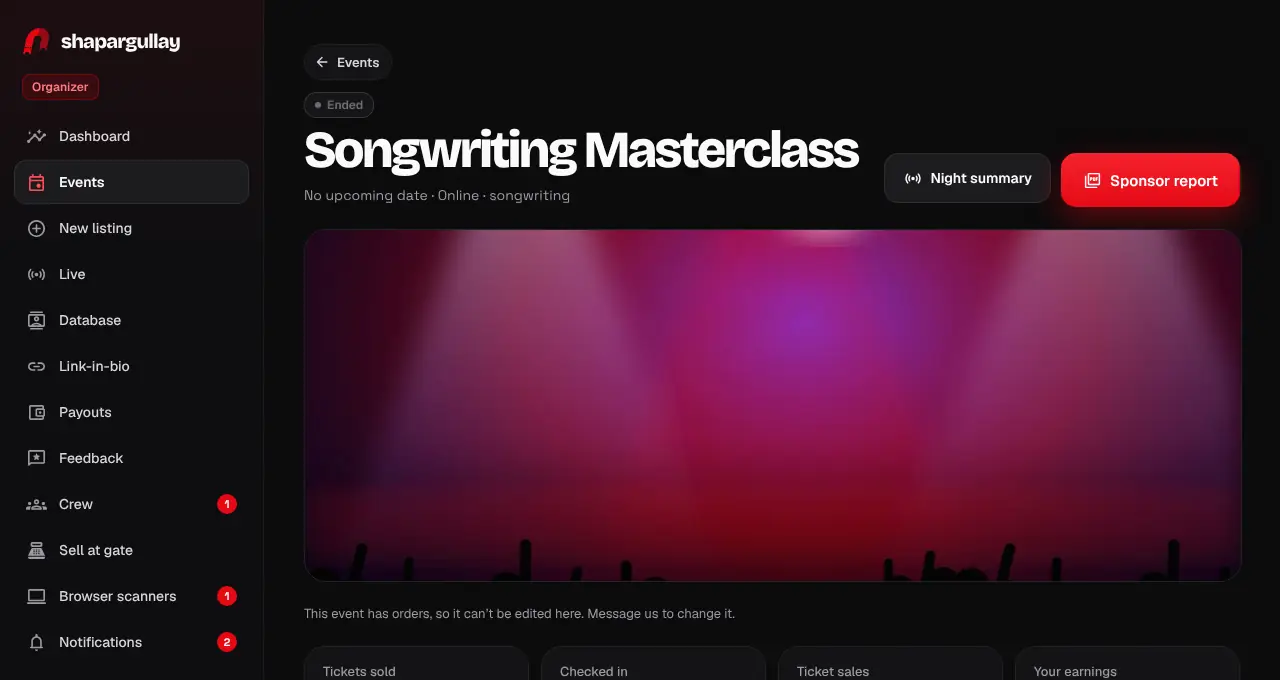
Open Events, tap Past and open the event. Tap Sponsor report.
- 2
The PDF downloads straight away. In the organizer app, it opens in the browser, where you can share or save it.
- 3
It has a cover with your banner and brand, the key numbers (tickets sold, checked in, attendance rate, peak entry), sales over time, the arrival curve, ticket types, the gender and age mix and buyer cities where you asked for them, and guest feedback scores with up to 5 comments guests chose to share.
- There are no names, phones or emails in the report: only totals and shares, so you can send it to anyone.
- You can also download it from the night summary in Live.
Was this helpful?
related
Still stuck?
didn’t find what you need?
smart_toyAsk ShappyOur assistant answers straight away, with live dates, prices and your orders.chatOpen the chat
support_agentContact supportTalk to a person. We reply within one working day. WhatsApp takes messages (not calls), and each chat gets a support reference.