find your area on a stage map
Big shows have a stage map. Each area is a ticket, in the same colour as its row in the ticket list.
- 1
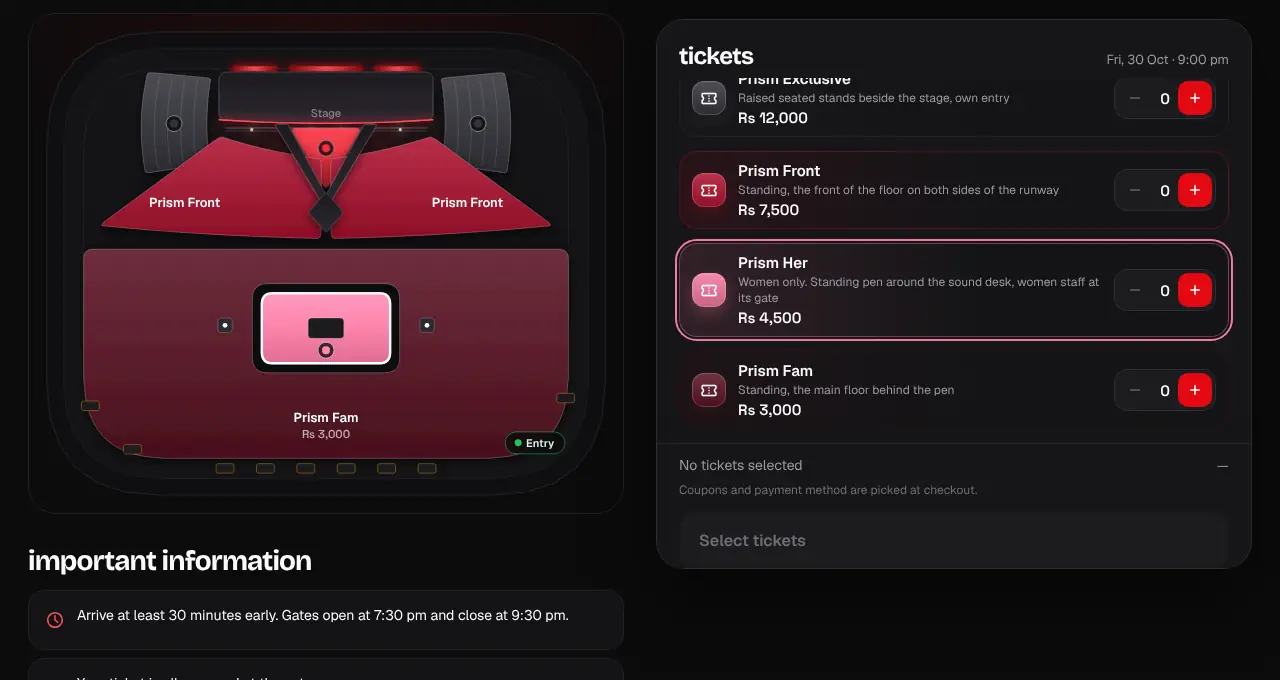
Open the event. If it has a stage map, you’ll see the stage at the top and every area in its own colour. Each ticket in the ticket list has the same colour on its ticket icon, so you can tell at a glance which ticket is which area.
- 2
Tap an area on the map to find its ticket: the area lights up and the page jumps to that ticket, which flashes for a moment. Tapping the map never adds a ticket.
- 3
Tap a ticket in the list (not its + or − buttons) to see where that area is: it lights up on the map.
- 4
Use + and − on the ticket to choose how many you want, then tap Continue and check out as usual.
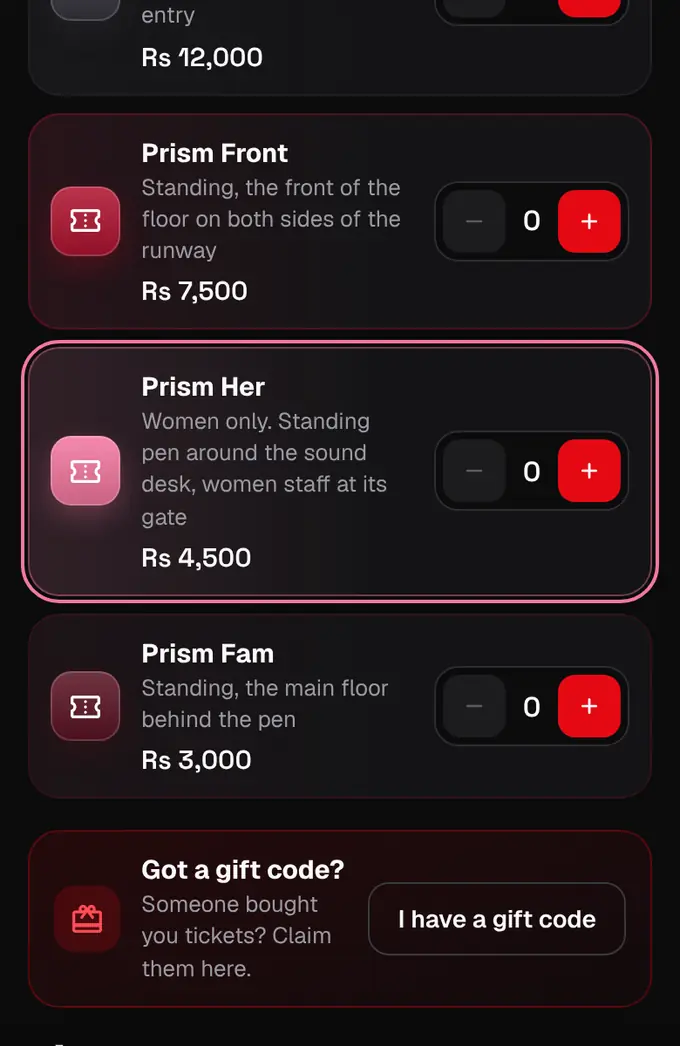
- An area’s ticket can still be sold out, cheaper for a while (early bird or a final-hours deal) or women only: the ticket row says so.
- If the ticket shows a gate, use that gate to get in.
- Events with numbered seats work differently: you tap your exact seats on the map instead.
- The shapargullay app works the same way: each area’s colour and number are on its ticket, tapping the map or a ticket only highlights, and only Add adds a ticket.
Was this helpful?
related
confirmation_numberBuy ticketsPick your tickets, add a name for each person, and pay. Your seats are held for 10 minutes.confirmation_numberPick your own seatsAt cinemas, auditoriums and theatres with numbered seats, you choose your exact seats on a map.confirmation_numberFinal-hours dealsSome events lower their prices in the last hours before they start. The event page shows the deal and a countdown.
Still stuck?
didn’t find what you need?
smart_toyAsk ShappyOur assistant answers straight away, with live dates, prices and your orders.chatOpen the chat
support_agentContact supportTalk to a person. We reply within one working day. WhatsApp takes messages (not calls), and each chat gets a support reference.