contact support and track your request
Send us a support request, follow its status and reply, on the website, in the app or by email.
- 1
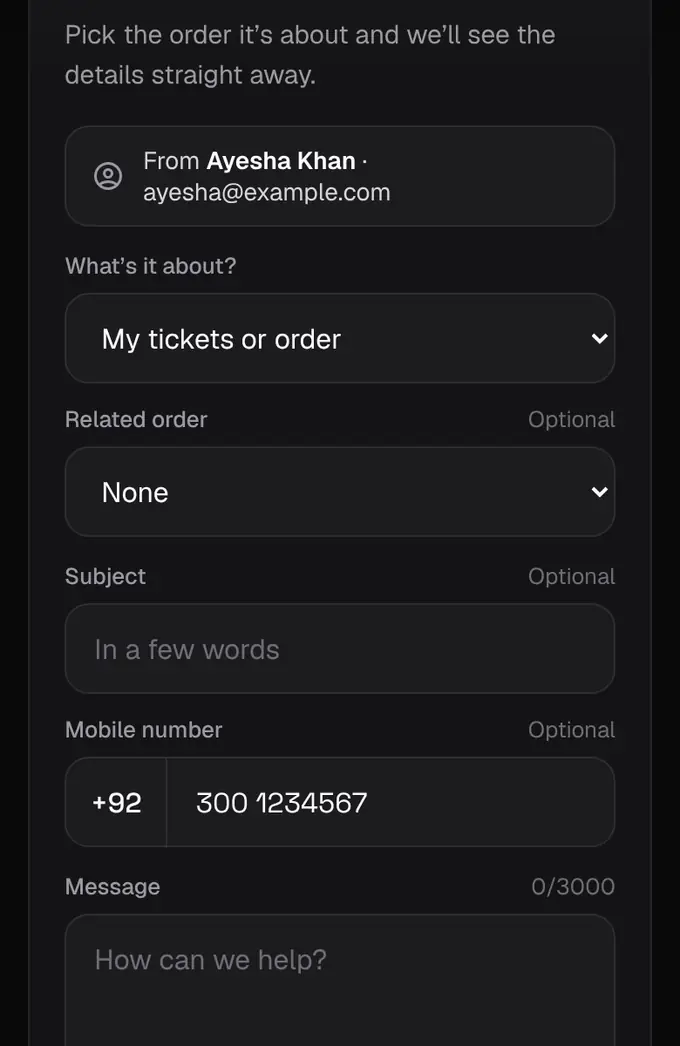
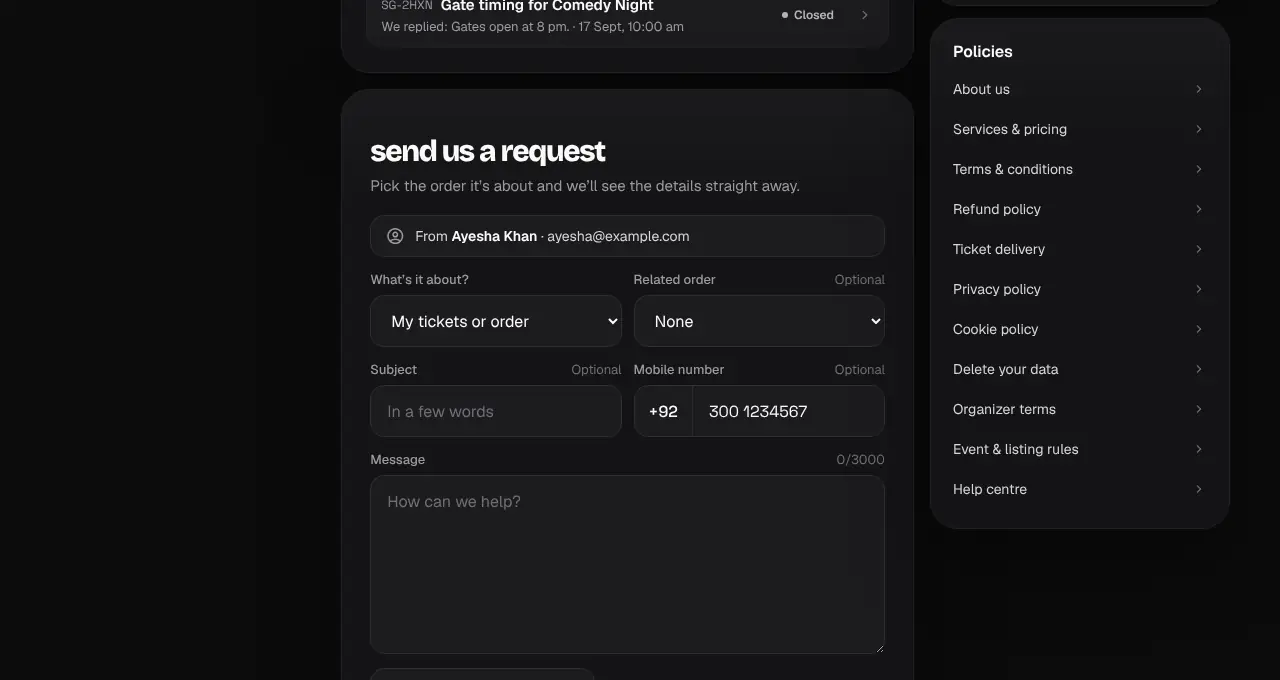
Go to shapargullay.com/support (or in the app: Profile → Help & support → New request). Logged in, your name and email are filled in, and you can pick the order it’s about and add screenshots or a PDF.
- 2
Tap Send request. You get a reference like SG-4K7Q on screen and in a confirmation email.
- 3
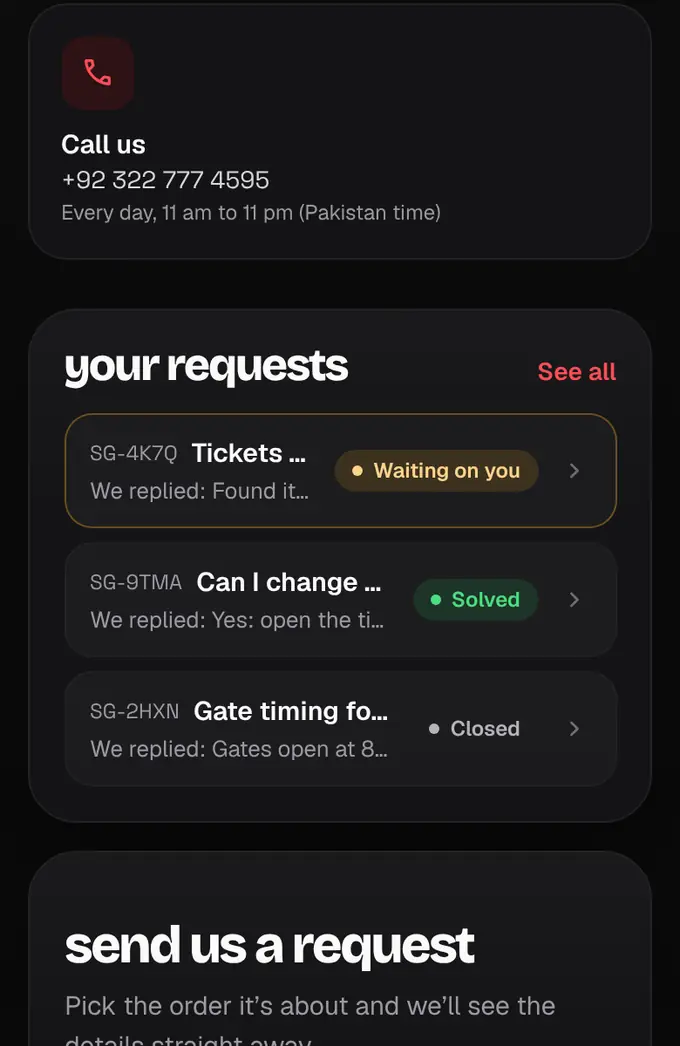
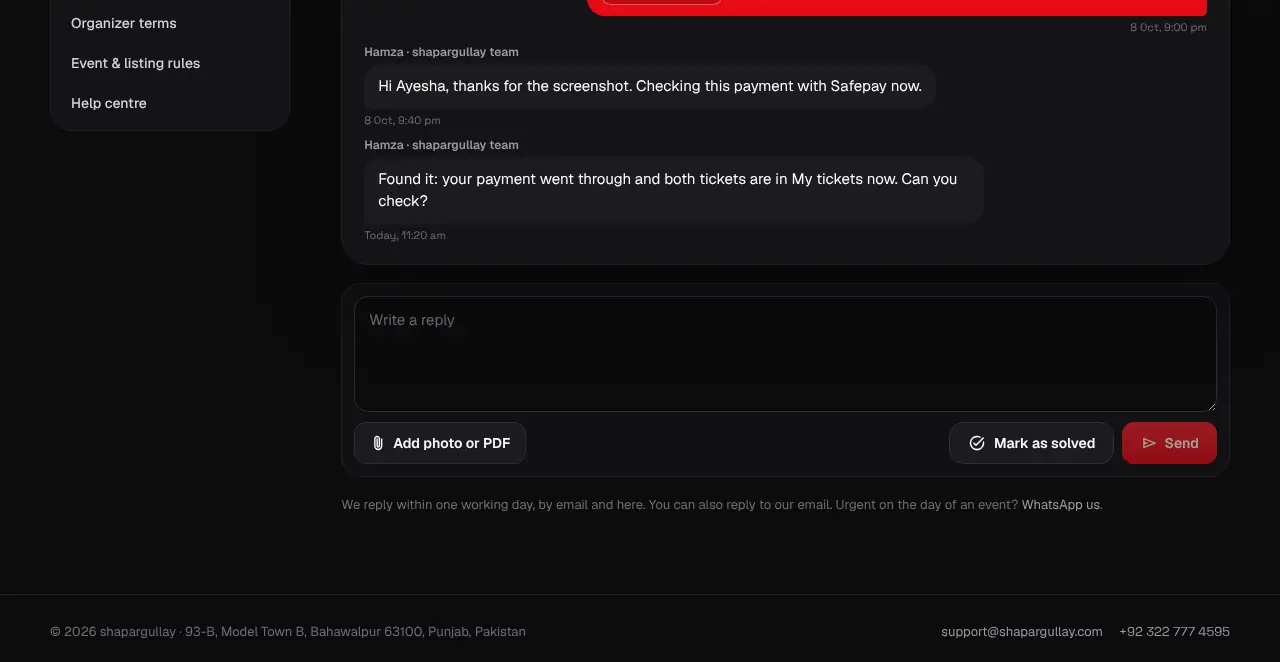
Your requests are listed on the Support page, on your Account page and in the app, each with its status: Open (we’re on it), Waiting on you (we replied and need something from you), Solved or Closed.
- 4
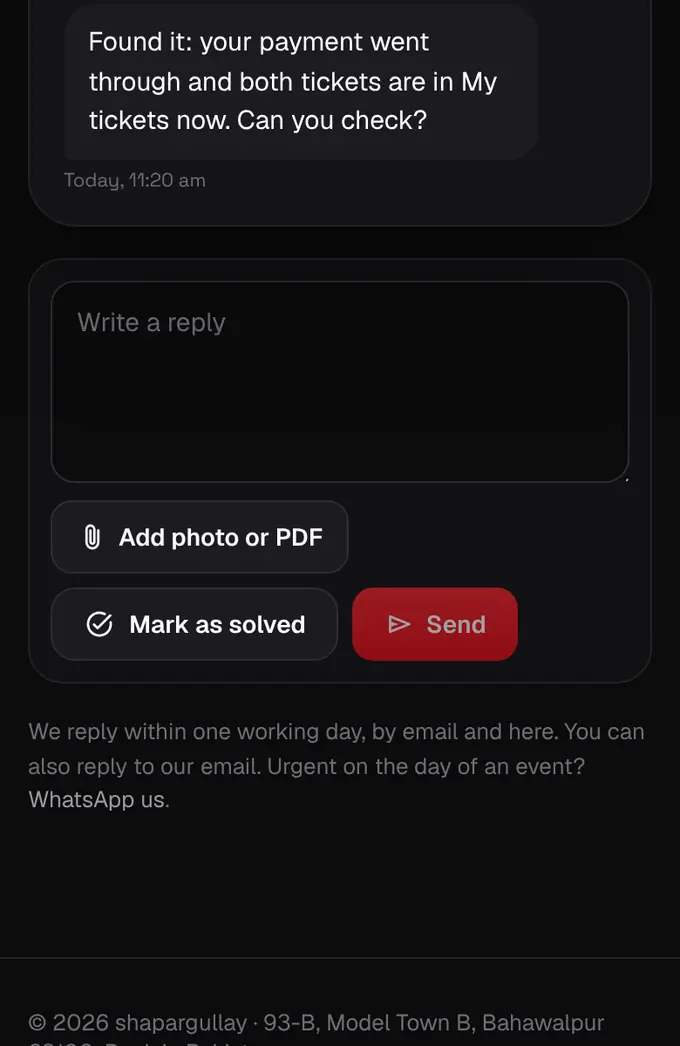
Open a request to see every message. Write your reply in the box at the bottom, or simply reply to our email: it lands in the same request.
- 5
All sorted? Tap Mark as solved. If something’s still wrong, reply and it opens again. A solved request closes for good after 7 days; after that, start a follow-up from its page.

- Not logged in? You can still send a request with your name and email; the confirmation email has a private link to follow and reply.
- When we reply you get an email, and a notification in the app if you’re logged in.
- Urgent on the day of an event, like a problem at the gate? WhatsApp us as well: open Shappy and tap WhatsApp support, or use WhatsApp us in the phone menu.
- On WhatsApp (+92 322 777 4595) you get an instant answer from Shappy, our assistant: pick an option from the menu or just type your question. Type agent at any time to talk to a person; they reply in the same chat, usually between 11am and 11pm.
- Messaged us on WhatsApp? That becomes a request too, and we answer in the same WhatsApp chat. WhatsApp only lets businesses reply within 24 hours of your last message, so after a day we answer by email (if we have yours) or wait for your next message.
- Ask Shappy first: it answers most questions straight away, and opens a request for you when you need a person.