get told about deals on an event
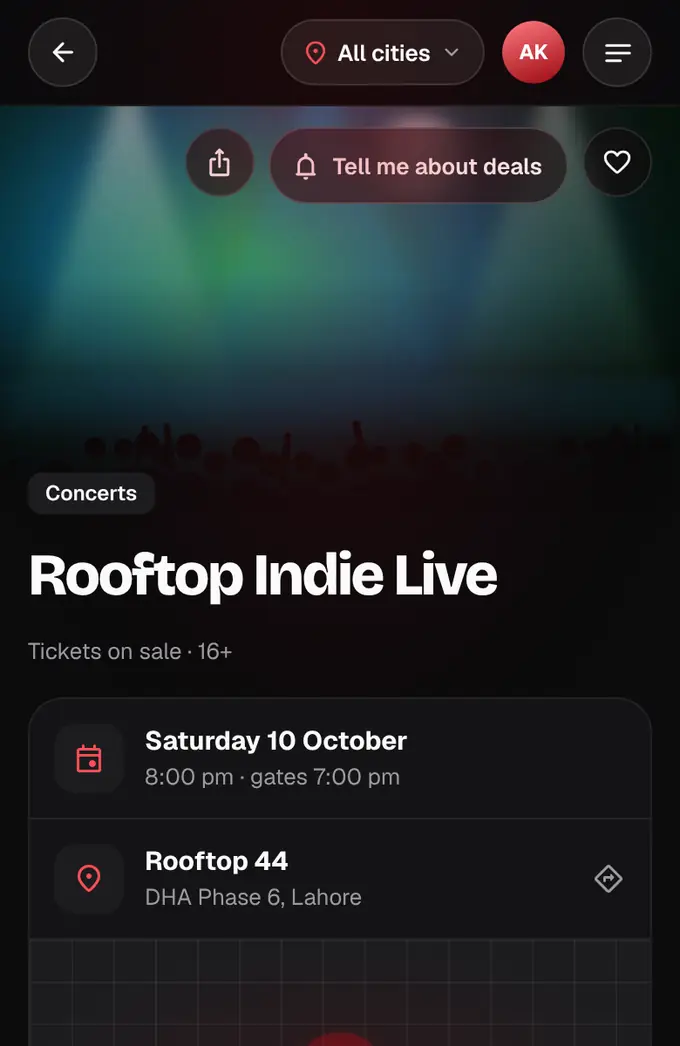
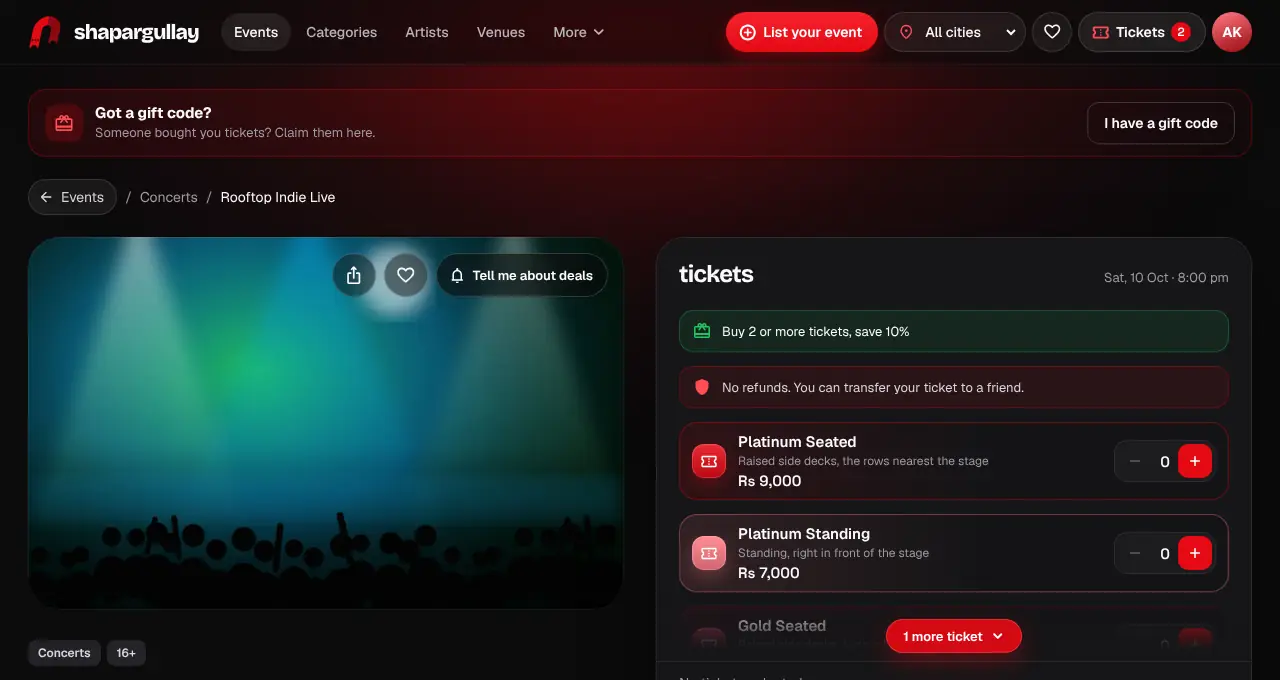
Tap “Tell me about deals” and we let you know when that event gets a last-minute deal, a lower price, a public code or an early bird about to end.
- 1
Open the event and tap “Tell me about deals” next to Save (in the app, the bell next to the heart). Log in first if you aren’t.
- 2
We send a notification (in your inbox, and by push and email if those are on) when the event starts a last-minute deal, lowers a price, shares a public code or its early-bird price is ending.
- 3
To stop for one event, tap the button again. To stop all of them, open your notifications settings and turn off Deal alerts; the events you picked stay picked for later.
- Official partner tickets sell at the listed price plus the service fee: no final-hours deals, early bird, codes or other discounts apply to them.
- At most one deal alert a day per event and three a week in all, only in the daytime (last-minute deals until 11 pm).
- No alerts once you have a ticket for that date, or when the event is sold out, over or cancelled.
Was this helpful?
related
personChoose your notificationsPick which updates reach you by push in the app and by email.confirmation_numberBuy ticketsPick your tickets, add a name for each person, and pay. Your seats are held for 10 minutes.confirmation_numberFind eventsSearch by name, venue or organizer, and narrow it down with quick filters.
Still stuck?
didn’t find what you need?
smart_toyAsk ShappyOur assistant answers straight away, with live dates, prices and your orders.chatOpen the chat
support_agentContact supportTalk to a person. We reply within one working day. WhatsApp takes messages (not calls), and each chat gets a support reference.