find friends and see who’s going
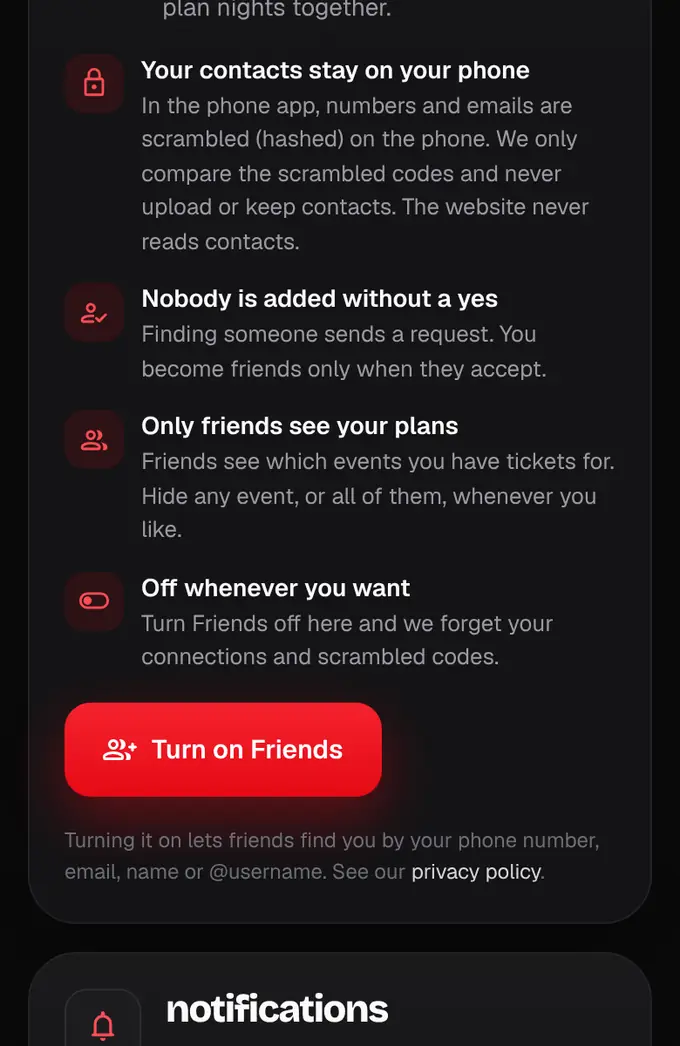
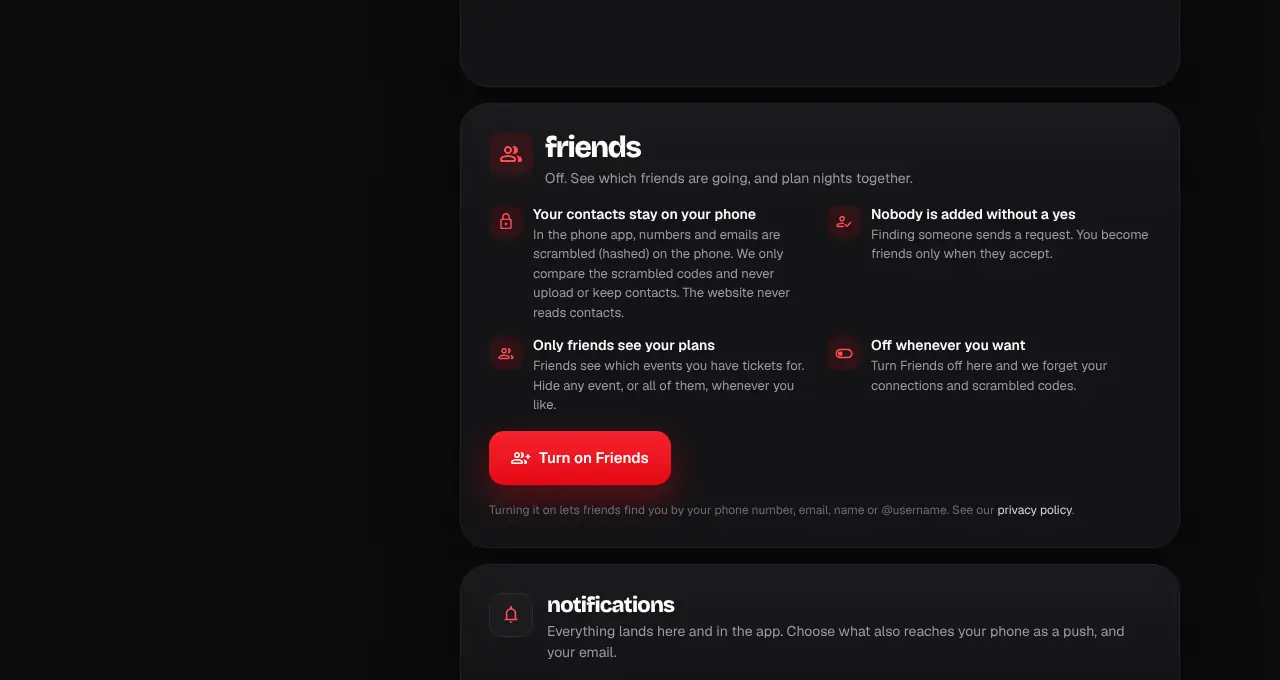
Turn on Friends to find friends from your contacts, follow each other and see which friends are going to an event.
- 1
In the app, open Profile and tap Friends. On the website, open your account and scroll to Friends. Read what happens, then tap Turn on Friends. It’s off until you do.
- 2
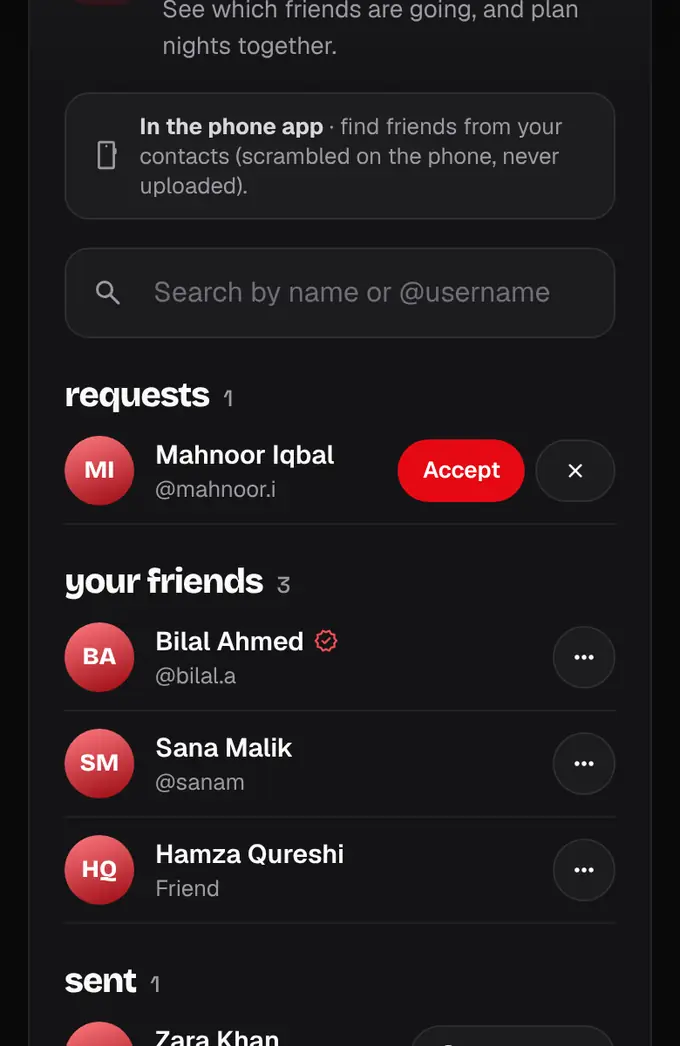
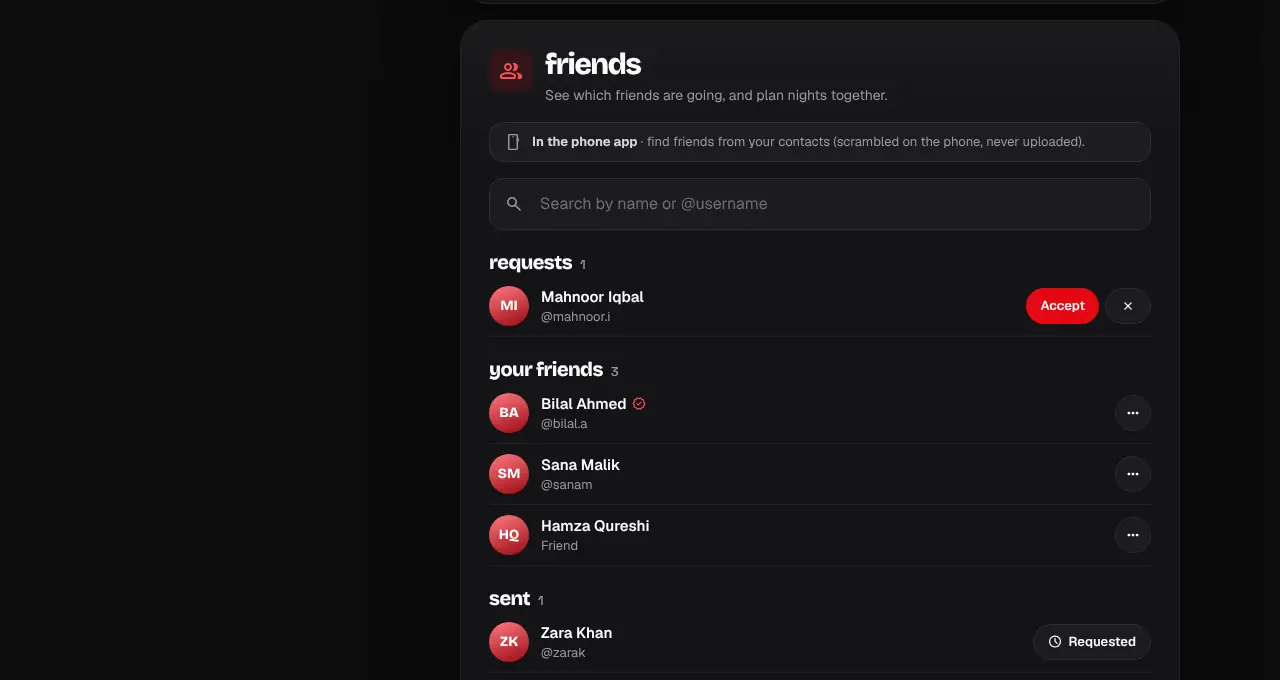
In the phone app, tap Find friends. The app explains what it does, then your phone asks for Contacts. Your contacts’ numbers and emails are scrambled on your phone and only the scrambled codes are checked; nothing is uploaded or kept. People who turned Friends on show up. The website can’t read contacts: search by name or @username instead.
- 3
Tap Add next to someone. They get a request, and you become friends when they tap Accept. Requests sent to you show under Requests.
- 4
On an event page you’ll see your friends who have tickets: “Ayesha and 2 friends are going”. If you have a ticket, tap Hide to keep that event from your friends.
- 5
To remove a friend, block or report someone, tap ••• next to them. A report goes to our support team and blocks them for you.
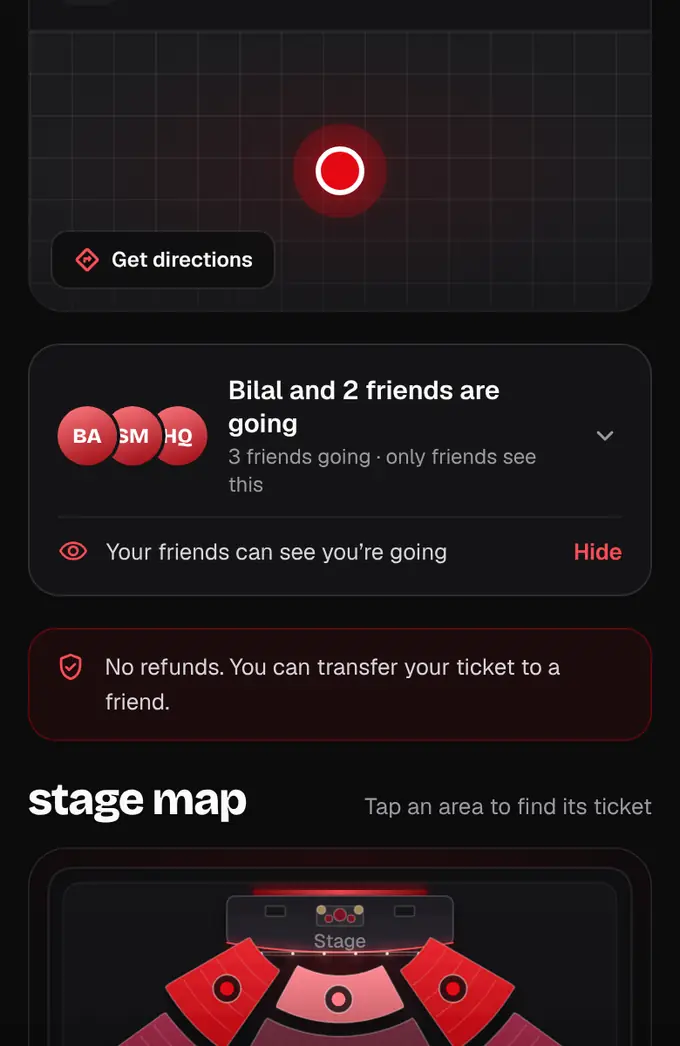
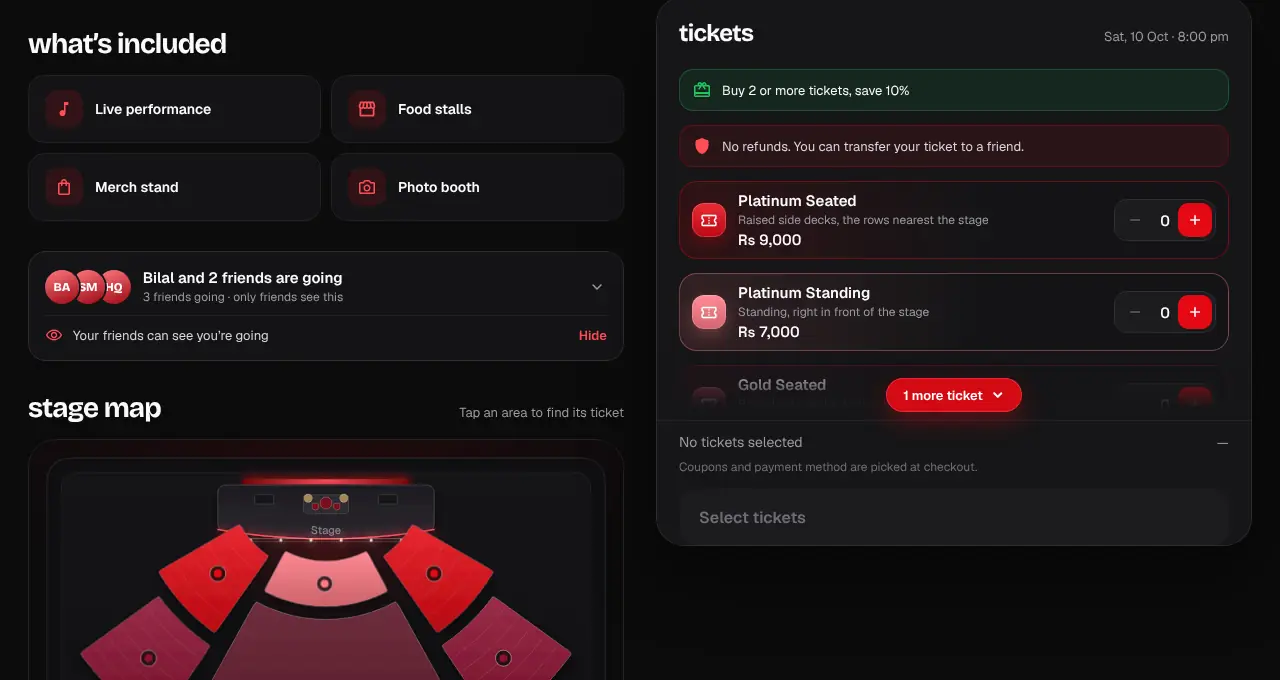
- Only friends who accepted each other see your plans, and only while “Show friends I’m going” is on.
- “Let people find me” off: nobody can find you by number, email or name, but your friends stay.
- “Turn off Friends and forget” removes your connections and scrambled codes at once.
- Phone numbers aren’t always verified, so check the name and photo before you add someone.