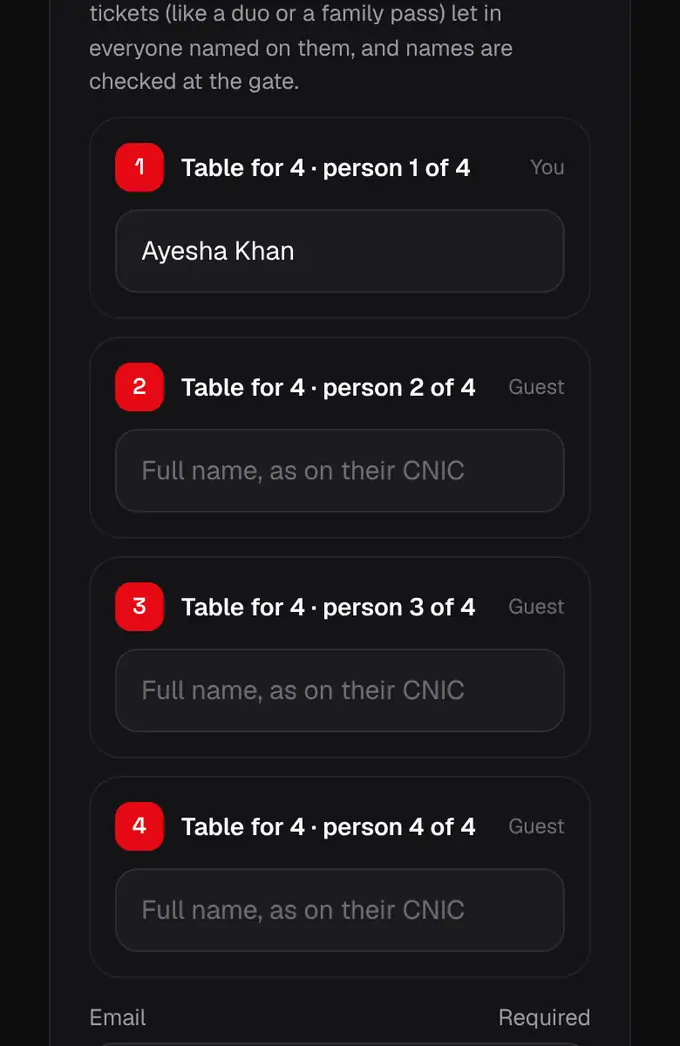
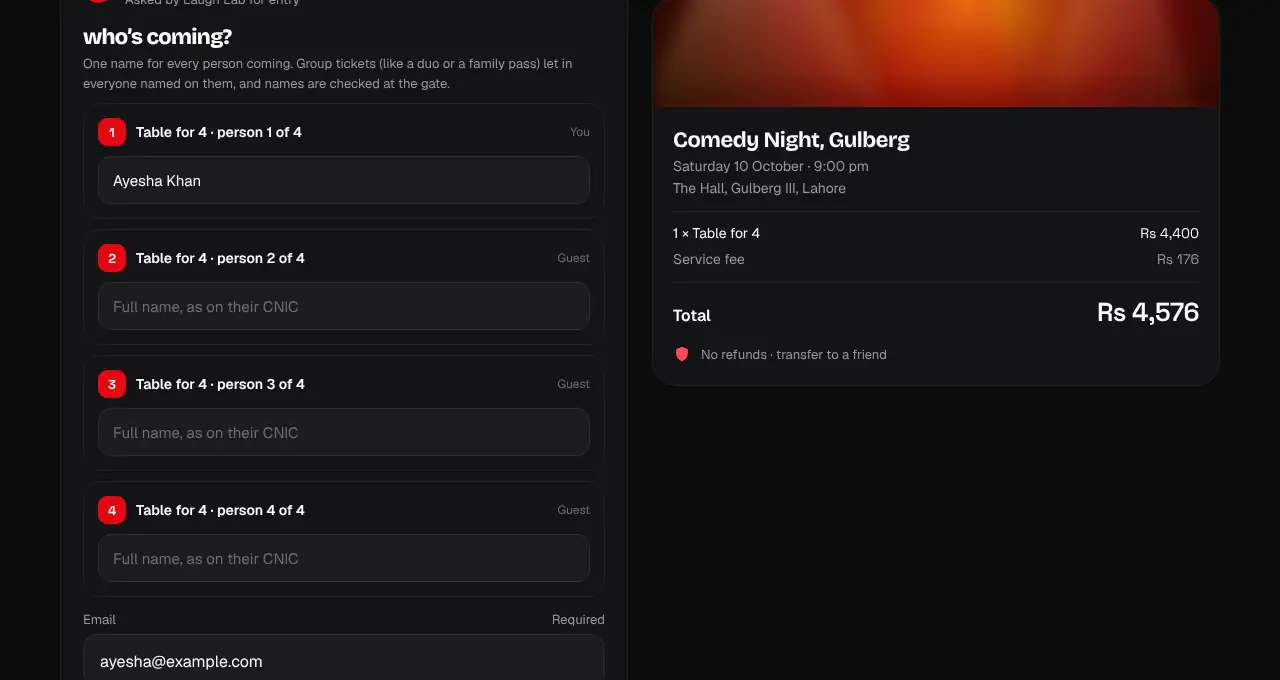
group passes: one ticket per person
A Duo, Couple, Family or Table for 4 pass gives everyone in the group their own ticket and QR.
- 1
Add the group pass on the event page as one ticket (for example 1 × Table for 4).
- 2
At checkout, enter a name for every person the pass lets in. On “up to” passes (like Family, up to 4) the extra names are optional: only the people you name get a ticket.
- 3
After paying, each person has their own ticket in the order, labelled like “Table for 4 · 2 of 4”, with their own QR code. Each one scans once.
- 4
To hand someone their ticket, transfer just theirs to their email.
- 5
If the event page says “Enter together: all 4 must arrive together”, the whole group has to be at the gate at the same time: the crew scans everyone on the pass before anyone goes in. Your tickets say “Family pass · enter together”.