let someone in by hand
Check a guest in from the Database when their QR won’t work, with a reason.
- 1
Find the person in your Database and open their record.
- 2
On the right ticket, tap Let in.
- 3
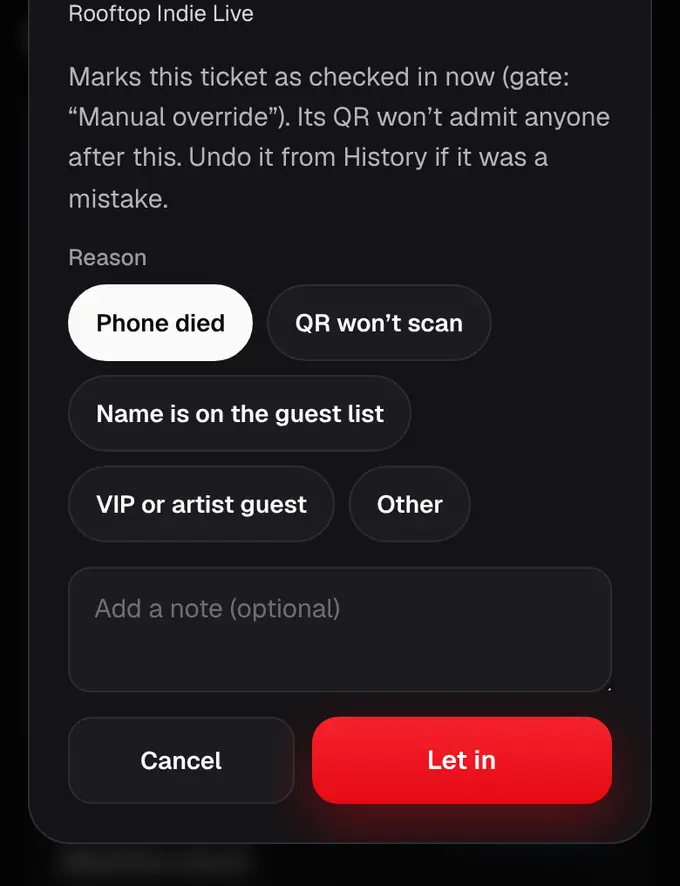
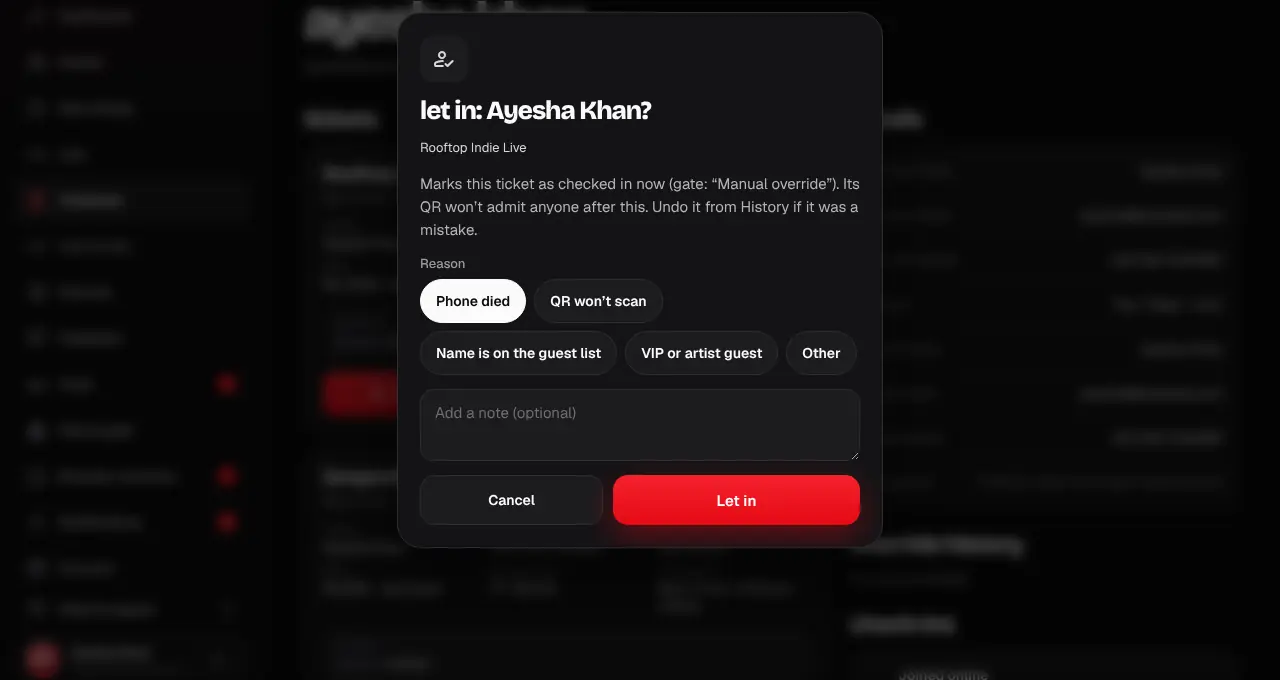
Pick a reason: Phone died, QR won’t scan, Name is on the guest list, VIP or artist guest, or Other (then write why). Tap Let in.
- 4
The ticket is checked in now, with the gate “Manual override”. Its QR won’t let anyone else in after this.
- Made a mistake? Undo it from History.
- Gate crew can do the same from the Help desk tab of the scanner.
Was this helpful?
related
qr_code_scannerCheck guests in by hand at the help deskFind a ticket by name, phone or order number and check the guest in without a QR.storefrontUndo a change and see the historyEvery manual change is listed, newest first, and one tap puts the tickets back.storefrontFind someone in your DatabaseSearch everyone holding a ticket to your events by name, phone, email or order.
Still stuck?
didn’t find what you need?
smart_toyAsk ShappyOur assistant answers straight away, with live dates, prices and your orders.chatOpen the chat
support_agentContact supportTalk to a person. We reply within one working day. WhatsApp takes messages (not calls), and each chat gets a support reference.