ticket upgrades
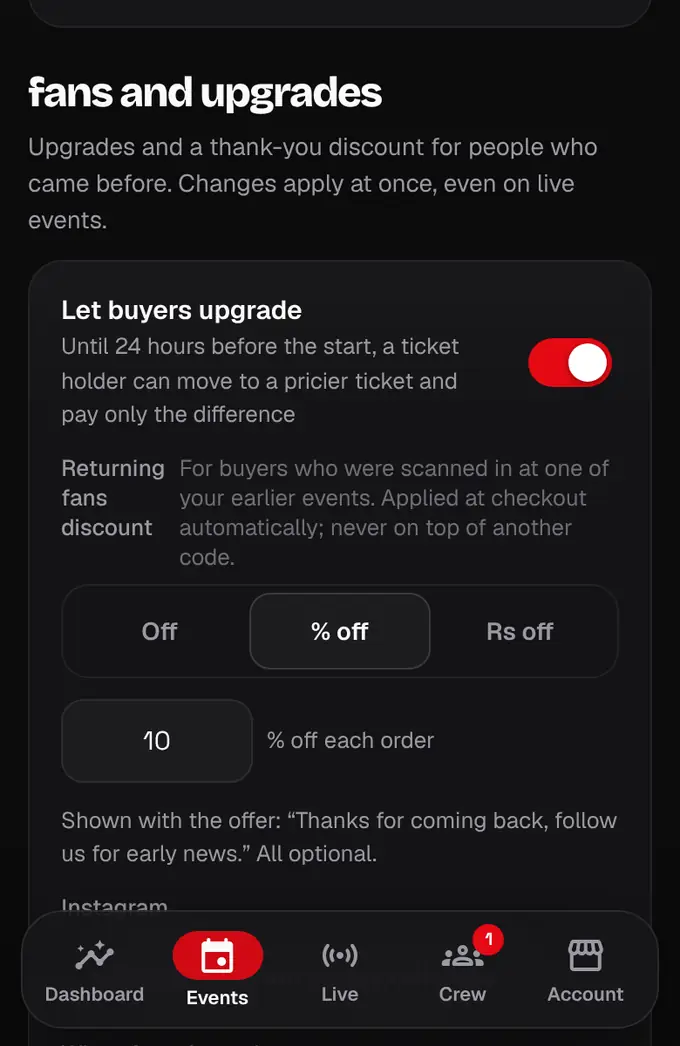
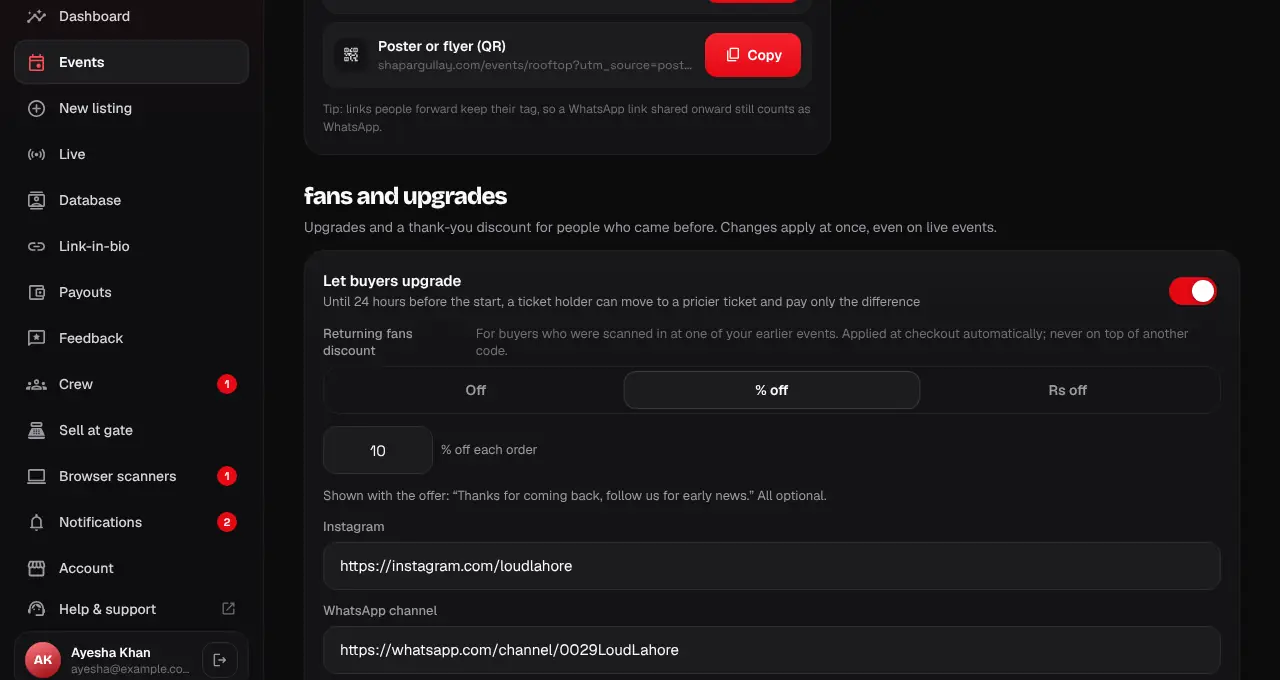
Let buyers move up to a better ticket and pay only the difference.
- 1
In your listing editor, Enable ticket upgrades is under Ticket options. After the event is live, the same box is on the event’s page in the organizer portal and app, and changes apply at once.
- 2
Let buyers upgrade: on by default. Until 24 hours before the start, a holder can move to a pricier ticket of the same date and pays the difference (plus our buyer fee on it). Turn it off if your tickets can’t change.
- 3
Tap Save. Upgrades show on your event page (how many, extra sales, and which tickets) and are marked in Recent orders.
- The 4% organizer fee applies to the money you receive, including the upgrade difference.
- Scan alerts: when a ticket is scanned we ask the holder “Was this you?”. If they say no, you get a high-priority safety alert with the gate and time; check who came in and block the ticket in Database if needed.
Was this helpful?
related
storefrontCoupons and group discountsGive groups a bundle discount automatically, and share coupon codes with promoters or students.storefrontSet up tickets, group passes and gatesAdd a ticket type for every kind of guest, with its price, quantity and optional gate.storefrontBlock or delete a ticketStop a ticket from working (block) or remove it (delete), always with a reason the holder sees.
Still stuck?
didn’t find what you need?
smart_toyAsk ShappyOur assistant answers straight away, with live dates, prices and your orders.chatOpen the chat
support_agentContact supportTalk to a person. We reply within one working day. WhatsApp takes messages (not calls), and each chat gets a support reference.